YASEEN ARSHAD
Using AI to Grow a Business
1
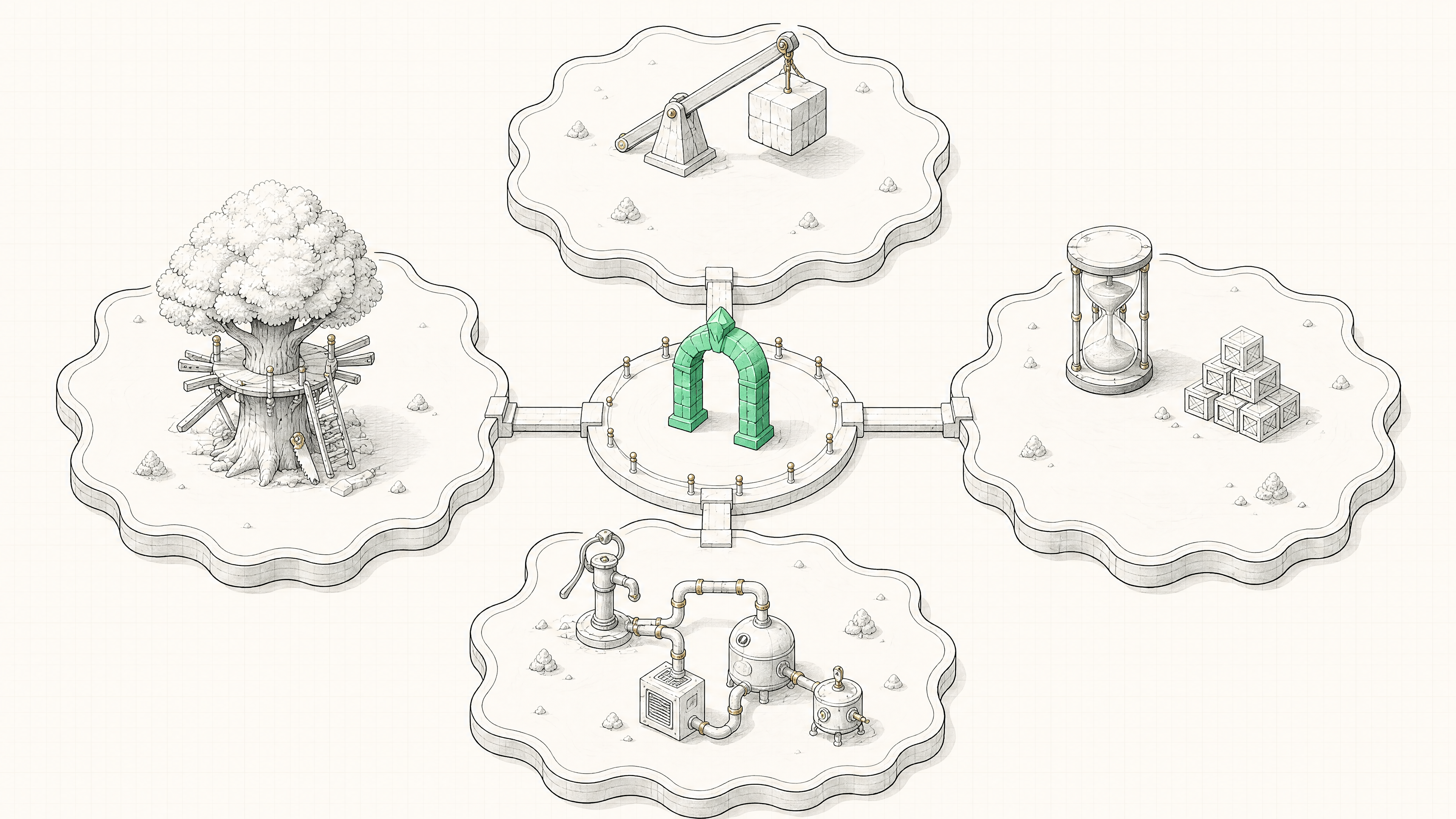
Principles of AI in Business
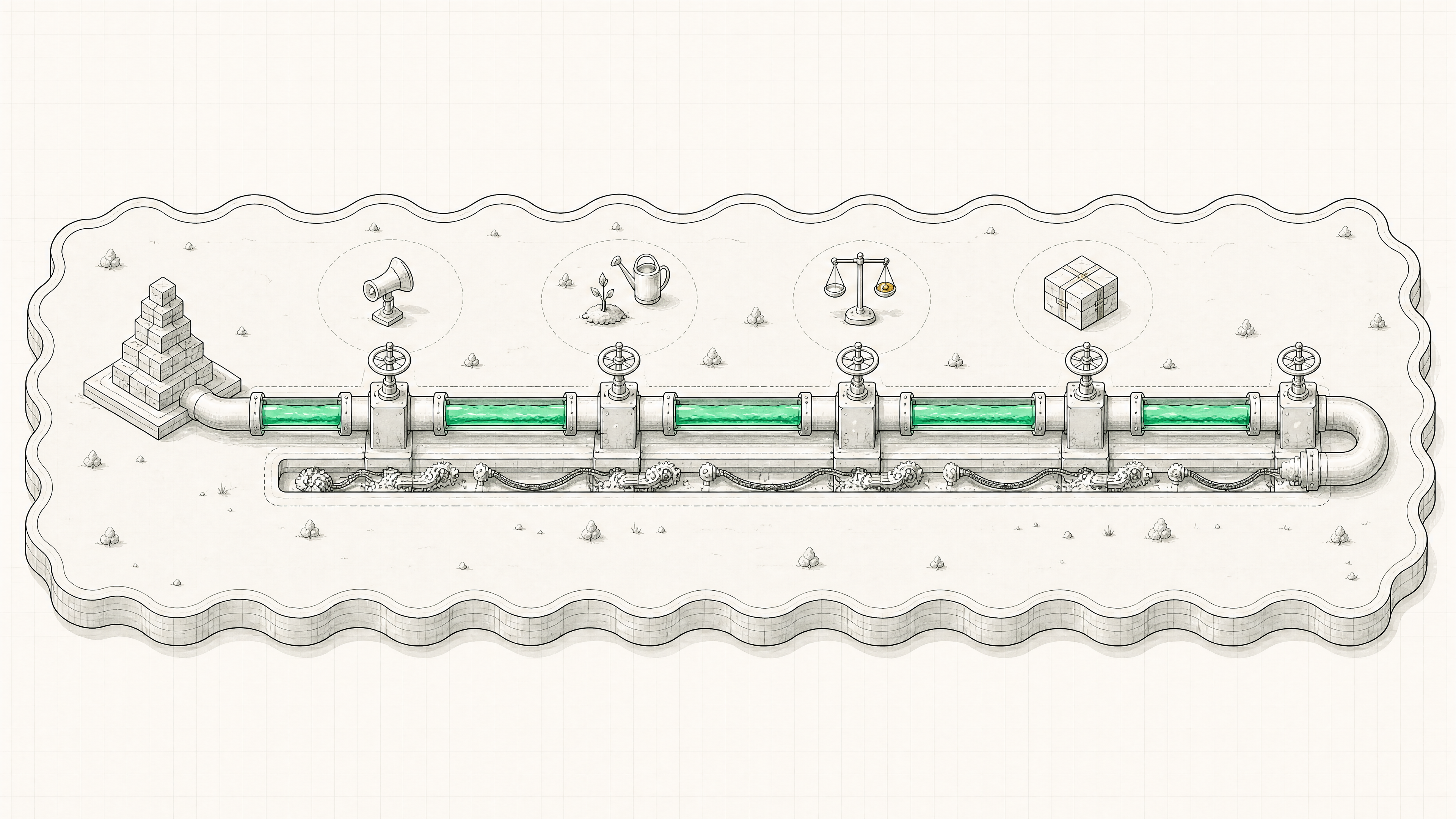
Four principle islands around the So-what arch
01
Principle 1 · AI Is a Multiplier
Principle 1
0 × 1,000 is still 0

AI multiplies whatever walks in the door — point it at something with zero underlying knowledge and it hands back garbage, because the right questions never get asked.
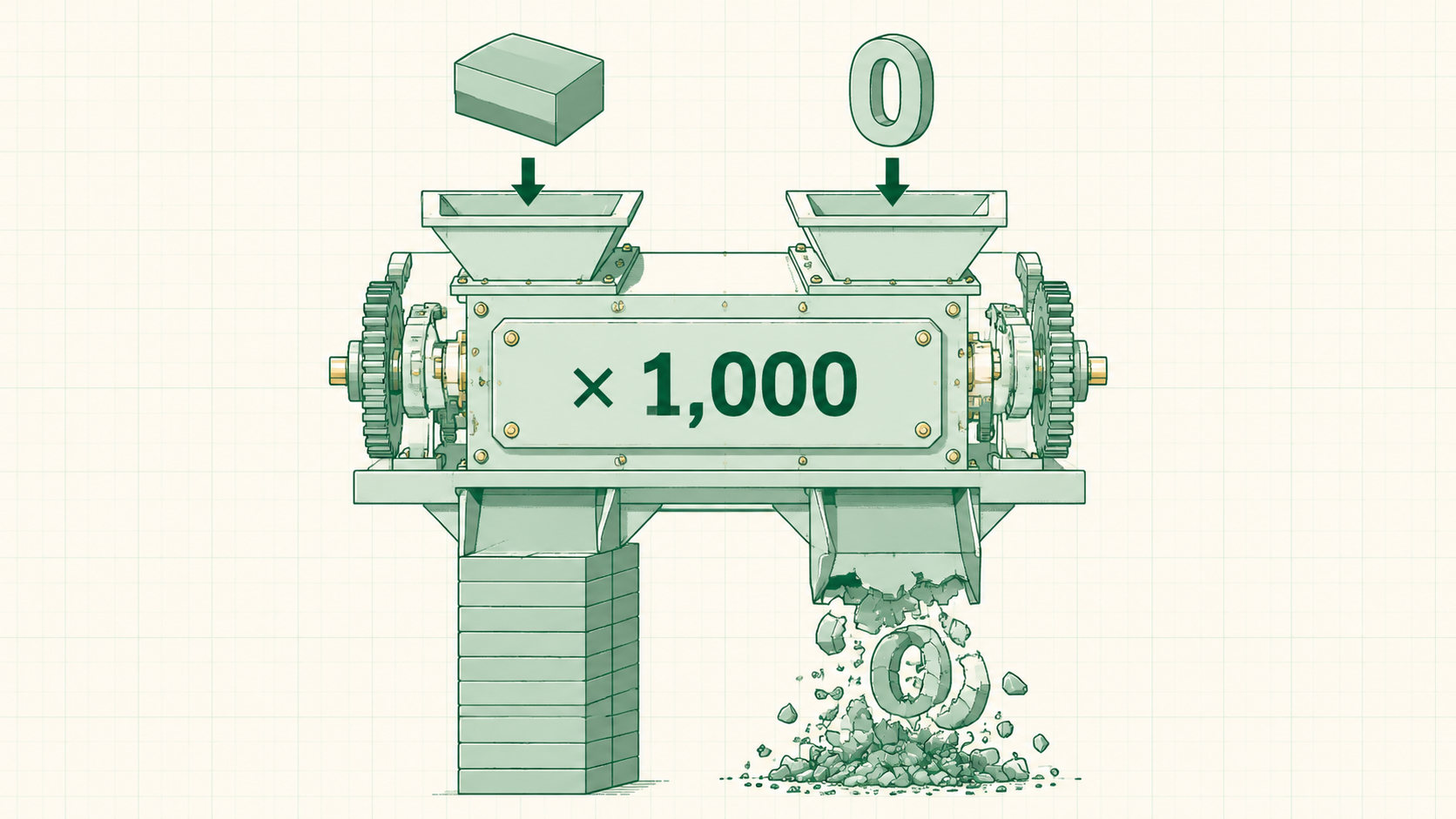
0 × 1,000 is still 0🖼Image
BASE LEVELEnough to prompt wella working understanding turns AI into a thinking partner that educates
THE CATCHUnknown unknownszero understanding means not even knowing what to ask yet
Principle 1
The human supplies the vision

LLMs work off next-token prediction — brilliant at getting somewhere, bad at deciding where. Judgment, taste, and the destination stay human.
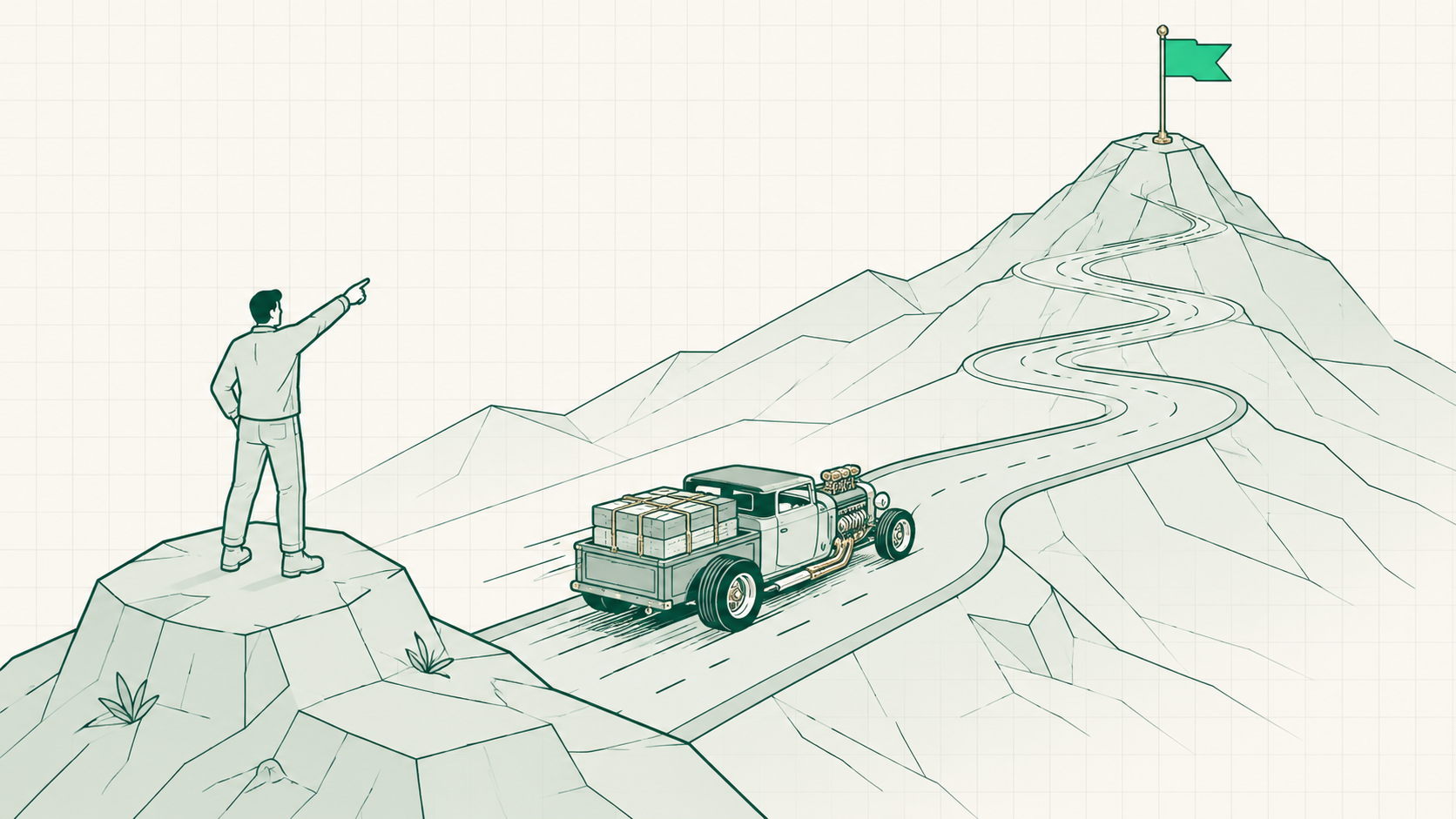
The human supplies the vision🖼Image
THE HUMANThe wherejudgment, taste, and the vision of what to build
THE AIThe howtakes a clear destination and accelerates the path to it
02
Principle 2 · AI Is Not Reductive
Principle 2
Same hours, more output

AI doesn't shrink the work week — the same hours go in and the output multiplies. Working less with AI means getting dominated by whoever kept the same hours.
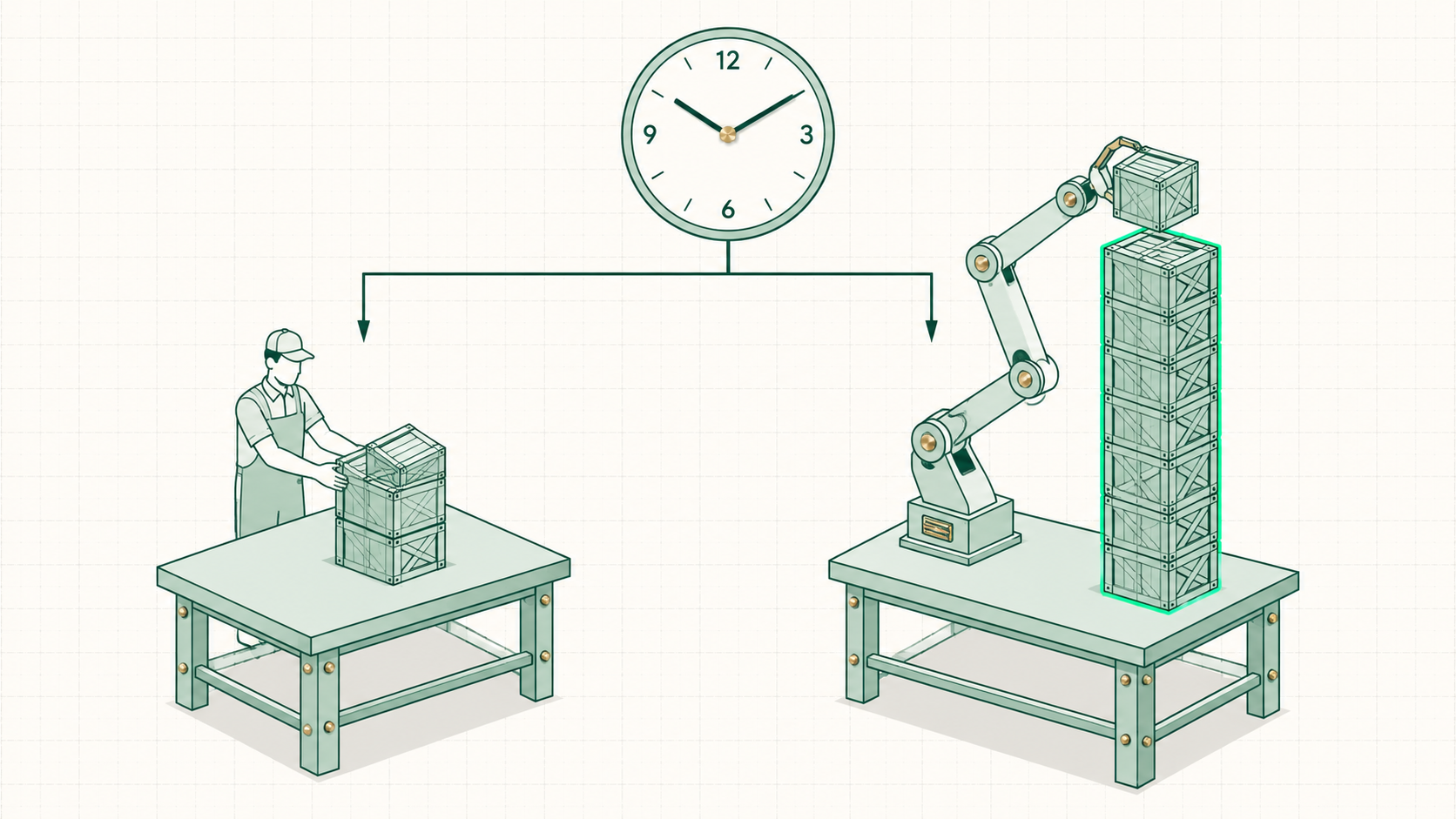
Same hours, more output🖼Image
THE TRAPDoing lesscoasting on AI while competitors compound the same hours
THE PLAYSame input, 1000x outnobody's saying work 10x more or skip family — same time, more output
03
Principle 3 · AI Is Not a Business Model
Principle 3
Deployed, not sprinkled

Revenue doesn't grow from adding AI to a business — it grows from deploying AI onto specific functions, specific jobs, specific processes.
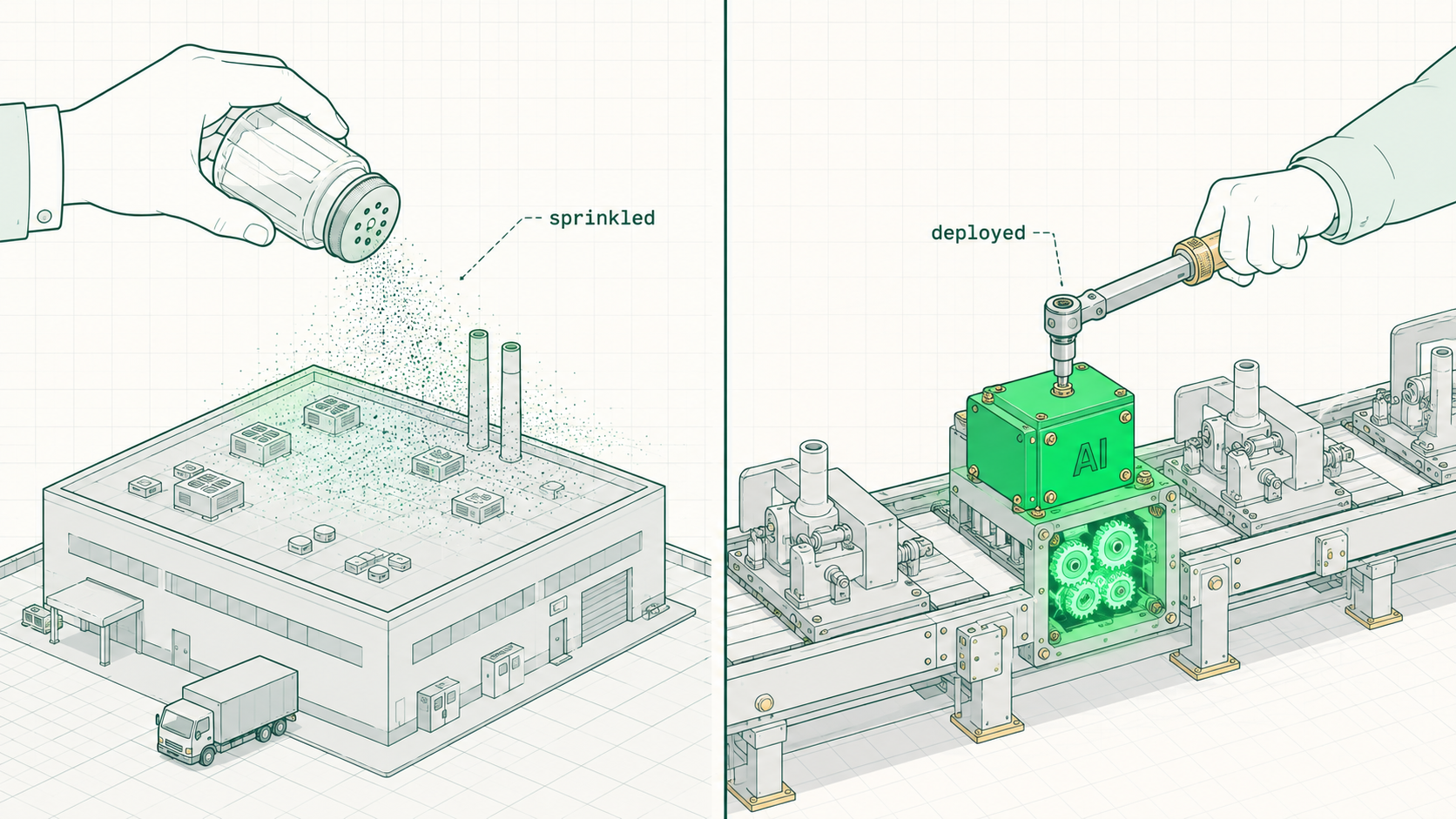
Deployed, not sprinkled🖼Image
2023-24The magic era, over"AI is magical" stopped selling; the market now asks for the use case
TODAYThe blueprintthis talk maps the exact departments AI deploys into
04
Principle 4 · The Tool Is Not the Goal
Principle 4
Nobody learns a hammer

A hammer gets picked up for a purpose — the tool is too general to study by itself, and AI is the most general tool there has ever been.
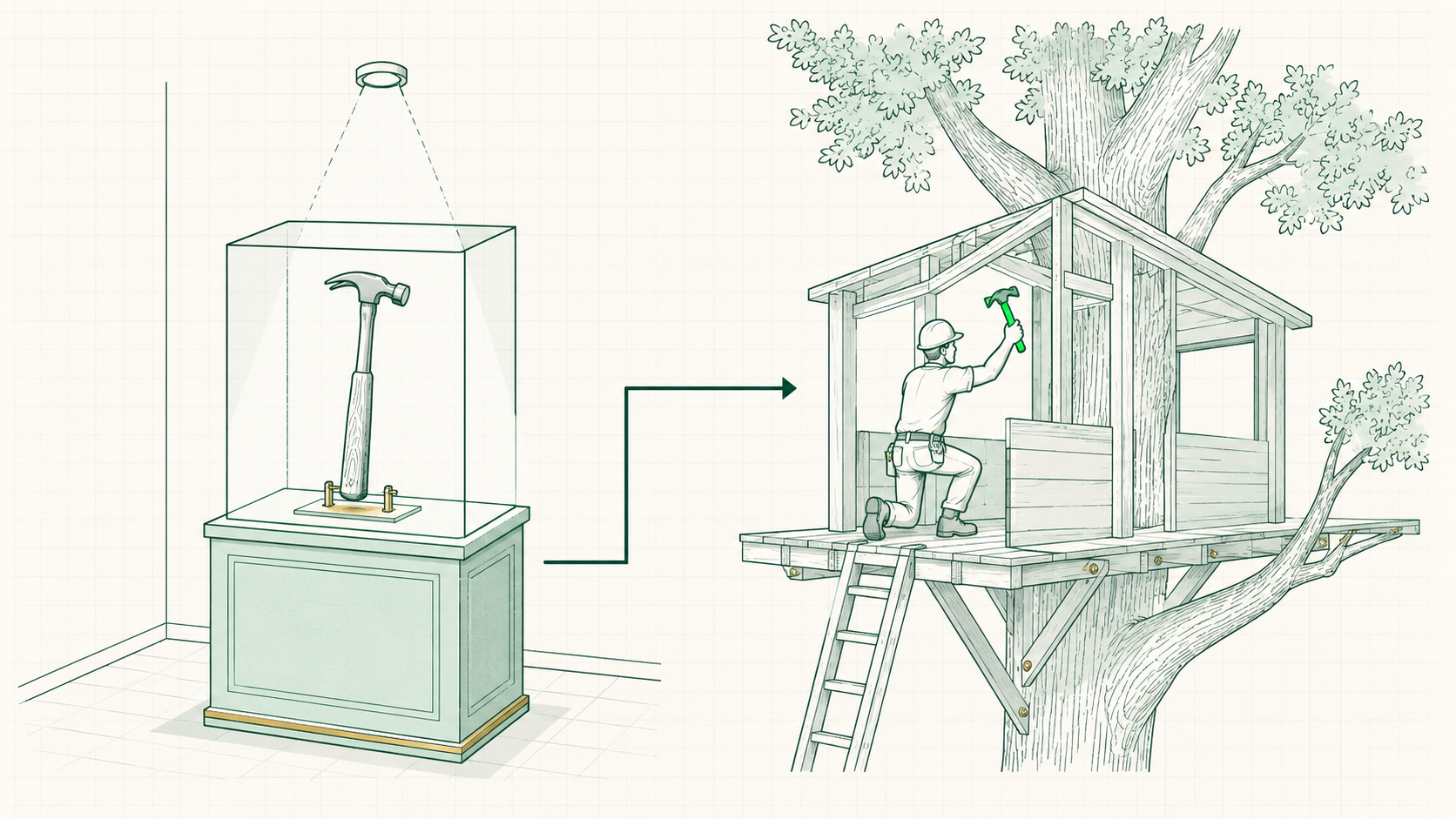
Nobody learns a hammer🖼Image
TREEHOUSEThe saw with no projectone person studies the saw; the other has 3 kids, the perfect tree, and a summer promise — guess who masters the tools
THE VEHICLEGoals firstlearn AI to reach the goal, not to collect knowledge about AI
05
The "So What?" Filter
The filter
Two words cut the noise

Every AI thing gets the same two questions — what problem is this actually solving, and how much revenue is behind the person claiming it.
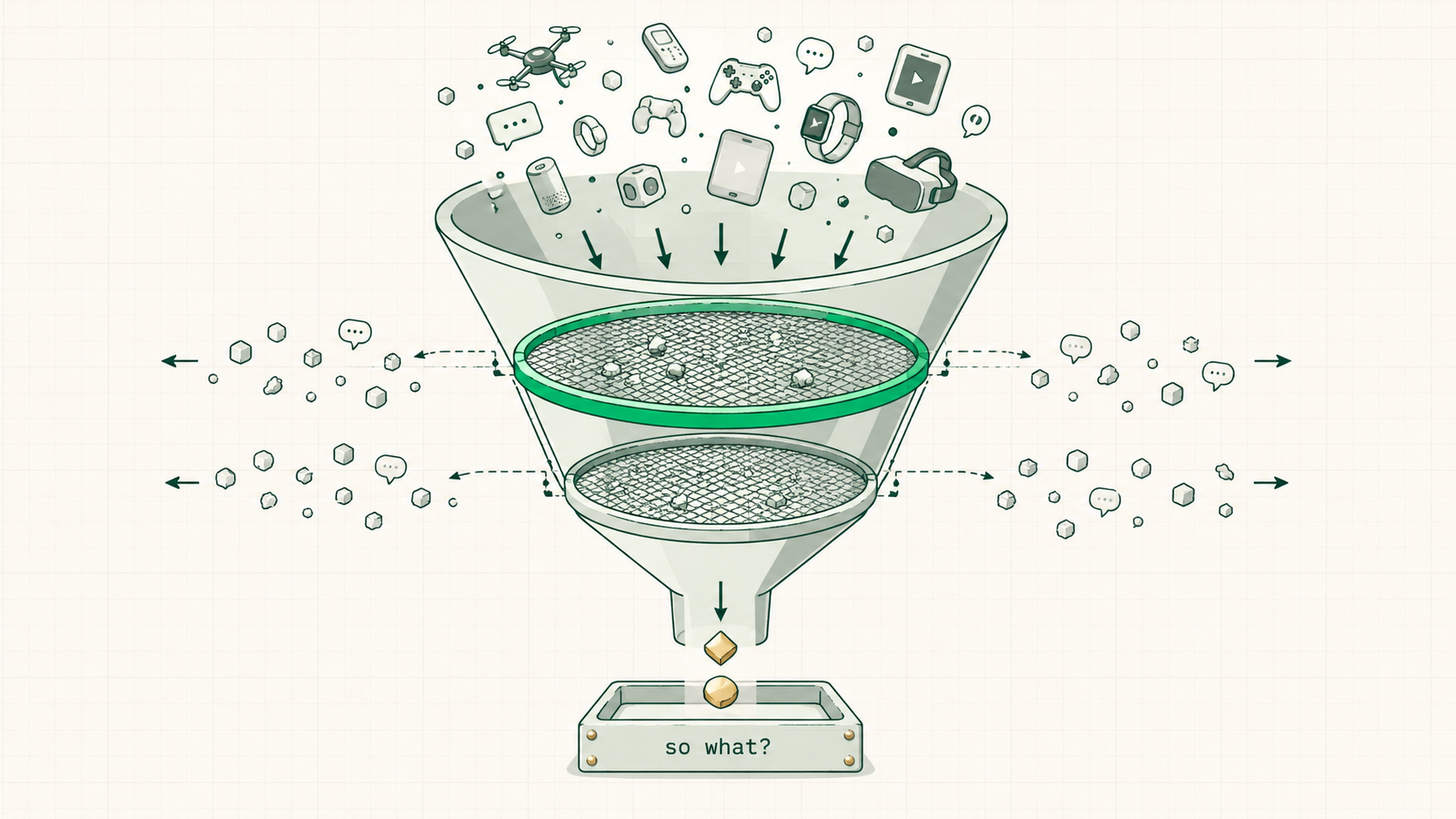
Two words cut the noise🖼Image
FILTER 1"So what?"specifically, what problem does this solve
FILTER 2"What's the revenue?"7-figure businesses run with zero fancy agent setups — the rest is noise
2
The 6 Jobs of a Business
The six-jobs pipeline with the ops trench
01
Foundations First
Before AI
Foundations turn the 0 into a 1

Principle 1 said AI multiplies what's already there — this section is the "already there." And honestly, most owners never got taught the fundamentals of how a business actually works.
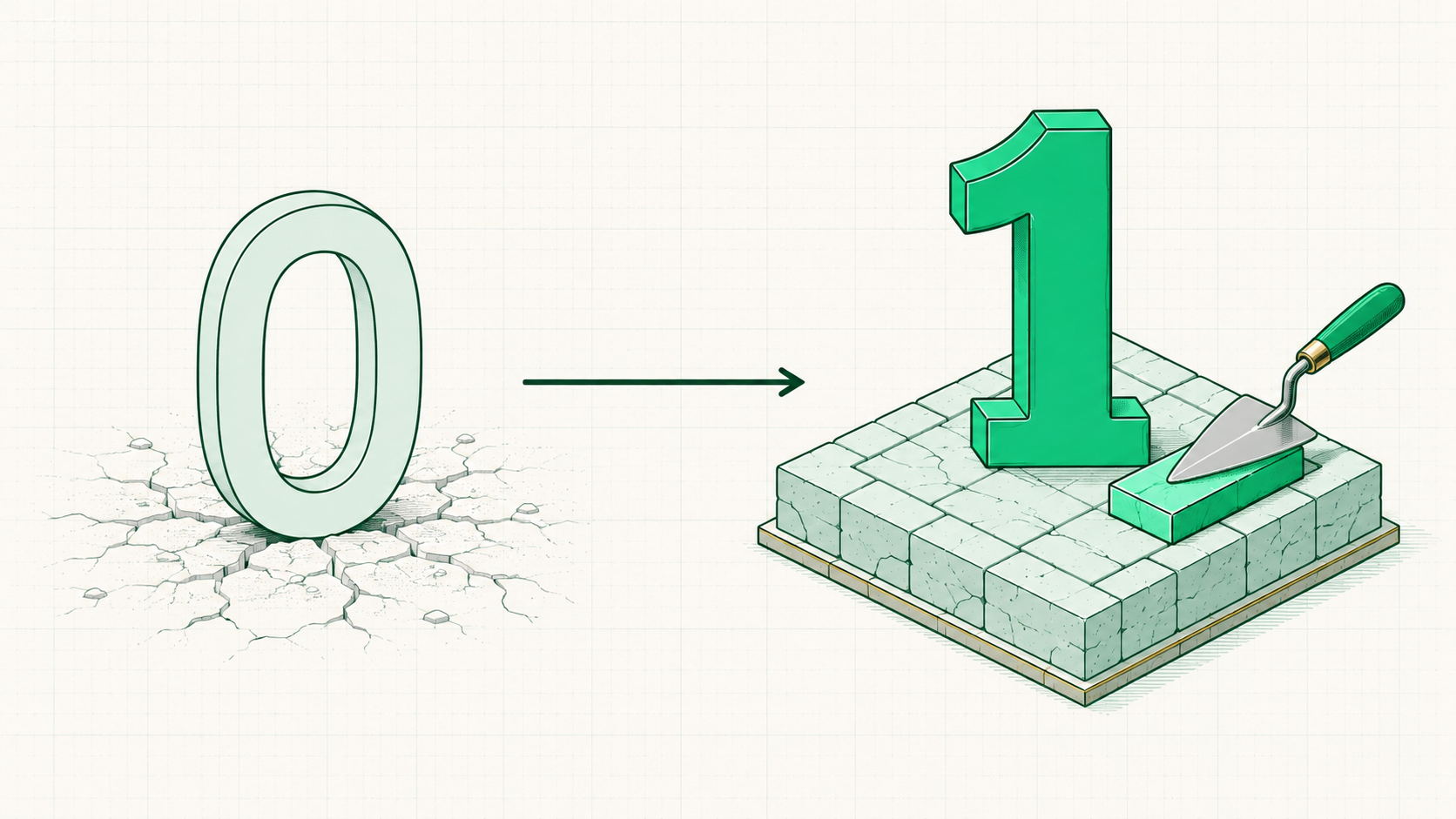
Foundations turn the 0 into a 1🖼Image
OWNERS TOO"But I run a business"yes — and running one doesn't mean the fundamentals ever got learned
THE PAYOFF20 minutesget this mental model and the AI half stops being noise; skip it and it's the ocean of AI like everybody else
The order
Functions, then systems, then AI

Three levels: the six functions at the base, the systems that run them, and AI on top. Starting with AI is starting at the top of a pyramid with nothing underneath.
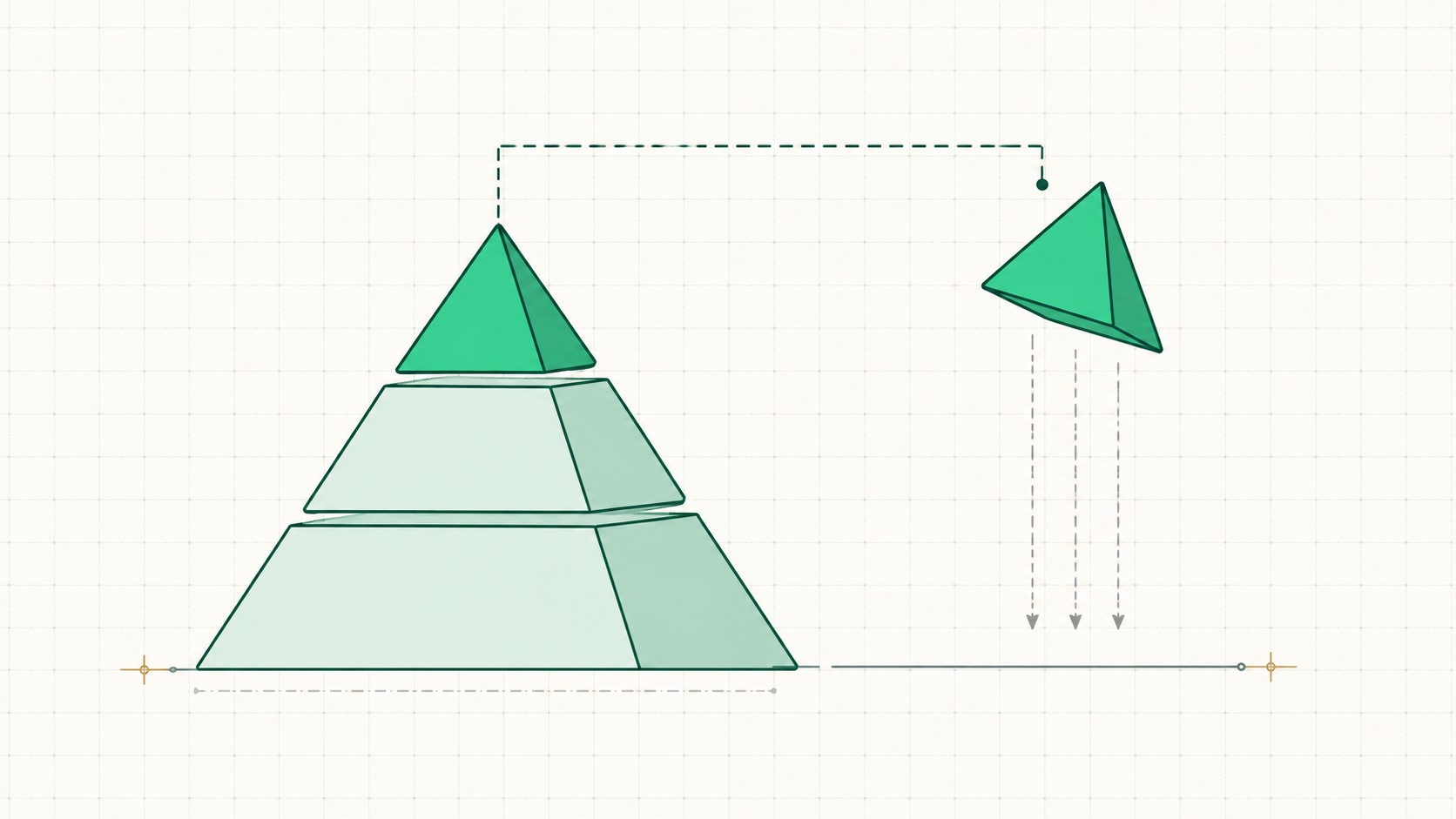
Functions, then systems, then AI🖼Image
LEVEL 1The 6 functionsthe jobs every business does, no exceptions
LEVEL 2Systemsthe repeatable way each function runs
LEVEL 3AImultiplies a system that already works
The frame
A business is one big machine

One really big system with departments inside it — those departments are the six jobs, and seeing the machine is what makes the constraint idea land in the next part.
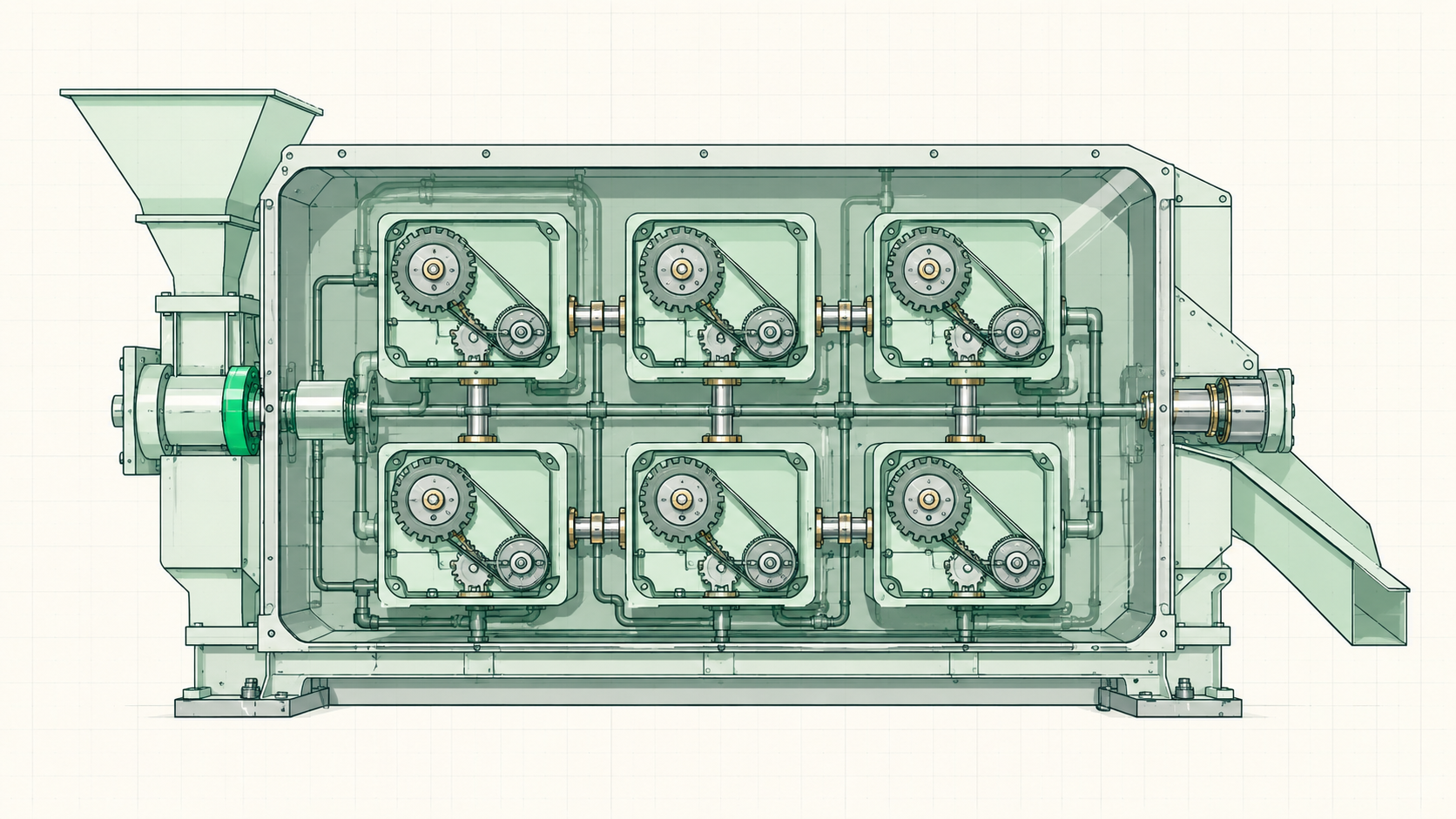
A business is one big machine🖼Image
02
Lead Gen
Job 1
Lead Gen — getting found

One question: how does anyone know the business exists — how does someone find out about it at all.
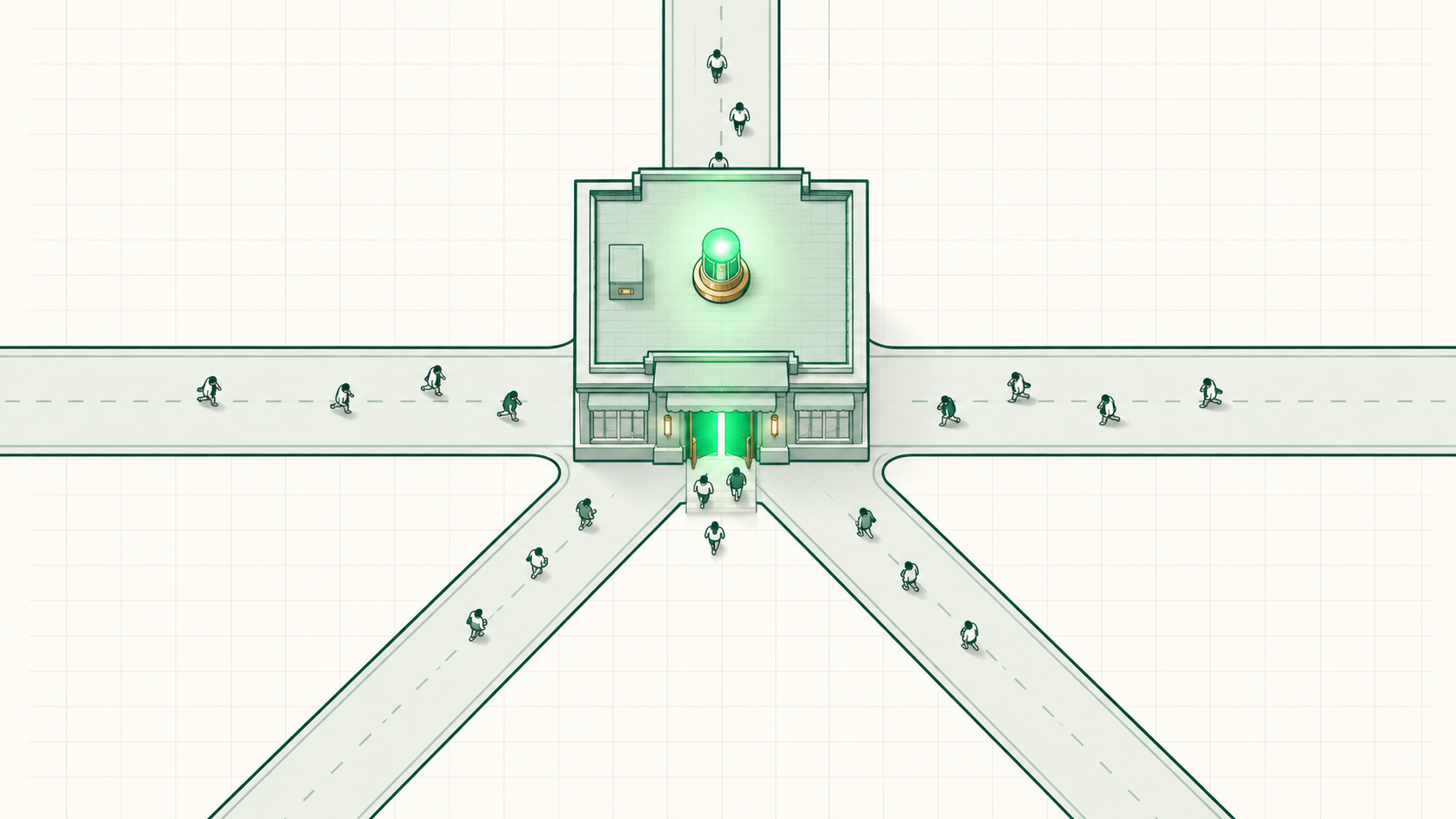
Lead Gen — getting found🖼Image
Five ways in —
PAIDPaid adsrenting attention
CONTENTContentattention that compounds
COLDCold outboundreaching strangers directly
WARMWarm outboundreaching people who already know the name
IRLIn-person eventsrooms exactly like this one
03
Lead Nurture
Job 2
Lead Nurture — building trust

Turning "interested" into know, like, and trust — enough trust that a sales conversation feels natural instead of pushy.
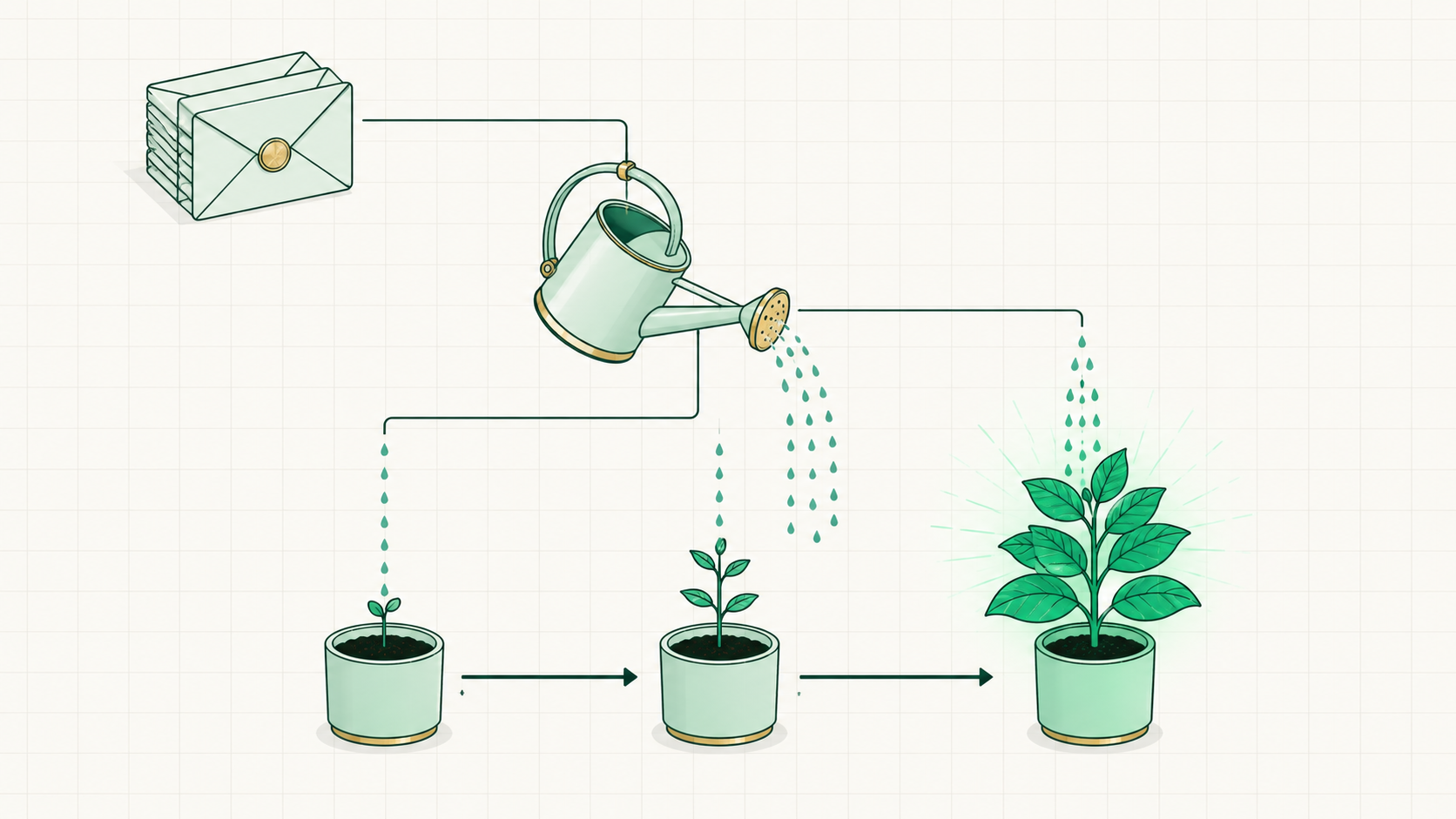
Lead Nurture — building trust🖼Image
THE LISTOn a list nowemail list, subscribers, followers, saved contacts
REMINDERSStaying presentthe steady reminders that keep the name top of mind until the timing is right
The note
Together they're called marketing

Lead gen plus lead nurture is what everyone calls "marketing" — split apart here because they are two separate jobs.
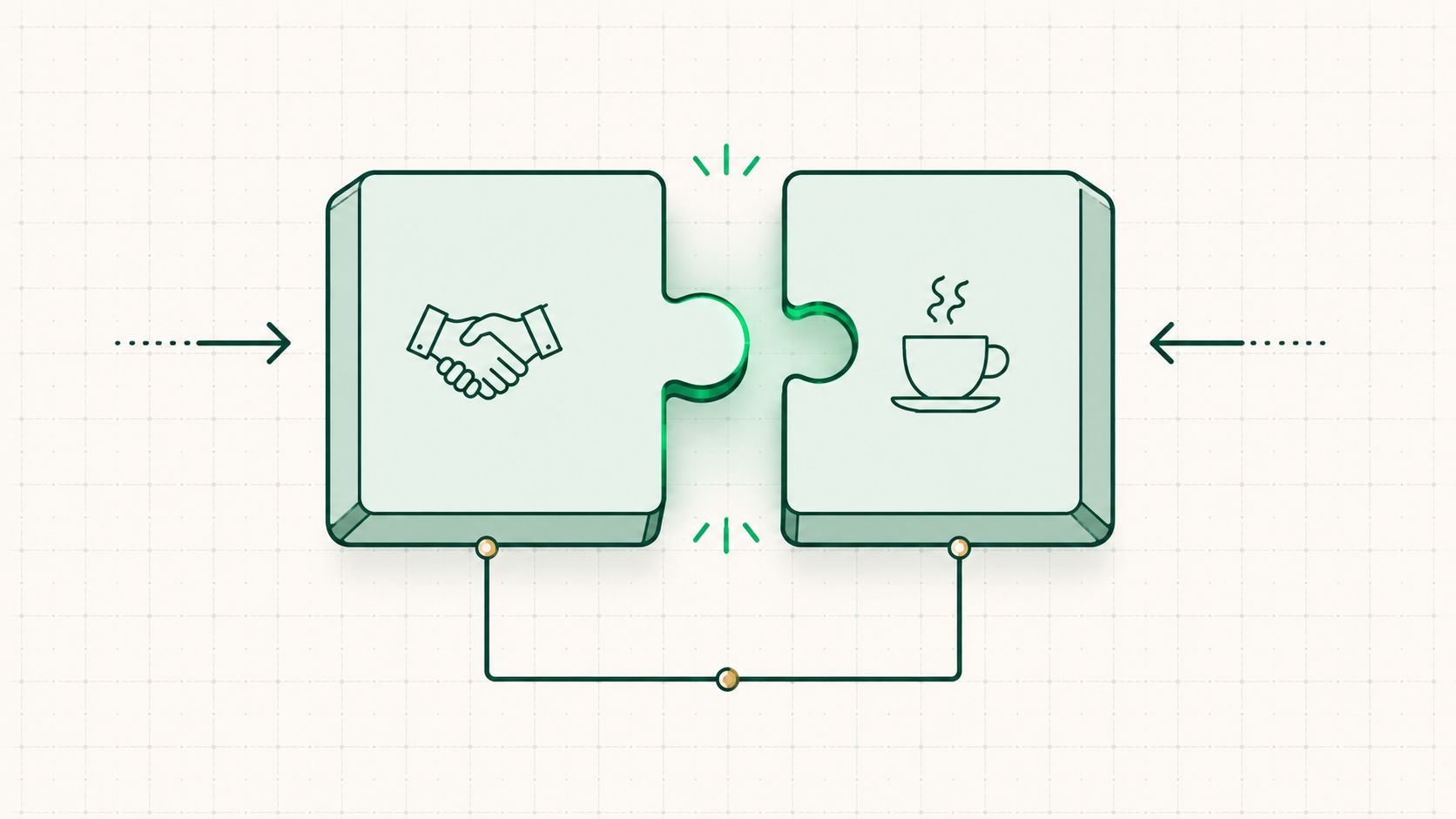
Together they're called marketing🖼Image
LEAD GENThe meetupintroduce, connect, get the number
LEAD NURTUREThe coffee aftercoffee, occasional texts, trust built over time — until "expert" is the word that comes to mind
04
Sales
Job 3
Sales — trust becomes dollars

The conversion that takes interest and turns it into dollars — trust converted into promises the customer pays real money for.
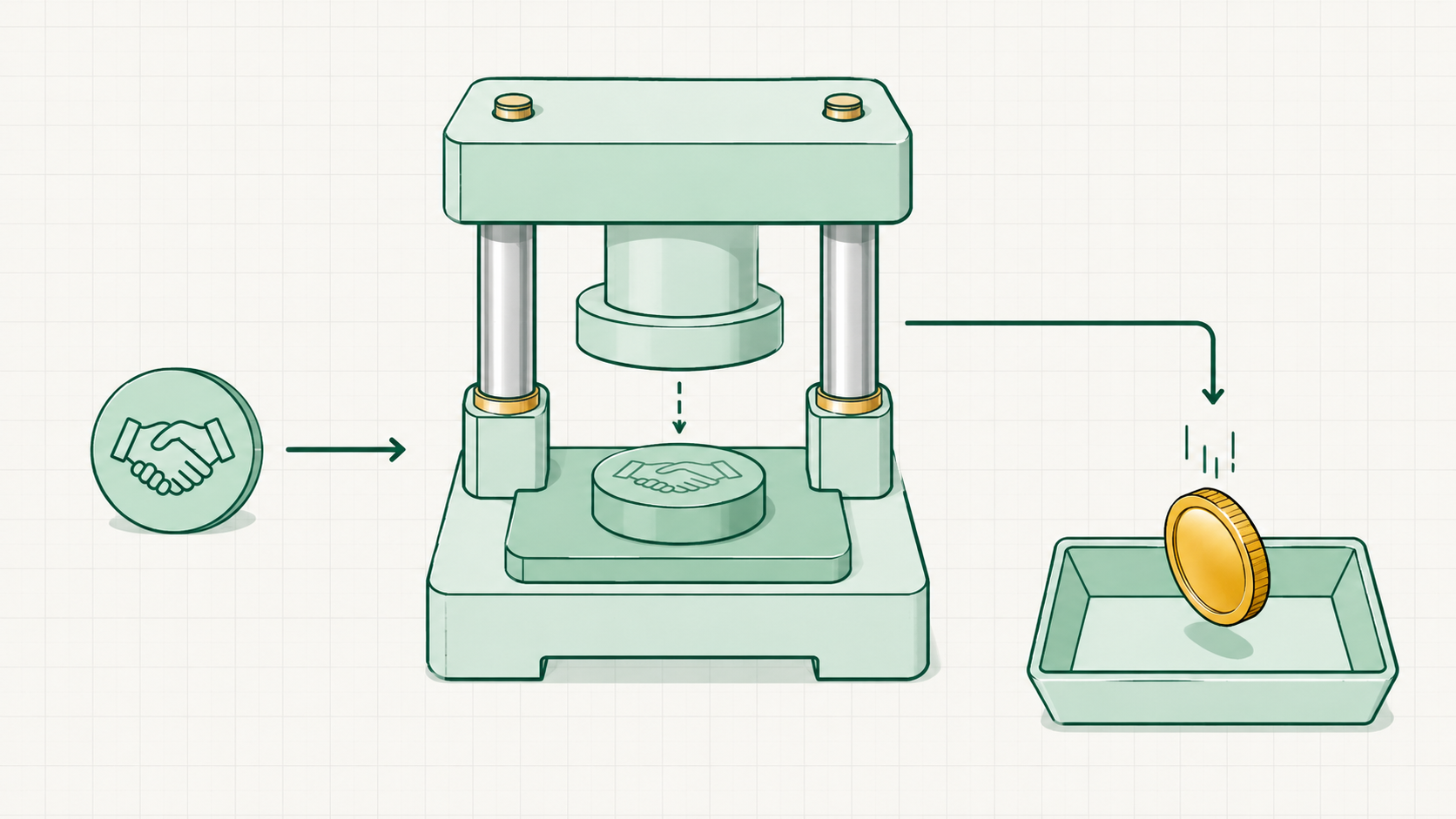
Sales — trust becomes dollars🖼Image
05
Product
Job 4
Product — the promise, delivered

Fulfillment: delivering, for those dollars, on the promises made in the sales process.
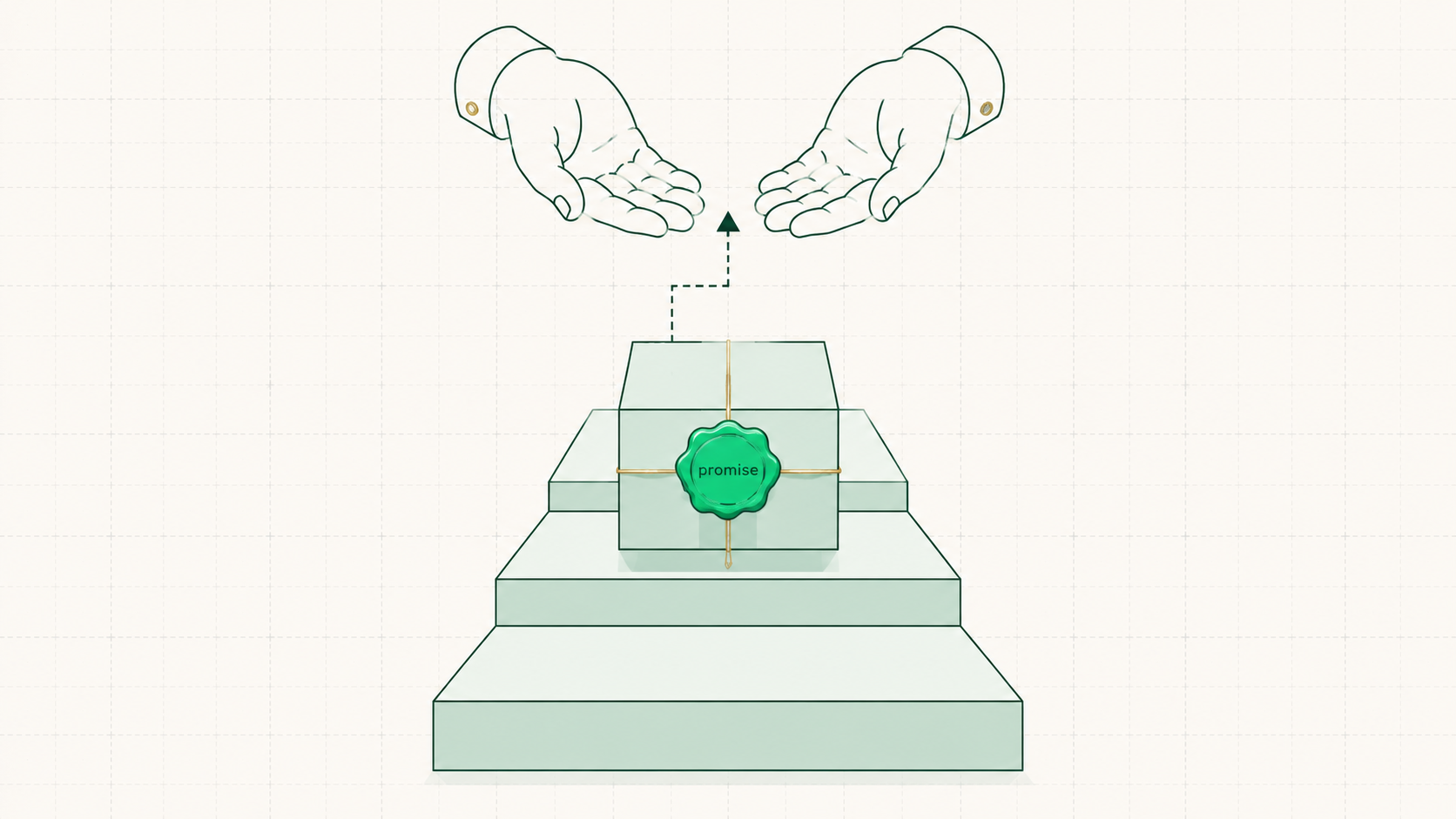
Product — the promise, delivered🖼Image
The service ladder —
DIYDo it yourselfthe customer runs it themselves with the tools provided
DWYDone with youworking alongside the customer
DFYDone for youthe work handled end to end
DFY+Productizeddone-for-you, packaged at a fixed scope and price
06
Expansion
Job 5
Expansion — they pay again

Making more promises so the same customer pays again — spending more, staying longer, or both.
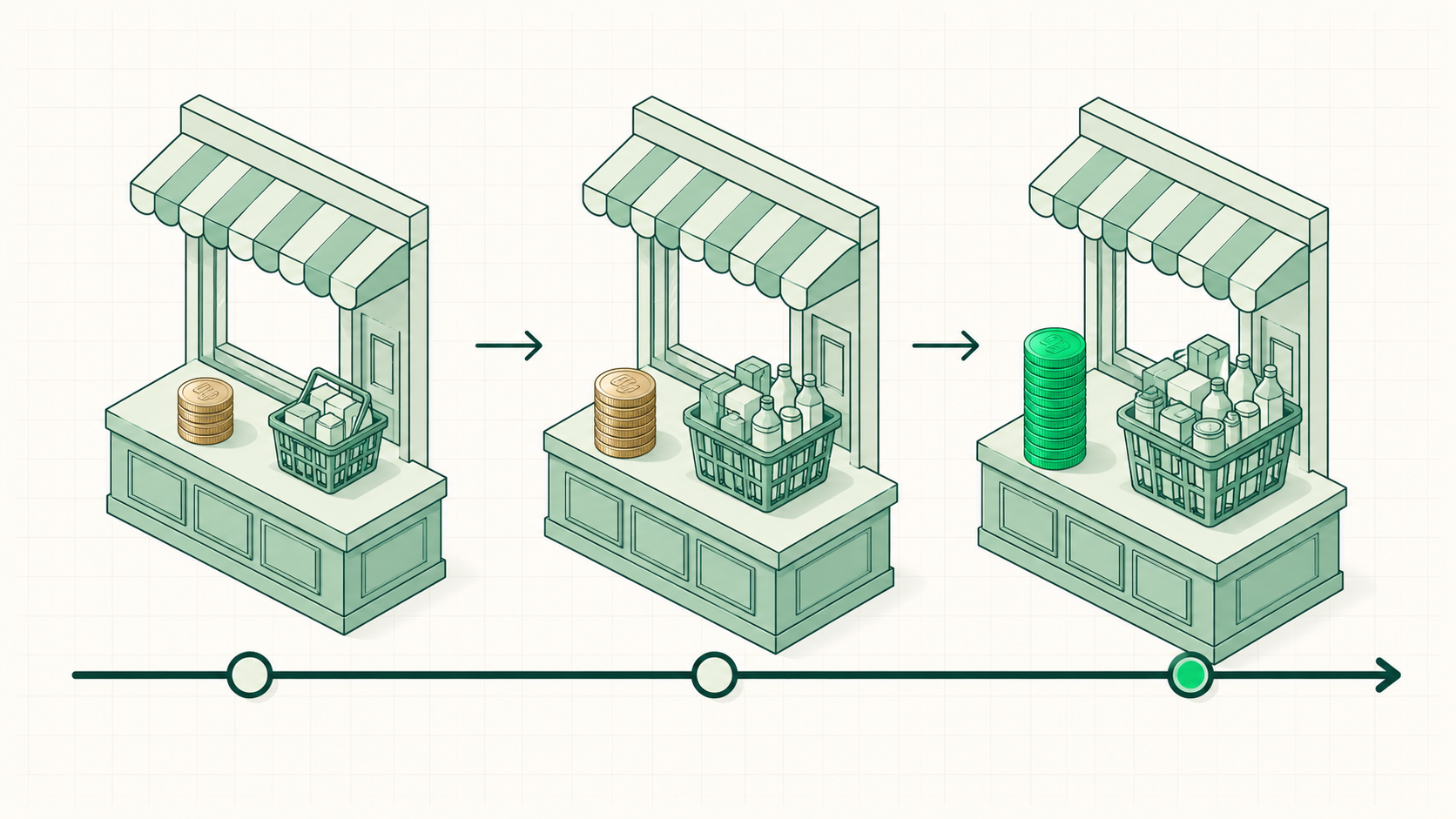
Expansion — they pay again🖼Image
MORESpend morenew promises worth paying for
LONGERStay longerthe same relationship stretched over more time
07
Ops — the Skeleton
The rail
Ops — the skeleton underneath

All the unsexy stuff that has to happen — the infrastructure that lets the other five jobs work at all, including the scoreboard: knowing the numbers is an ops job, and that matters in the next part.
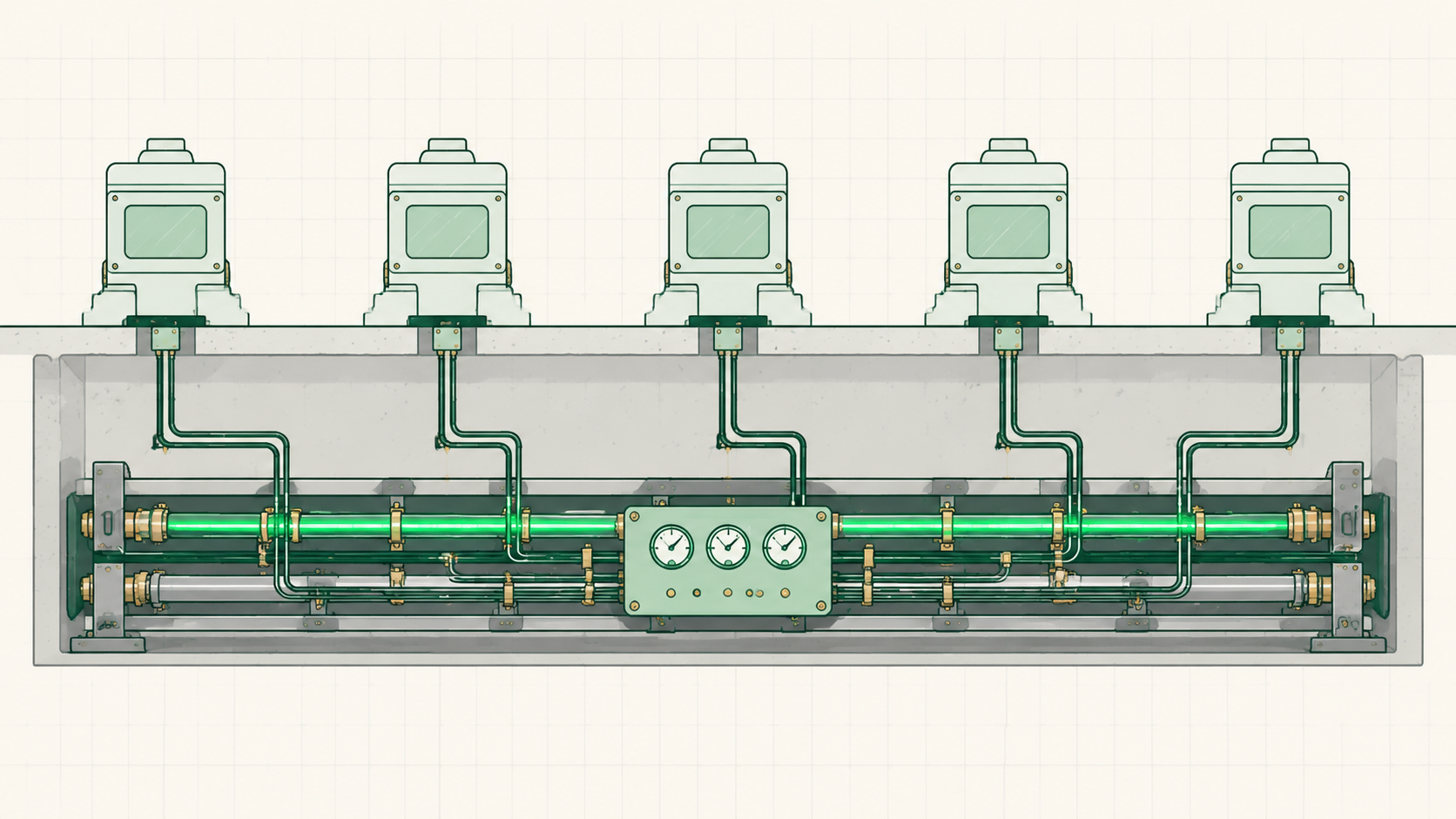
Ops — the skeleton underneath🖼Image
3
Theory of Constraints
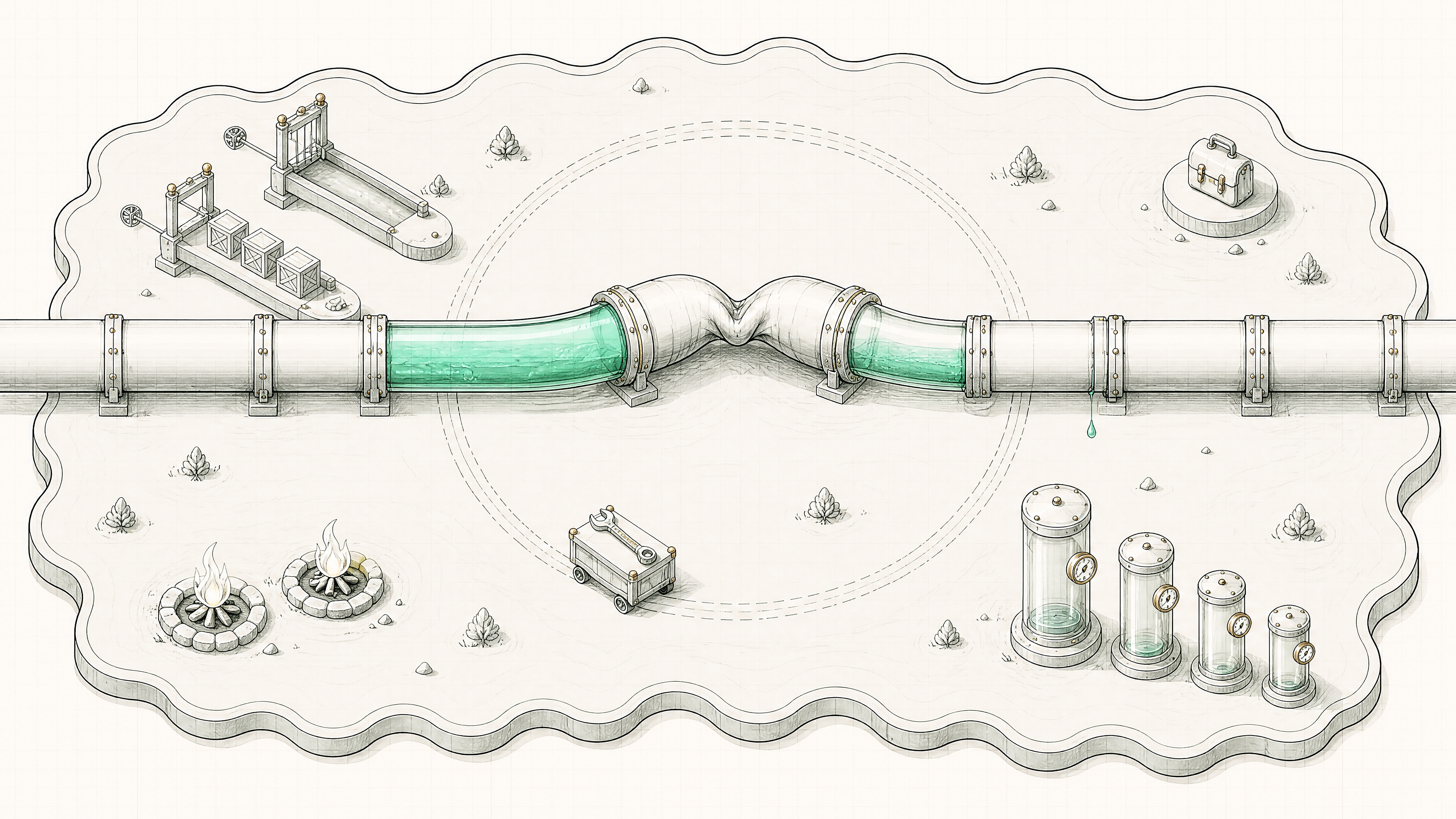
The pipeline kinked at one point
01
One Constraint, Always
The theory
The rule every factory runs on

It comes from the supply-chain world — a first-principles understanding of how systems work. And a business is exactly that: one big system with departments inside.
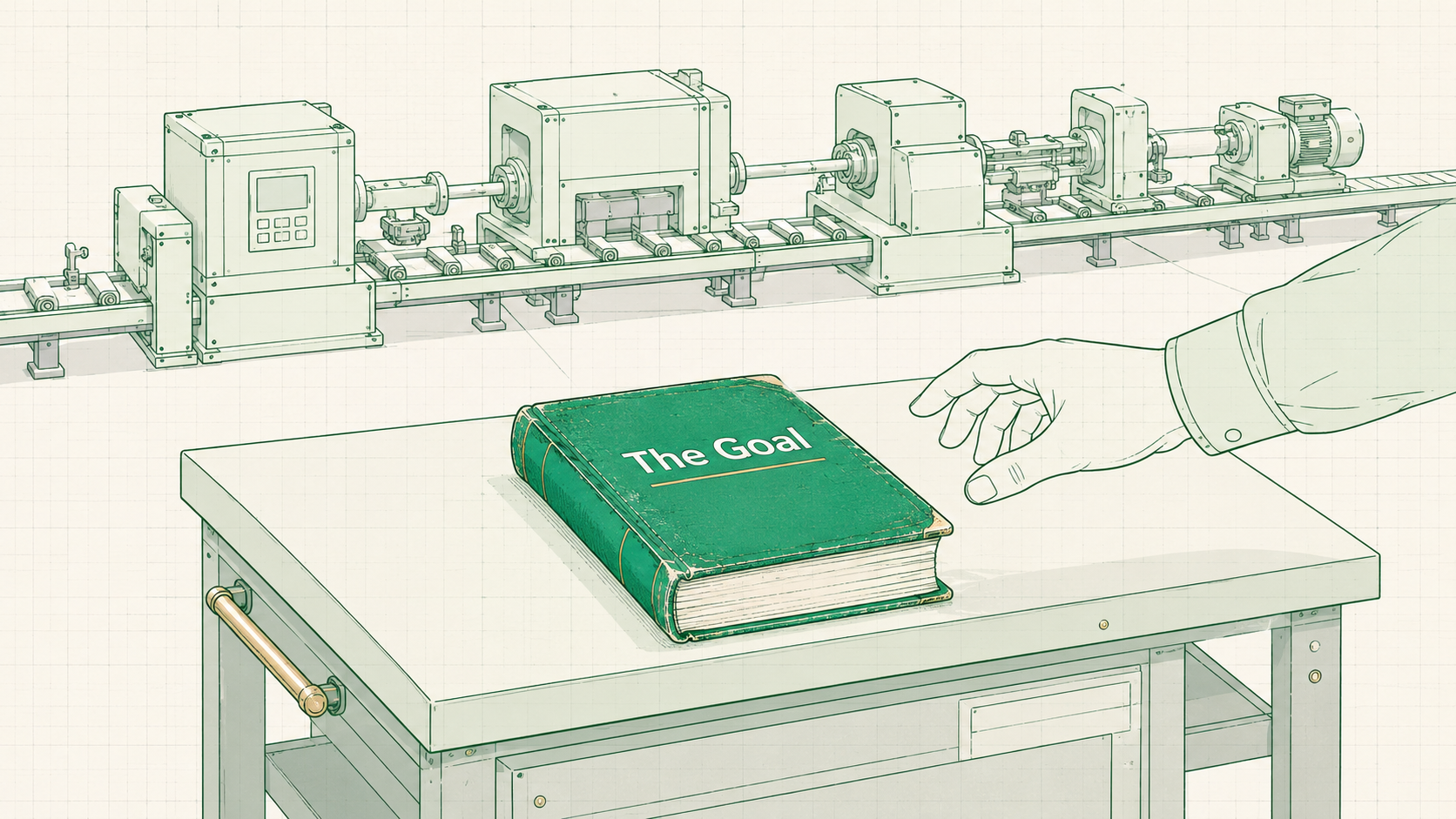
The rule every factory runs on🖼Image
GOLDRATT"The Goal"the book every factory manager on earth got handed
CALLBACKThe machine againthe departments already have names — the six jobs
The theory
There is only ever one constraint

A system keeps growing until it hits its bottleneck — which means at any moment a business has exactly one constraint, one biggest fire.
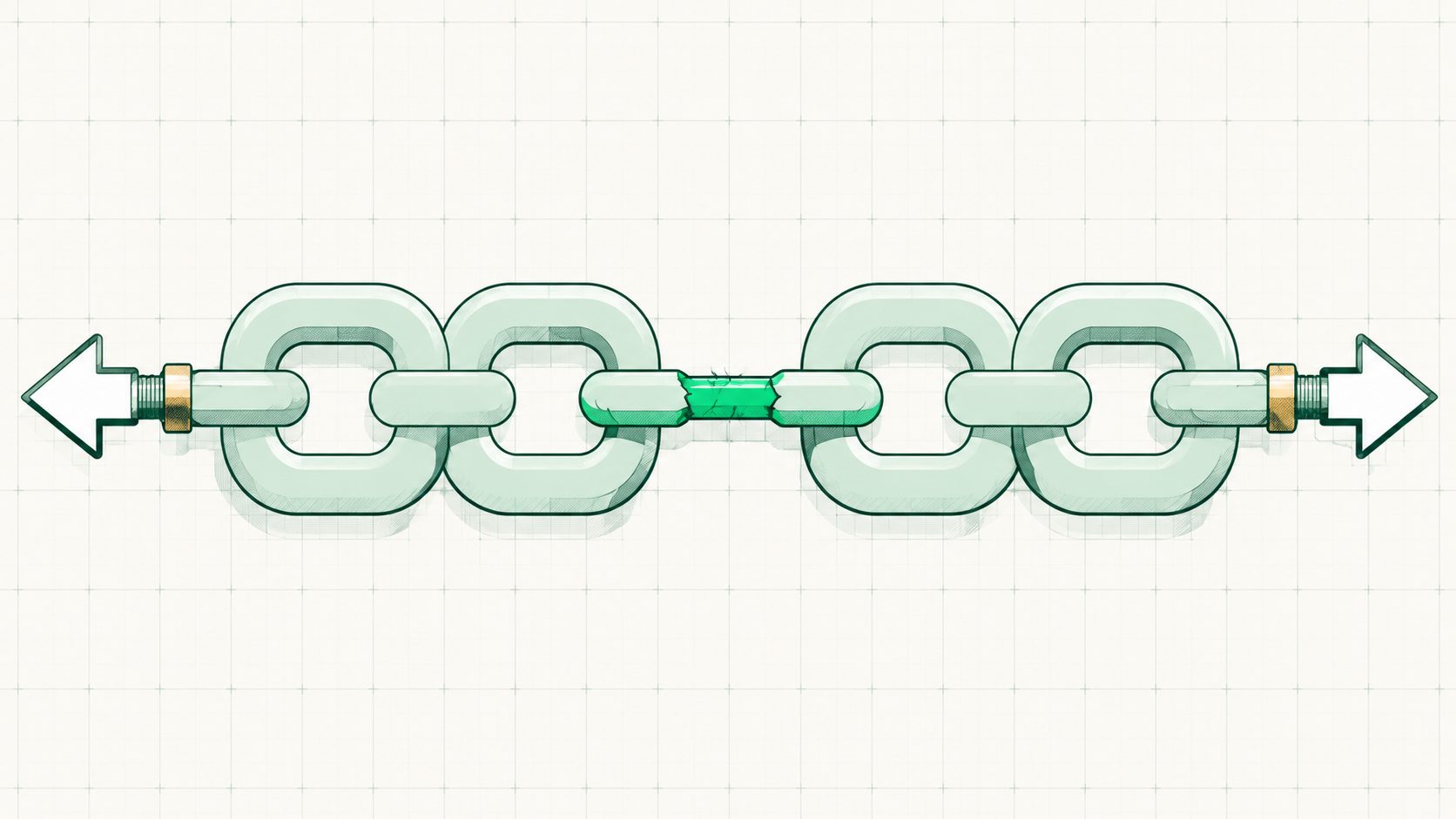
There is only ever one constraint🖼Image
THE CAR2 engines, 50 tires, 3 wheelsone car — the extra 46 tires change nothing
THE CHAINThe weakest linkstrengthening any other link does absolutely nothing to the chain
Applied
The weakest job sets the output

The same rule, walked through the six jobs — whichever job is weakest decides how many customers come out the other end of the machine.
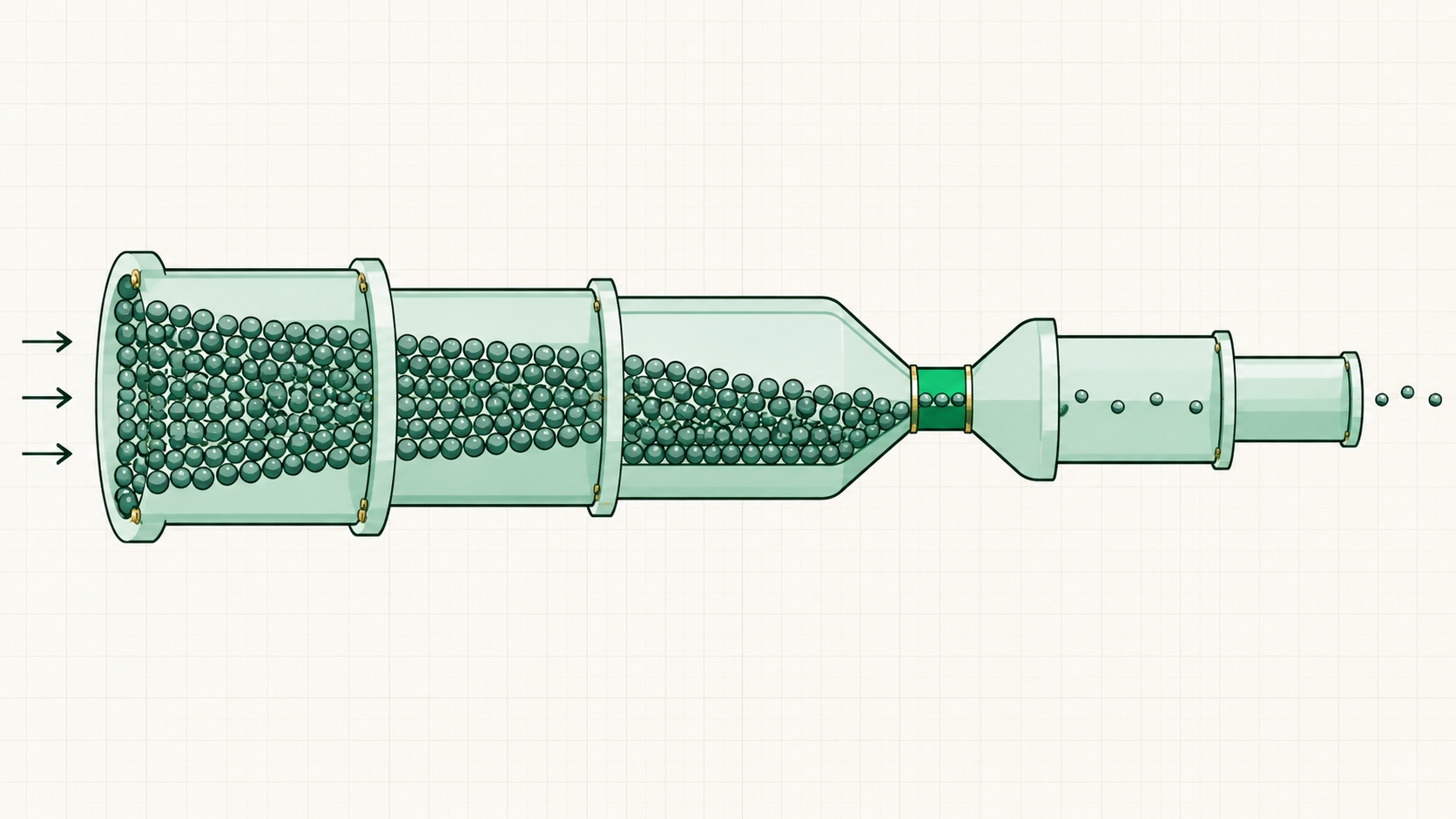
The weakest job sets the output🖼Image
NO LEADSAmazing product, amazing saleszero lead flow → zero customers, full stop
NO REPSAll the leads in the worldeach rep closes ~10 a month — no salespeople, sales is the cap
NO CAPACITYLeads and sales both firingno room to deliver → product is the constraint
02
Let the Fires Burn
The trap
The spinning-wheels trap

Working on a non-constraint feels productive — things get done, boxes get checked — but revenue doesn't move. That's the loop most owners live in.
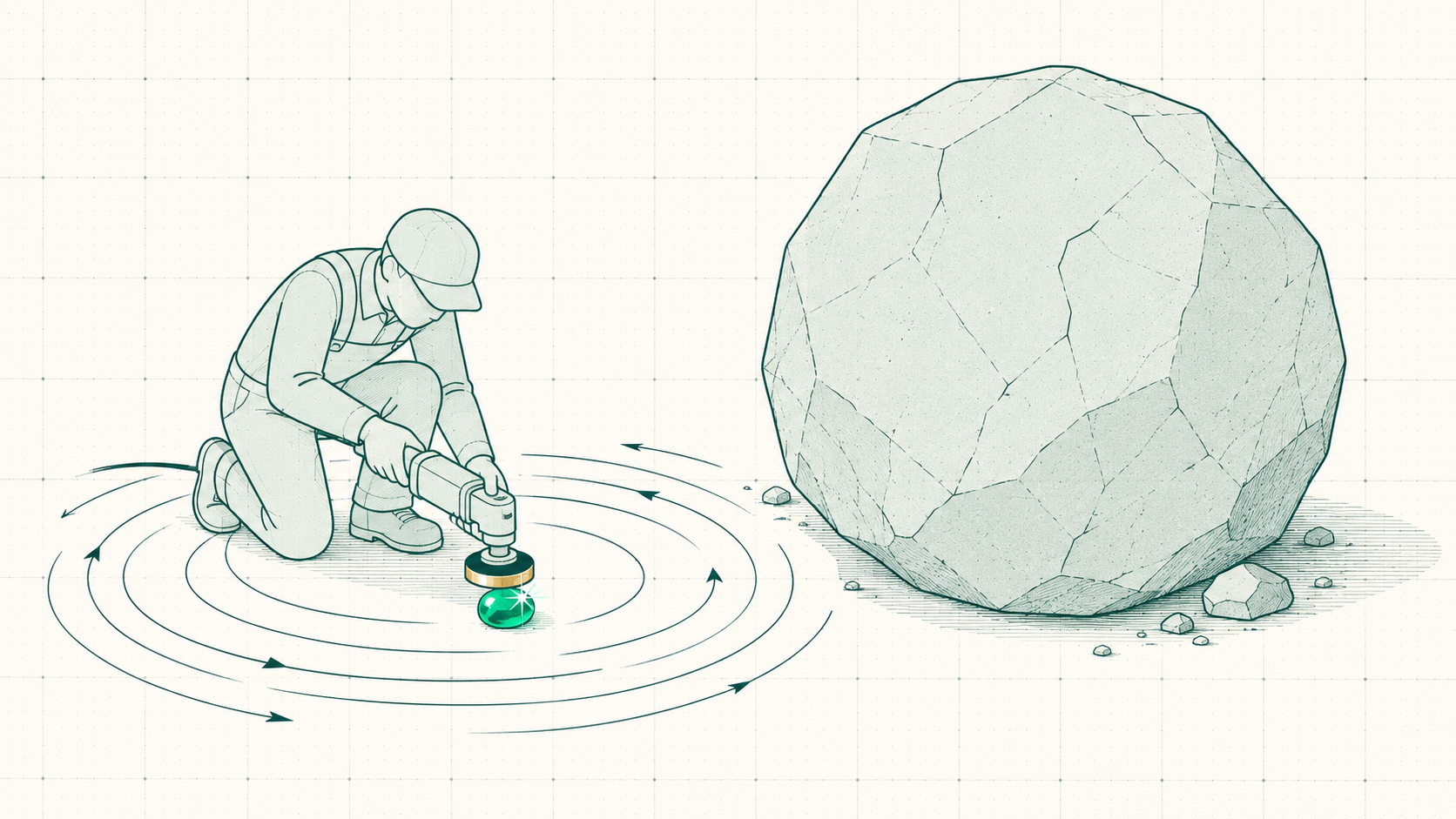
The spinning-wheels trap🖼Image
ROCKS VS SANDPolishing sandpolishing sand while the rock sits there, untouched
The hard part
Let the fires burn

The hardest thing about being an entrepreneur — being OK letting the small fires burn, to focus on the singular fire that will take down the business.
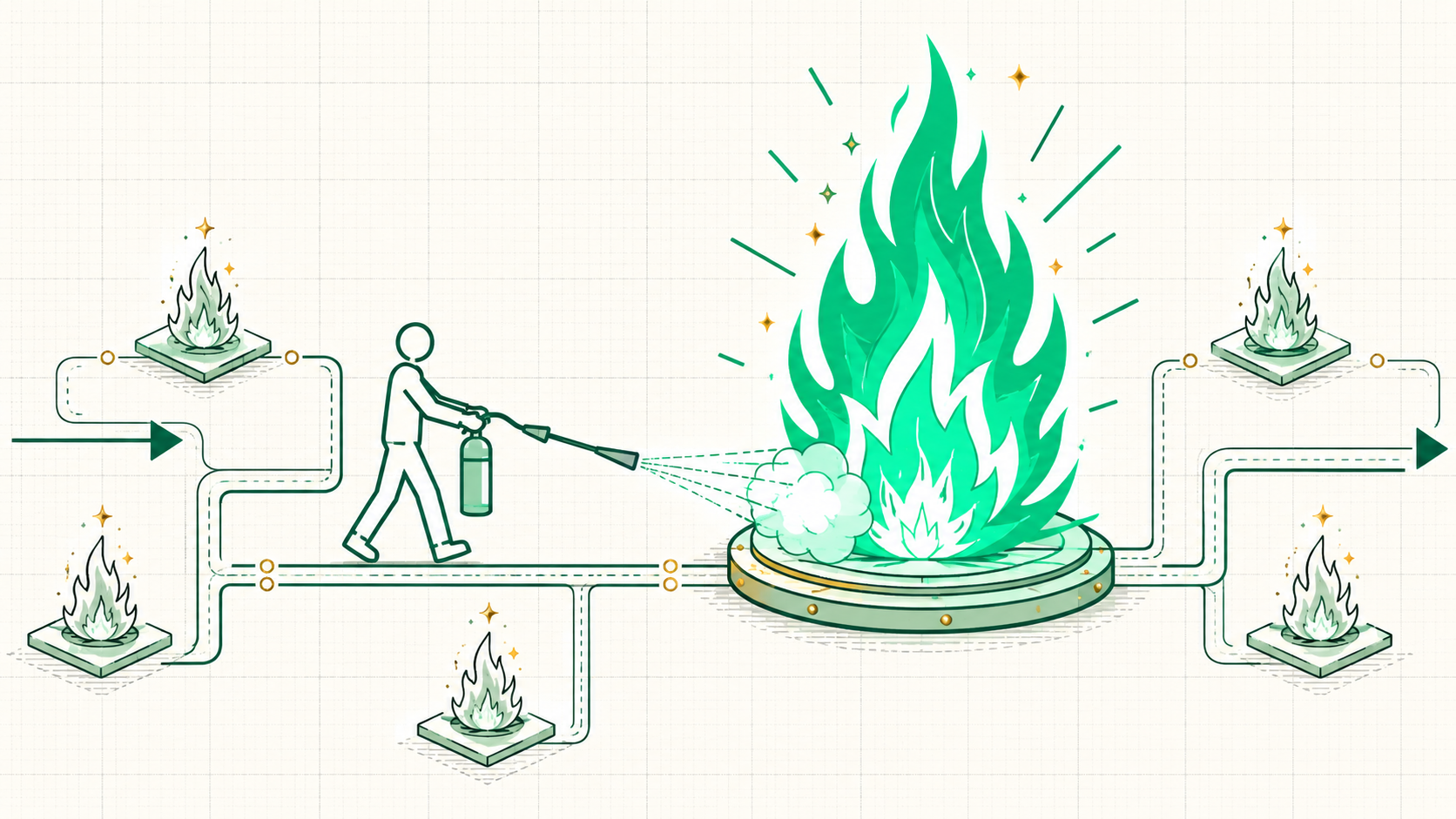
Let the fires burn🖼Image
03
The Constraint Moves
Why it never ends
Break one, the next appears

The moment the constraint gets fixed, it moves — fix lead flow and sales becomes the bottleneck, fix sales and delivery is next. Growing a business is that loop on repeat.
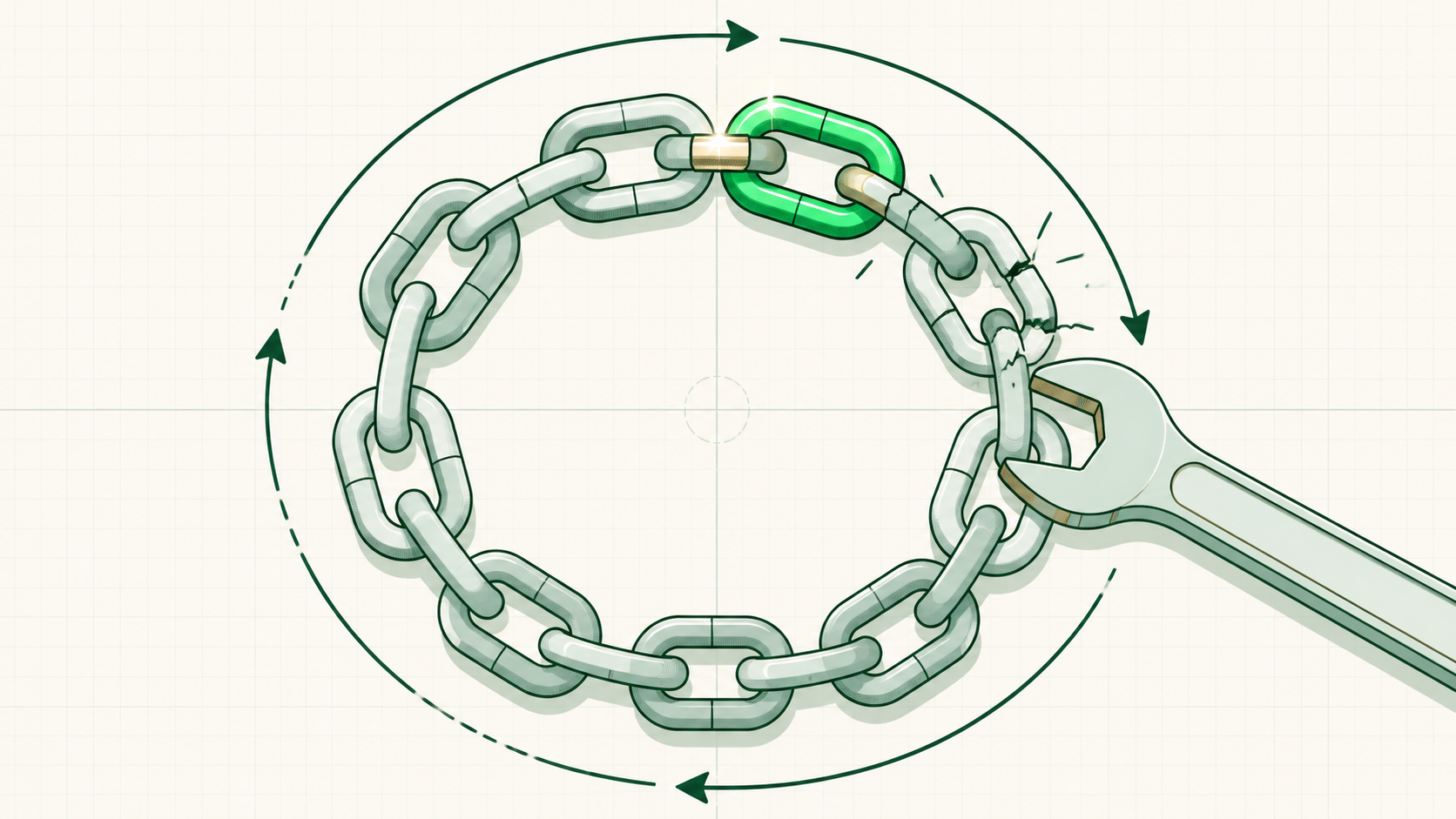
Break one, the next appears🖼Image
THE LOOPFind → break → repeatthat loop is the whole game of growing a business
THE HOOKWhere AI plugs inAI gets deployed onto whichever job the loop points at
04
Supply or Demand
Simplified
Every constraint fits two buckets

Almost every constraint lands in one of two buckets — demand constrained (not enough people trying to buy) or supply constrained (more buyers than capacity, a waitlist).
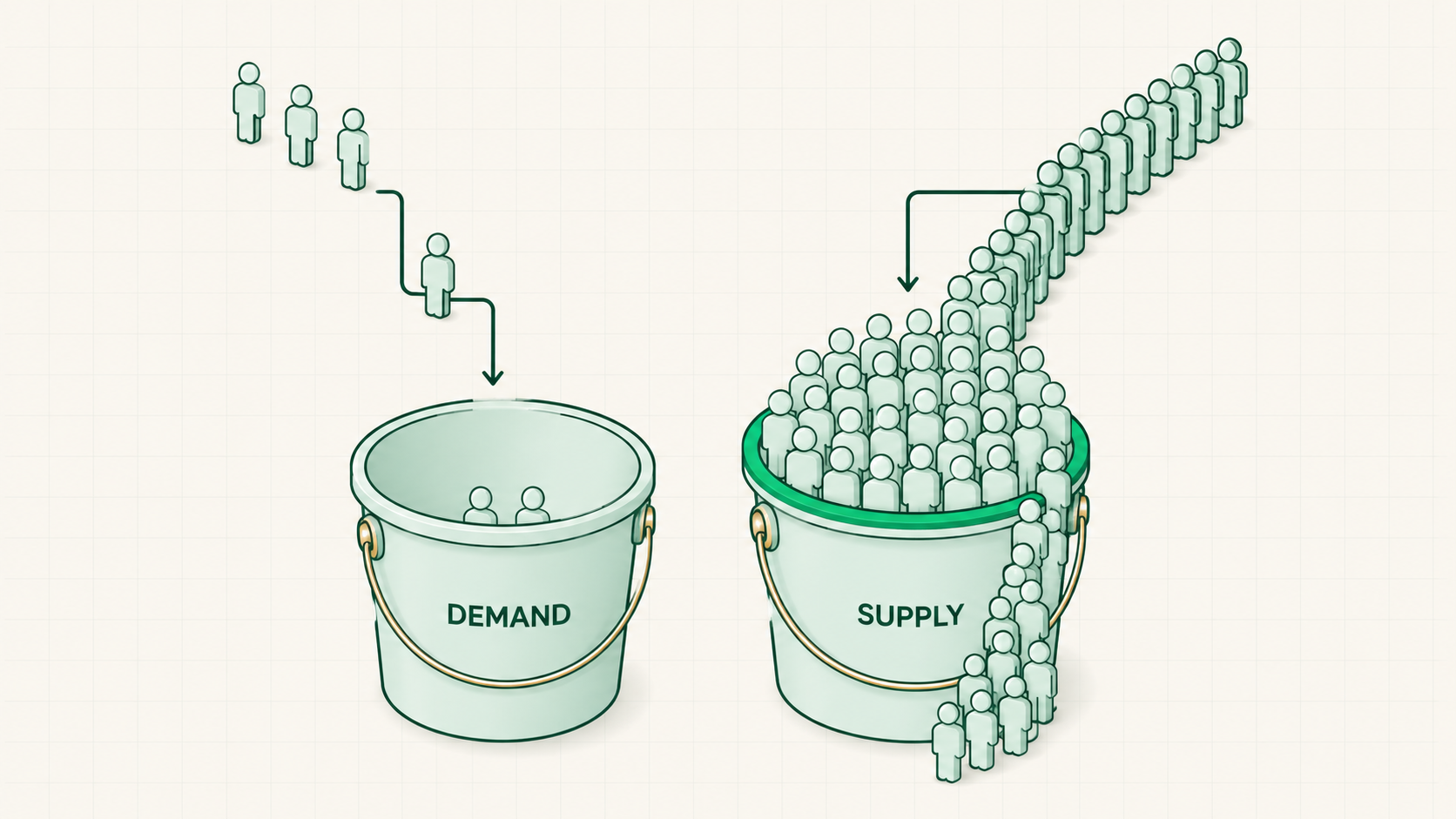
Every constraint fits two buckets🖼Image
DEMANDNot enough buyersmost businesses in this room live here
SUPPLYA waitlistthe focus flips — capacity and product efficiency, not more leads
05
Know the Numbers
The prerequisite
No numbers, no diagnosis

Without the numbers it is impossible to determine the constraint — and knowing the numbers is an ops function, which is exactly why ops matters.
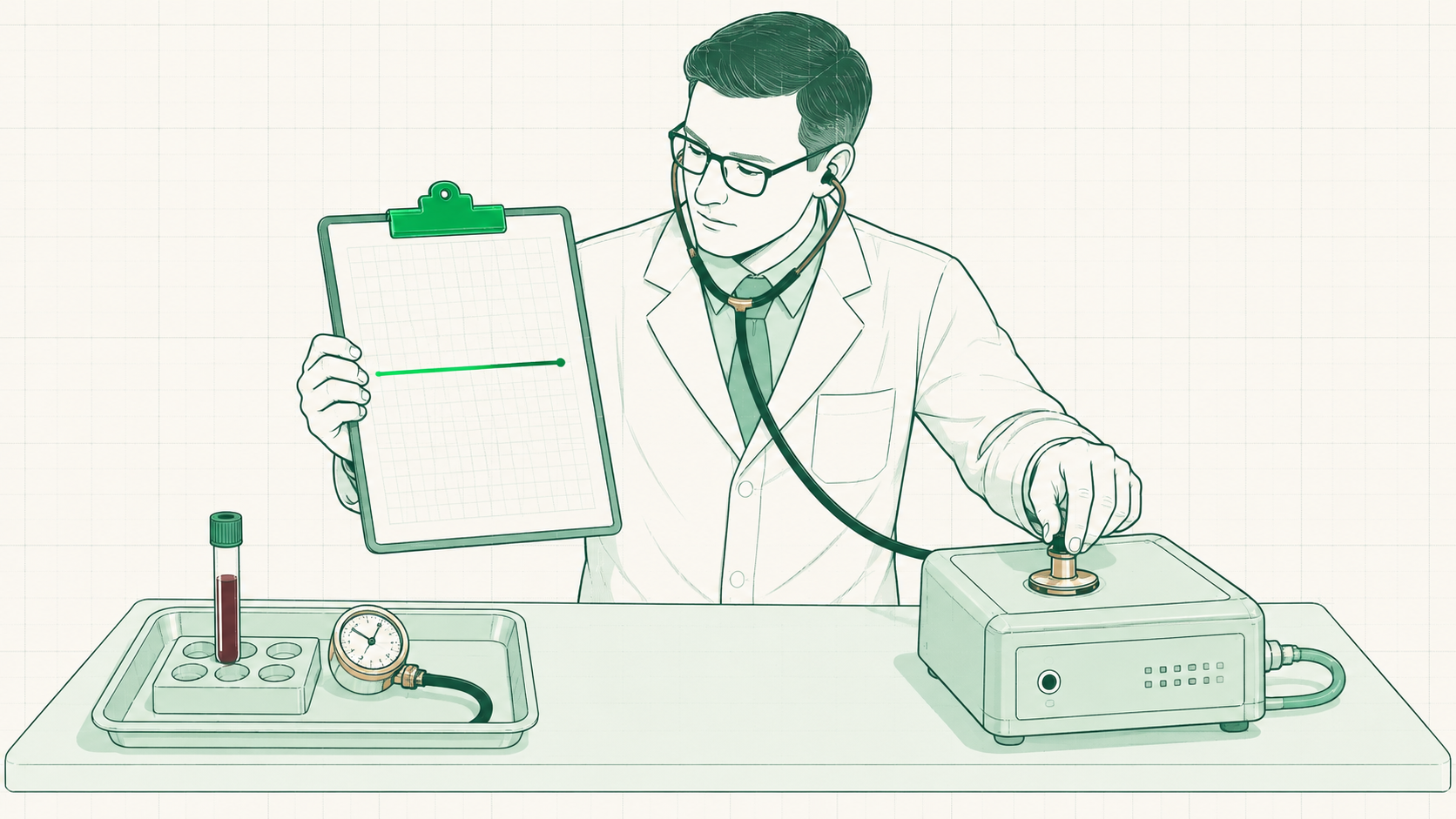
No numbers, no diagnosis🖼Image
THE DOCTORBlood work firstno numbers means guessing — and deploying AI on the wrong department
AIYes, it can pull themgetting the numbers out is itself an AI use case
Read the funnel
20 → 4 → 2 → 1

The same machine, read as numbers — and every gap between two numbers is a conversion rate pointing at exactly one job.
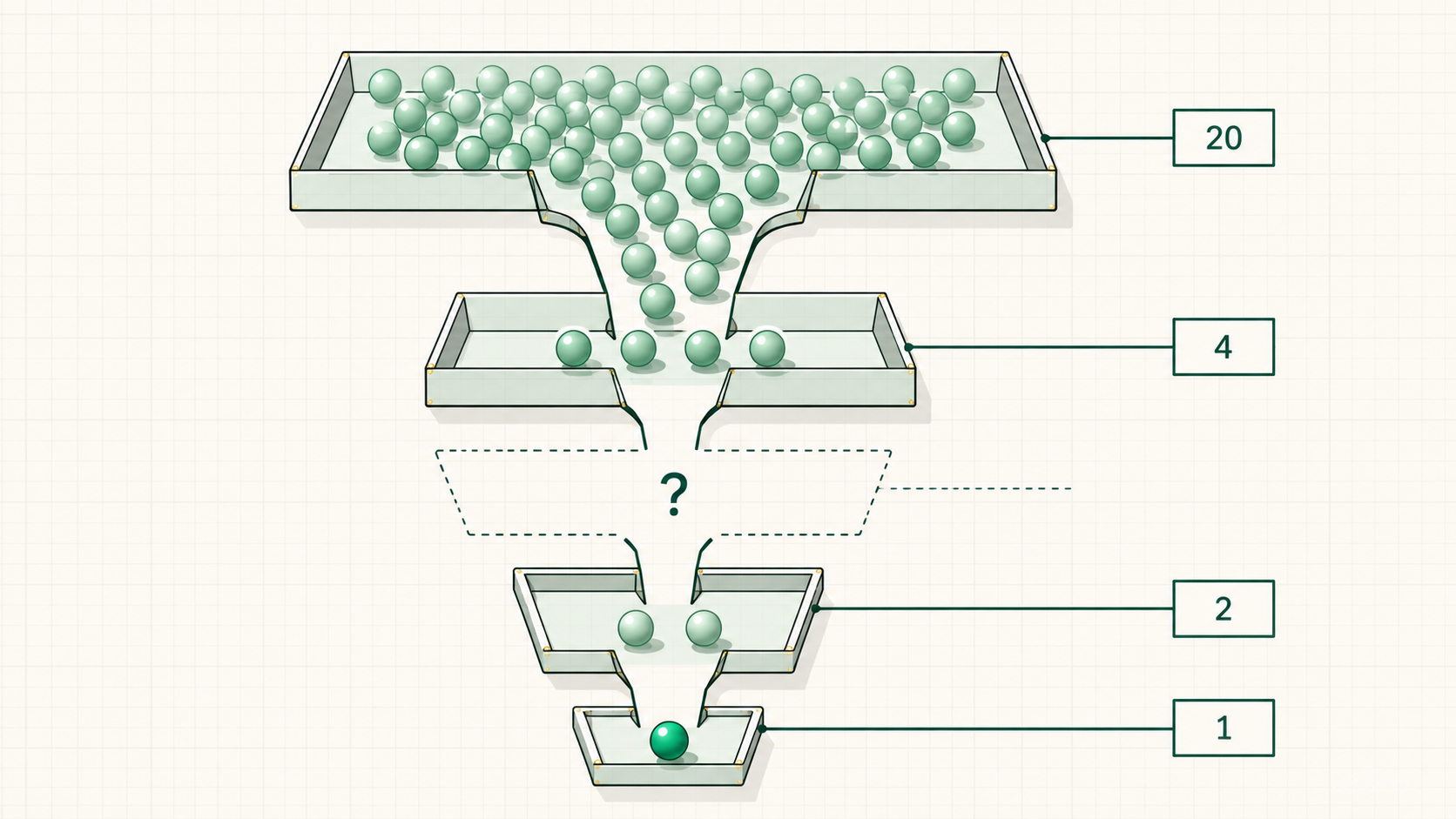
20 → 4 → 2 → 1🖼Image
LEAD GEN20 new leadsthe top of the machine
SALES4 booked callsthe conversion into conversations
PRODUCT2 new customersthe promise gets delivered
EXPANSION1 upsellthe second yes
LEAD NURTUREThe missing numberwhat's the nurture metric — and the conversion between the two? (the room works it out)
06
The Wantrepreneur Lens
Wantrepreneurs
Diagnose, then sell the fix

Learn this and know their business better than they do, because most people never learned the first principles of how business operates.
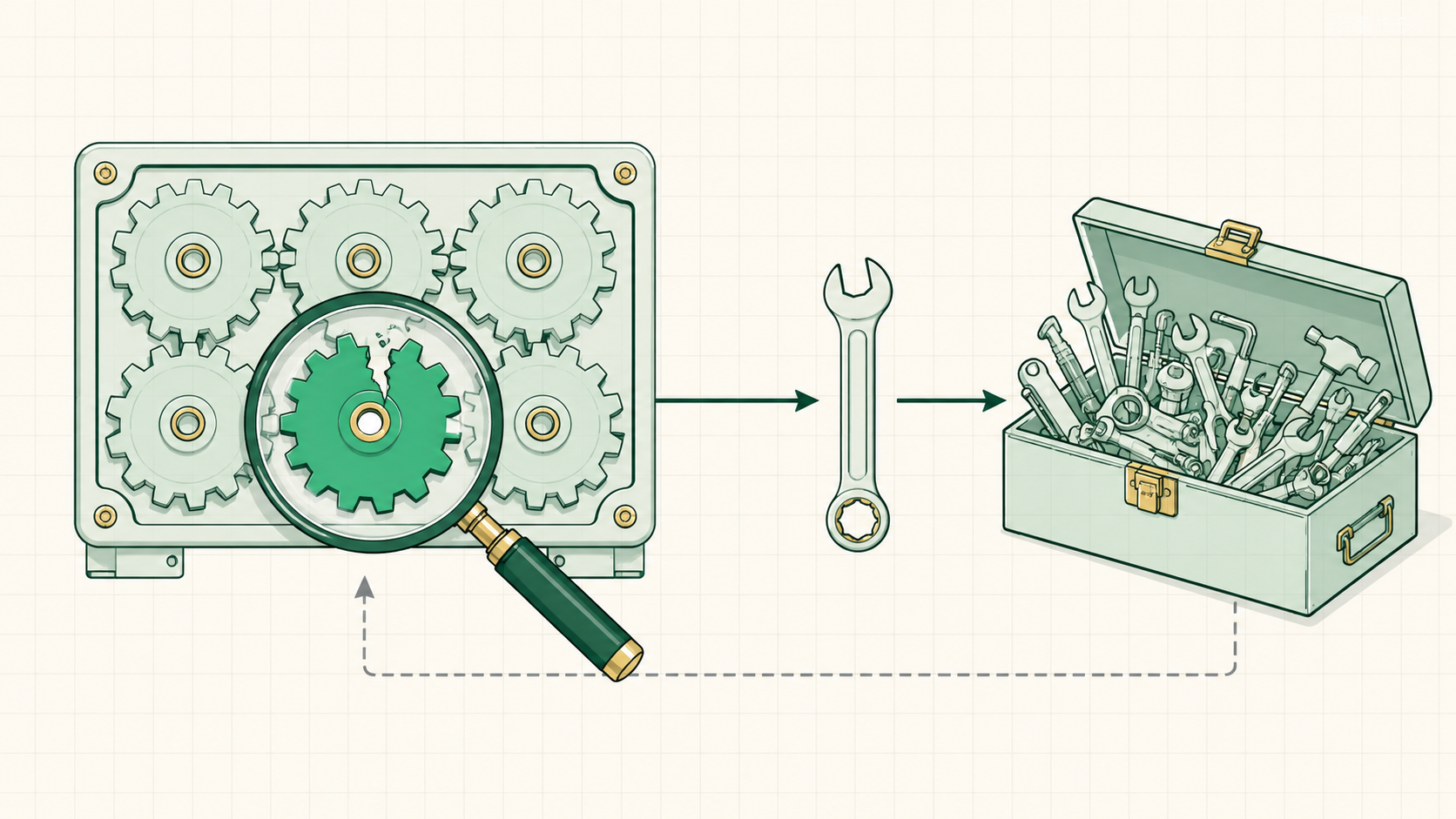
Diagnose, then sell the fix🖼Image
THE EDGEFirst principlesthe breakdown most owners never got
THE OFFERNot "AI services"diagnose THE constraint, sell the fix to the problem that's actually costing money
4
The 5 Words
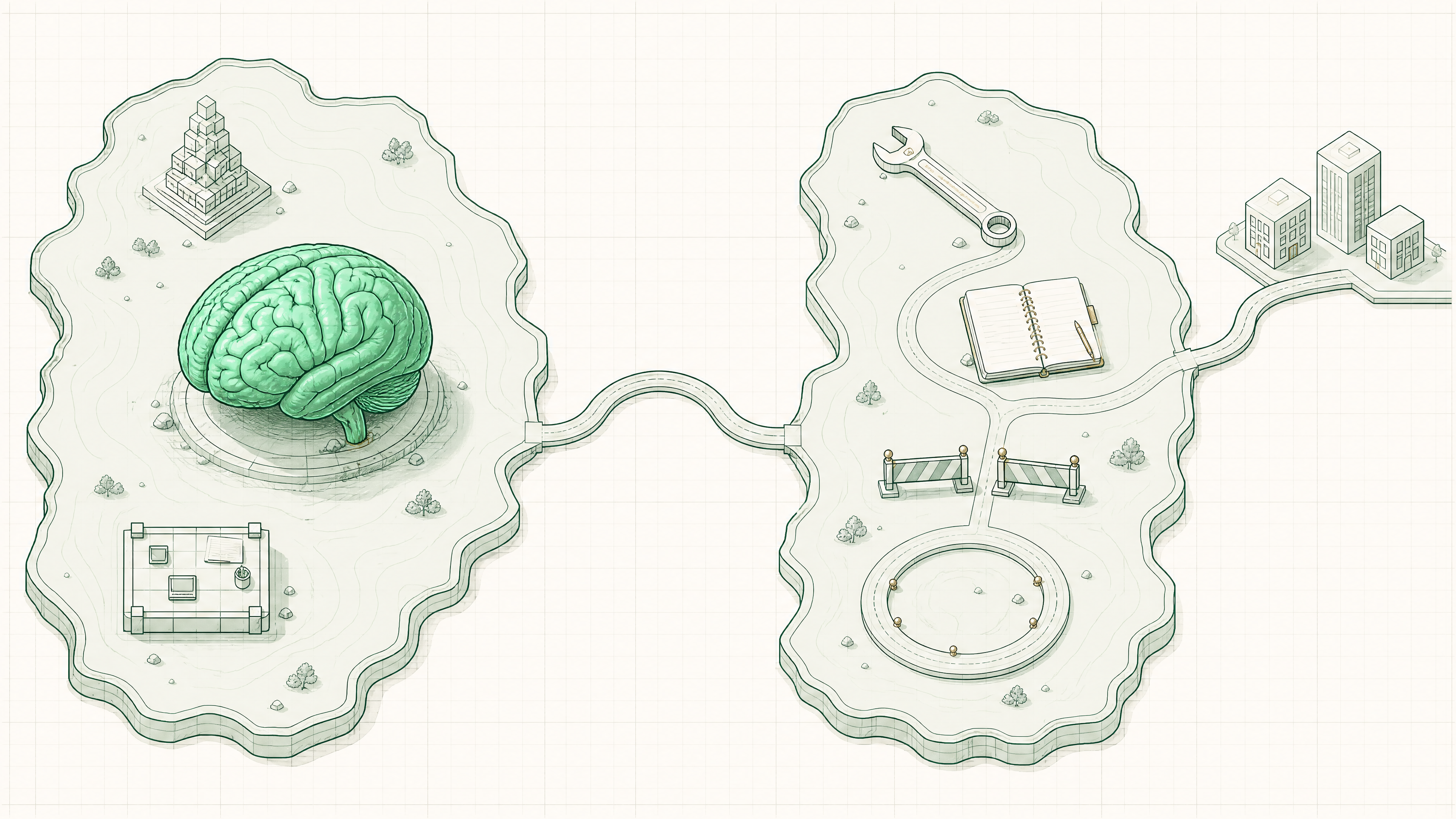
One map: a brain, its body, and the work it can finally do.
The two territories: the brain, its body, and the road to work
01
The Map
The five words, brain and body
The map
The first three words live in the brain

Every AI tool has a brain at its center, the model; the first three words describe that brain: what it is, the unit it thinks in, and how much it can hold at once.
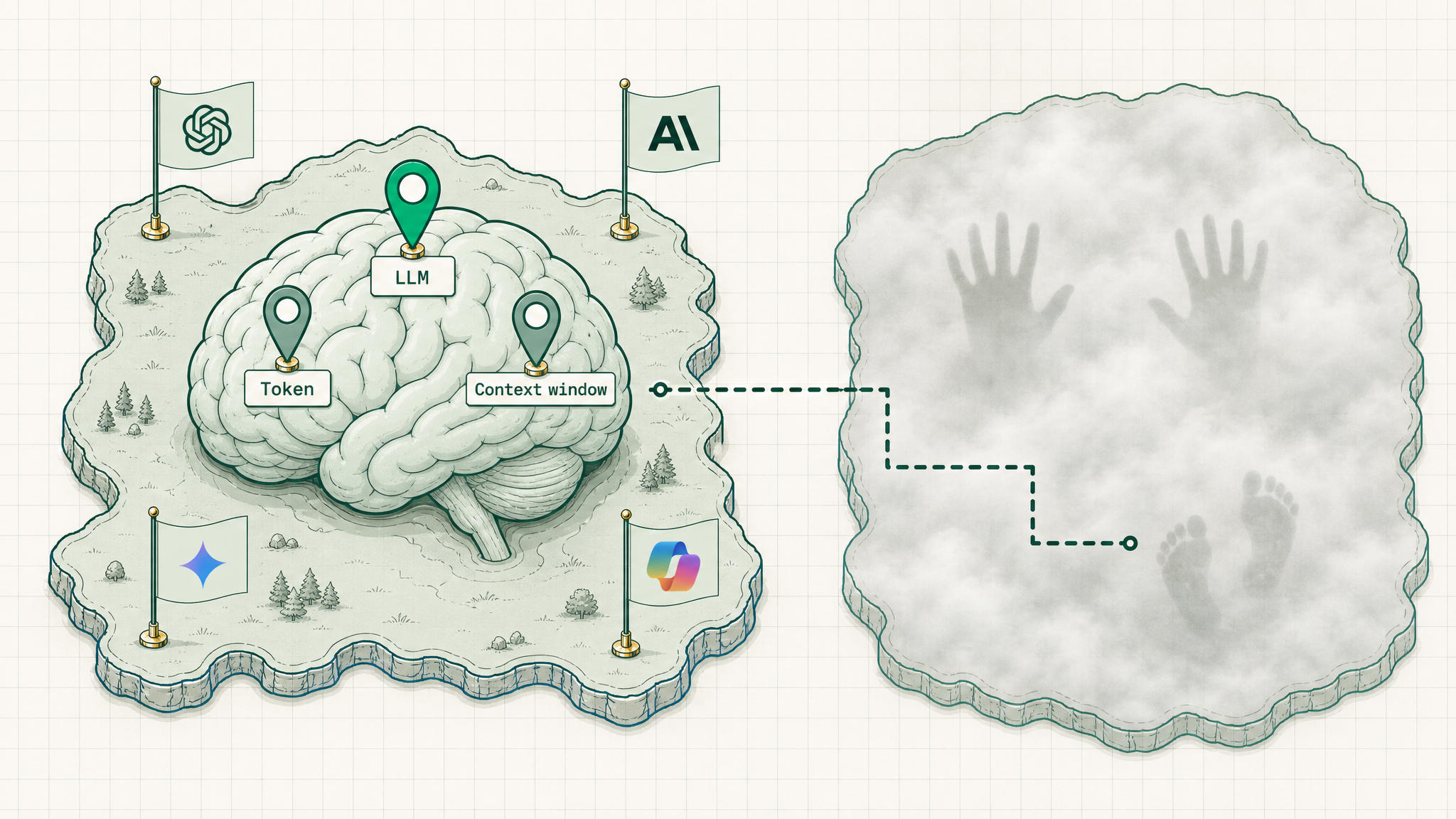
The first three words live in the brain🖼Image
LLMThe brain itselfthe model that makes all of it work
TokenThe unit it thinks inwhat everything gets counted in
Context windowIts working memoryhow much it holds at once
02
LLM — the Brain
A prediction machine trained on text
The model
It predicts the next word

A large language model is a brain trained on a huge slice of the internet; it works by predicting the next piece of text, one step at a time.
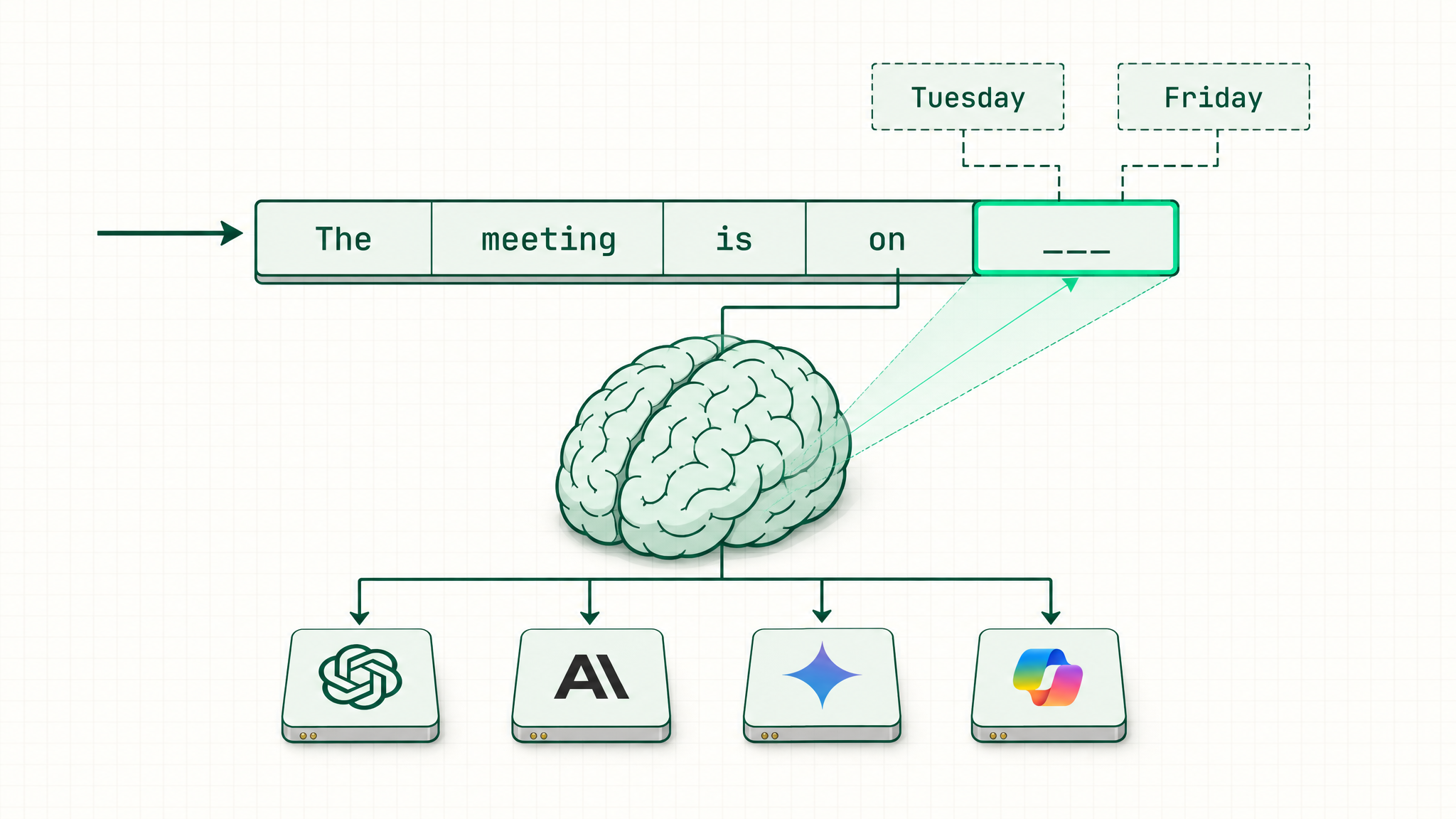
It predicts the next word🖼Image
Trained, not programmedIt read a huge pile of textnobody wrote the rules, it learned the patterns
Predicts, doesn't look upNo database insideit generates the most likely next words
That's the whole trickAutocomplete, scaled upa simple idea that goes a long way
So what
Brilliant, and sometimes confidently wrong

Because it predicts instead of looking things up, it can sound completely sure and still be wrong; the move is to use it like a sharp intern and check anything that matters.
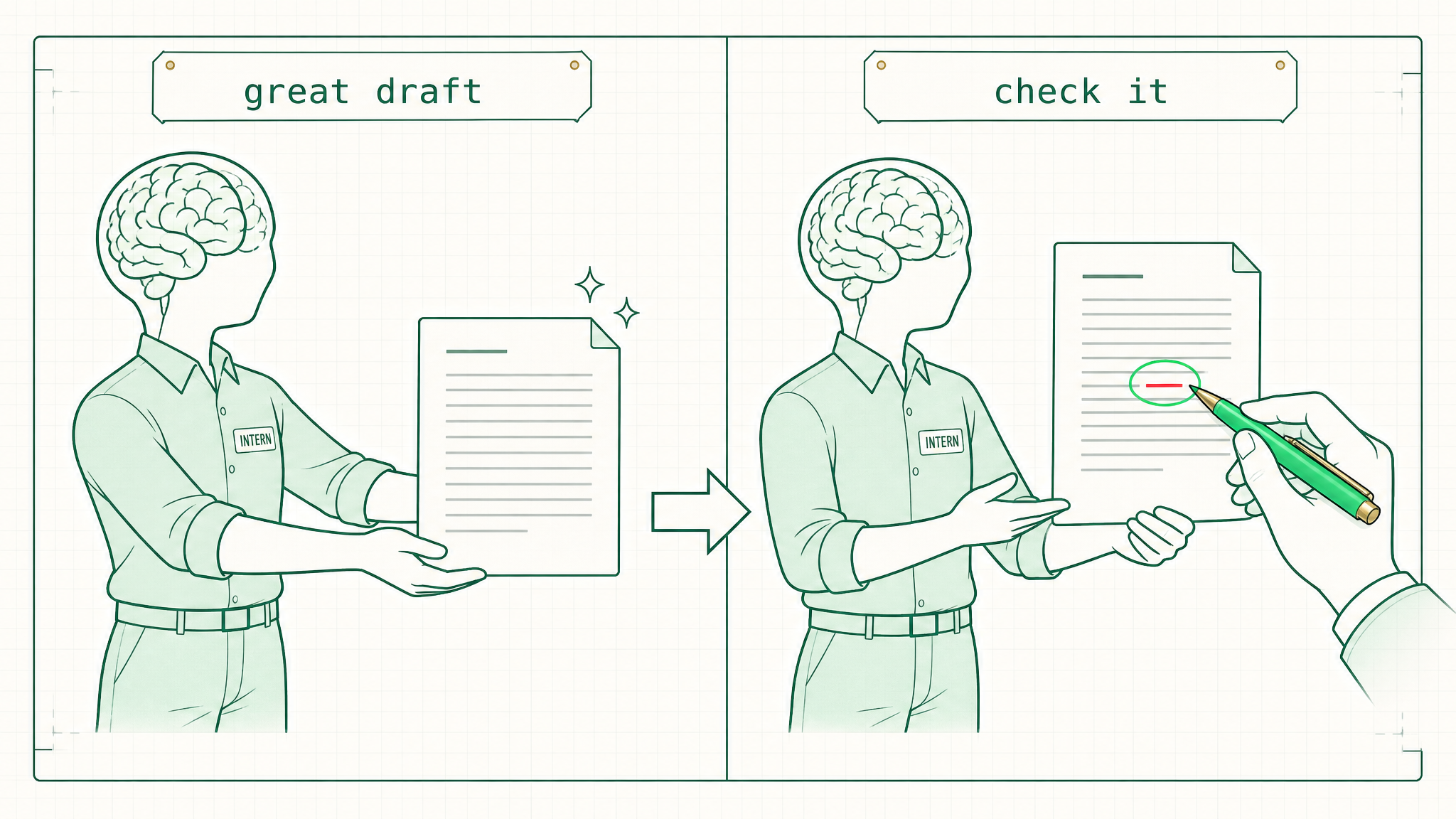
Brilliant, and sometimes confidently wrong🖼Image
Great first draftSales emails, summaries, rewritespoint it at language work and it flies
Makes things upThe "hallucination"it fills gaps with confident, plausible text
So a human checksTrust, but verifythe number in a proposal, the clause in a contract
03
Token — the Unit
the unit it thinks in
The unit and the meter
It reads in pieces, not words

Every word gets chopped into small chunks called tokens; that's the unit the brain reads in, and the unit everything gets counted in.
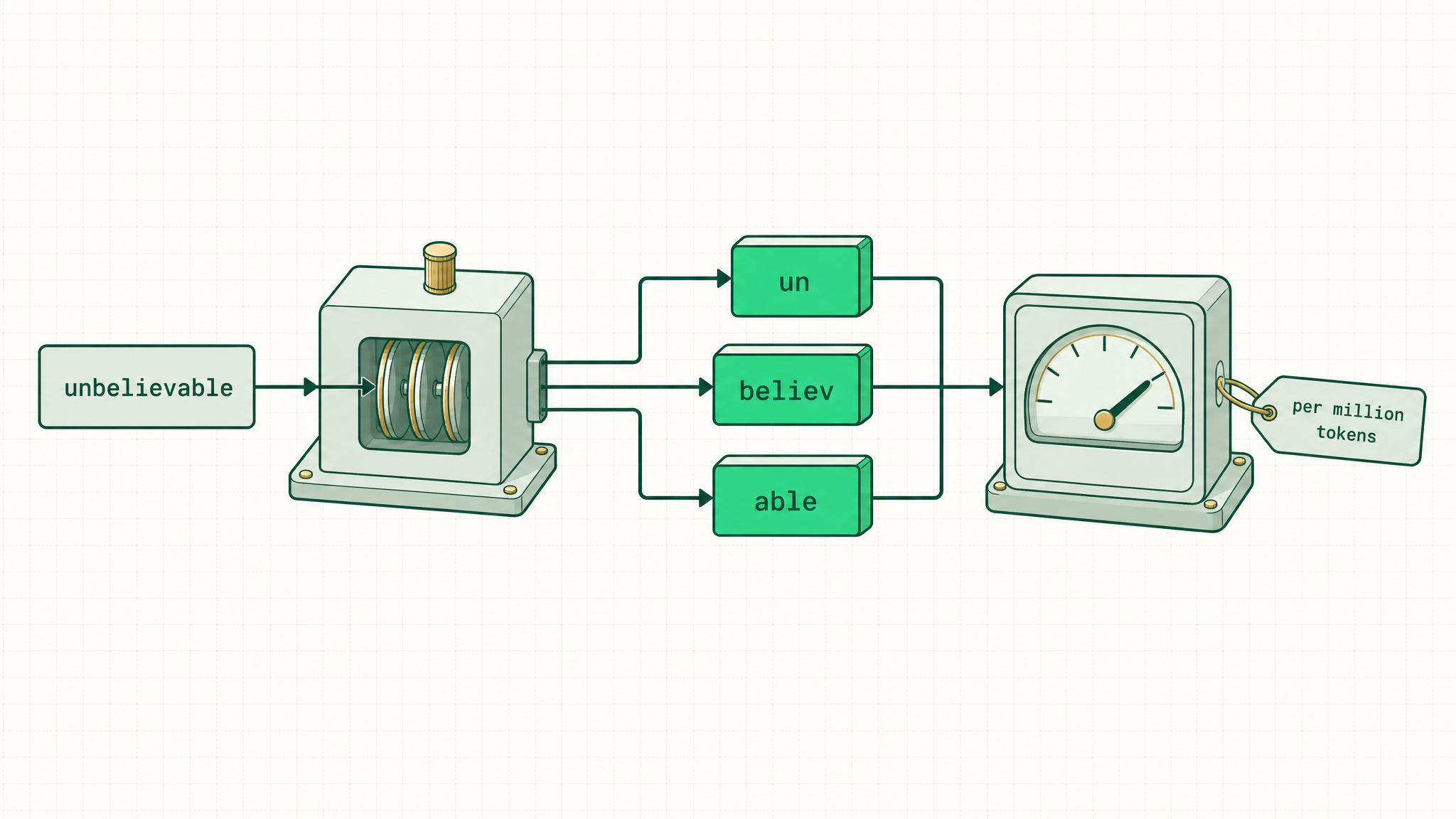
It reads in pieces, not words🖼Image
The chunkAbout ¾ of a word"unbelievable" becomes "un / believ / able"
The meterWhat it's all counted incost, speed, and limits are tokens
The vendor line"Per million tokens"now that price on the quote makes sense
04
Context Window — the Memory
its working memory
Working memory
How much it holds in its head

The context window is the brain's working memory: everything it can keep in mind at once, measured in tokens.
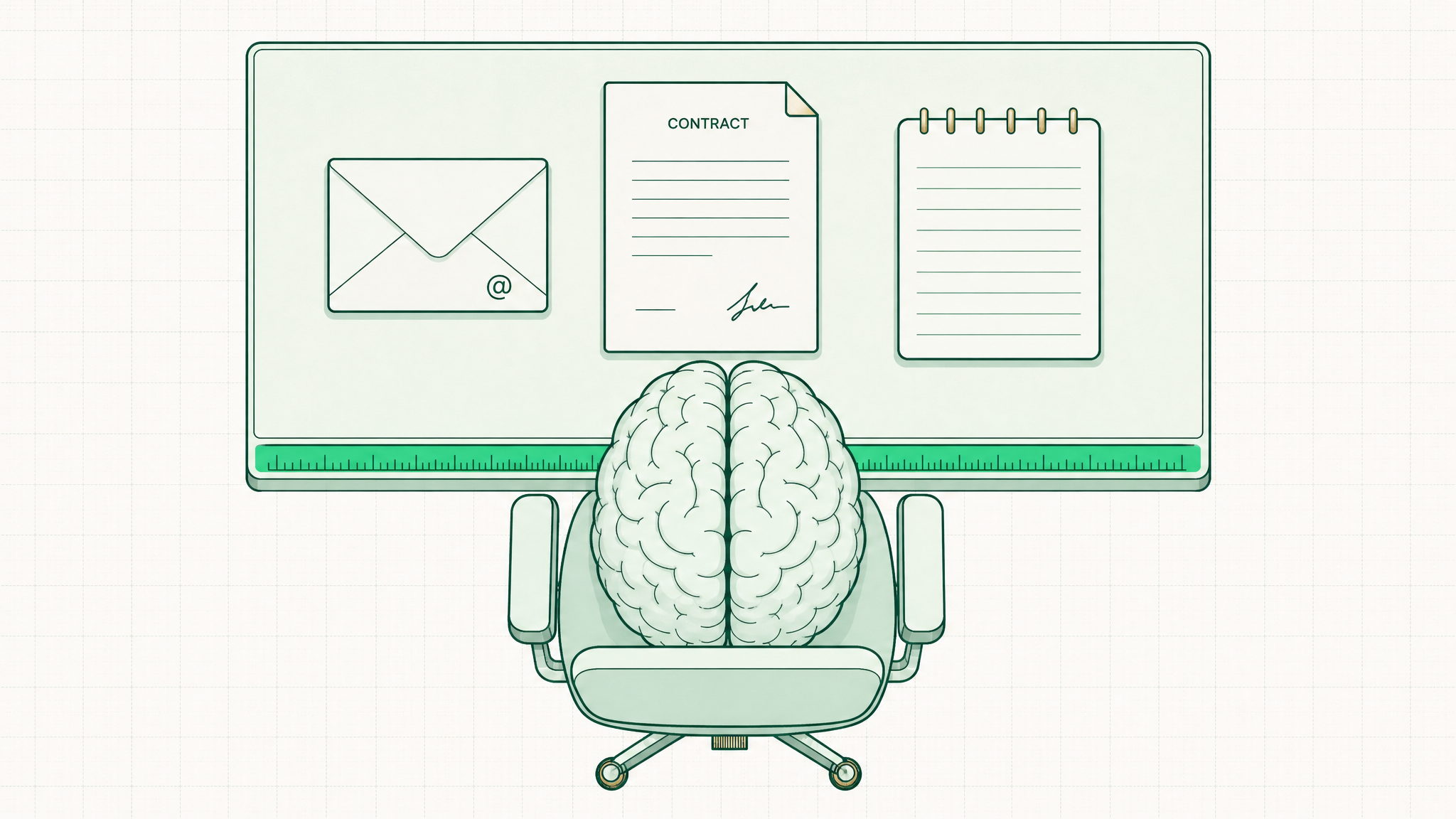
How much it holds in its head🖼Image
The deskThe space it works acrosswhat it can think about right now
Measured in tokensThe same unit againa window is just a token budget
So what
Fill it up, the early stuff slips out

When the working memory fills, the oldest things fall away, which is why a long chat forgets how it started, and why a bigger window can take on a whole document at once.
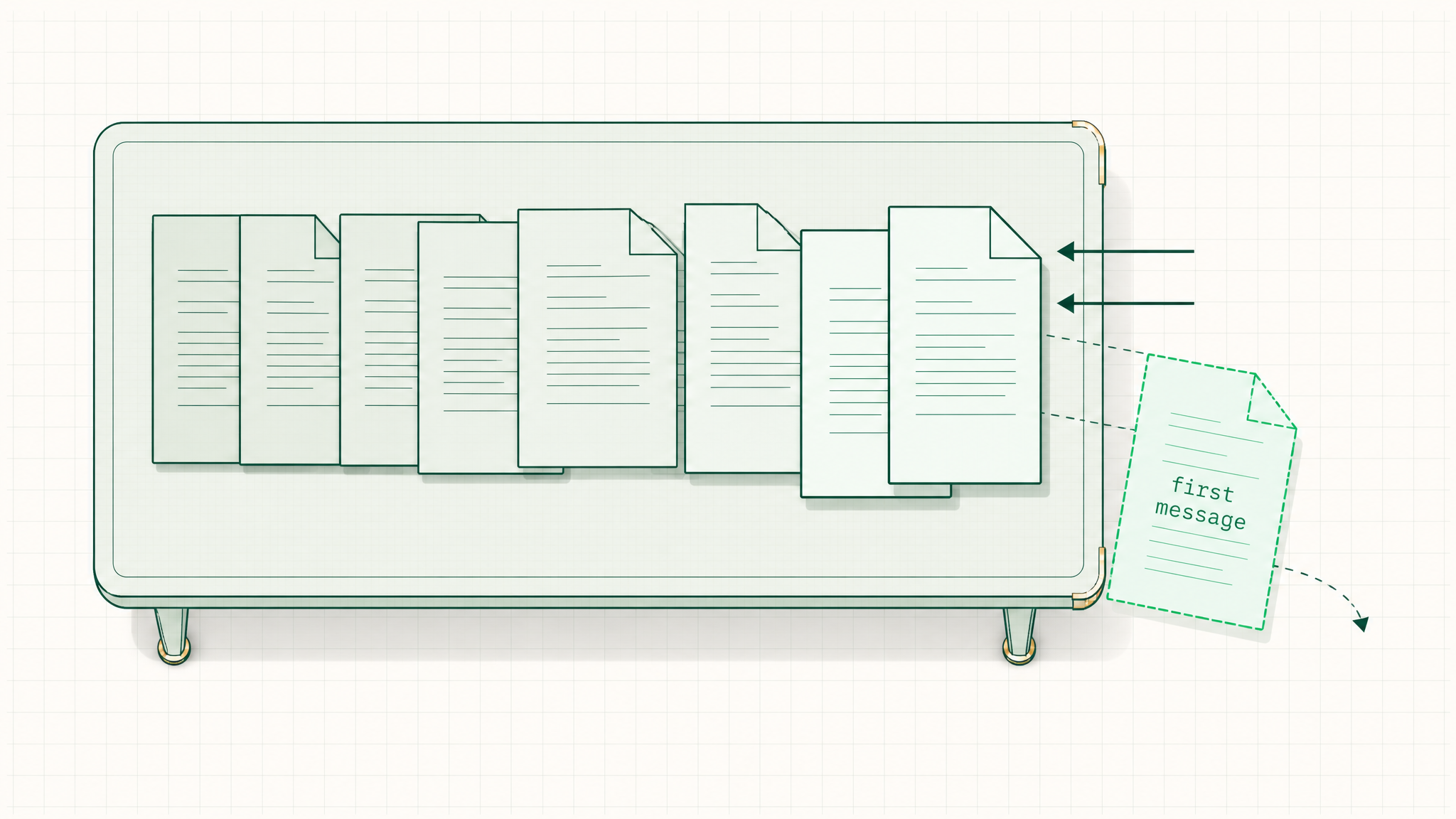
Fill it up, the early stuff slips out🖼Image
That's the forgettingLong chats driftthe start slips out as it fills
A whole deal in memoryDrop in the email threadask where the risk is, across all of it
A whole quarter at onceCall notes, an SOP, a contractheld in mind and reasoned over together
05
Harness — Hands and Feet
what gives it hands and feet
Hands and feet
Brilliant, but it just sits there

That was the original ChatGPT: a brilliant brain to talk to that couldn't reach an inbox, a file, or the web, or take a single action. What a brain needs is hands and feet.
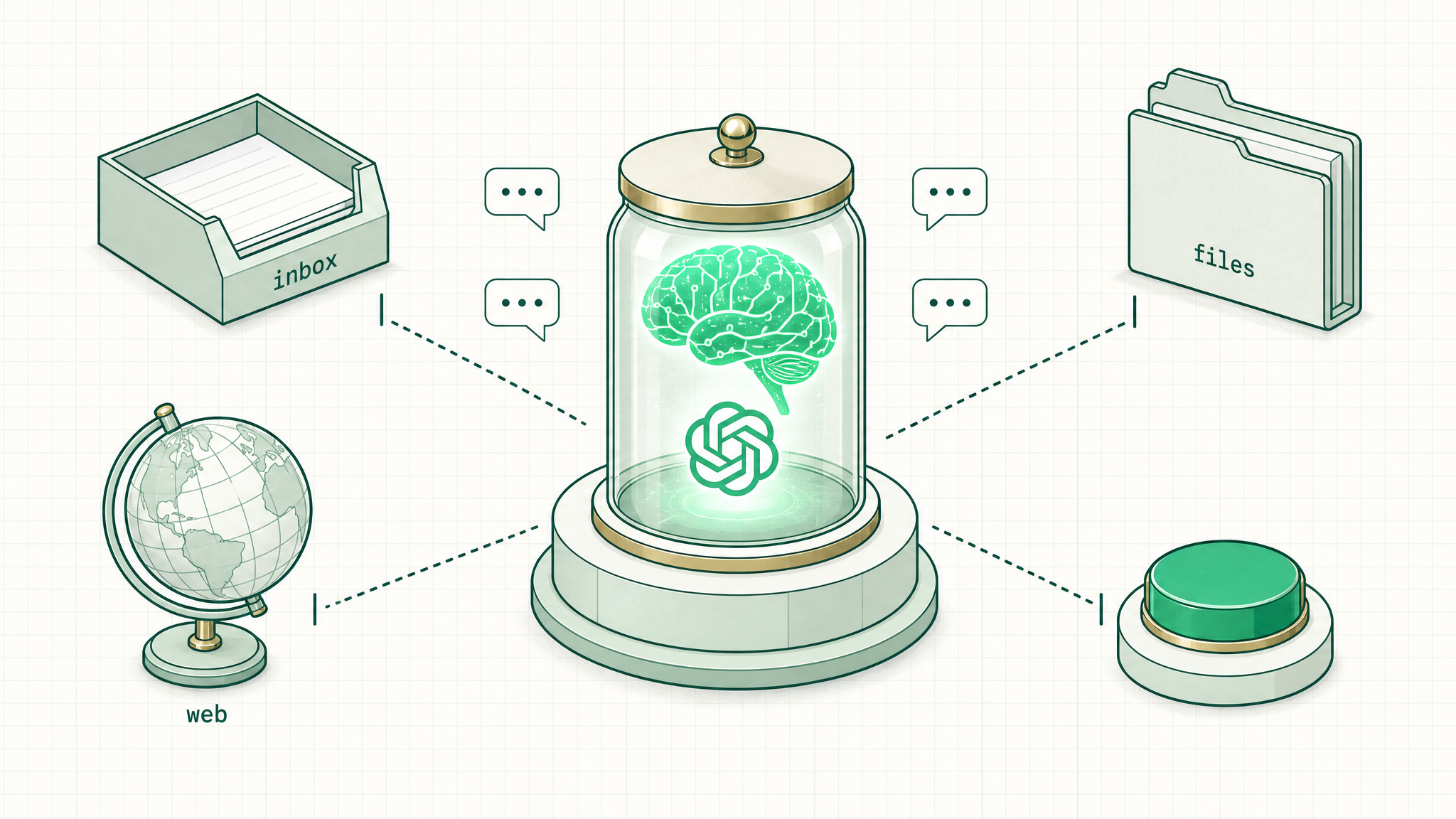
Brilliant, but it just sits there🖼Image
It can only talkEvery answer, no actionbrilliant replies, and that's the whole show
Nothing to reach withNo inbox, no files, no webit can't press a single button
The fixHands and feeta body around the brain — the next word
The body
The harness gives it hands and feet

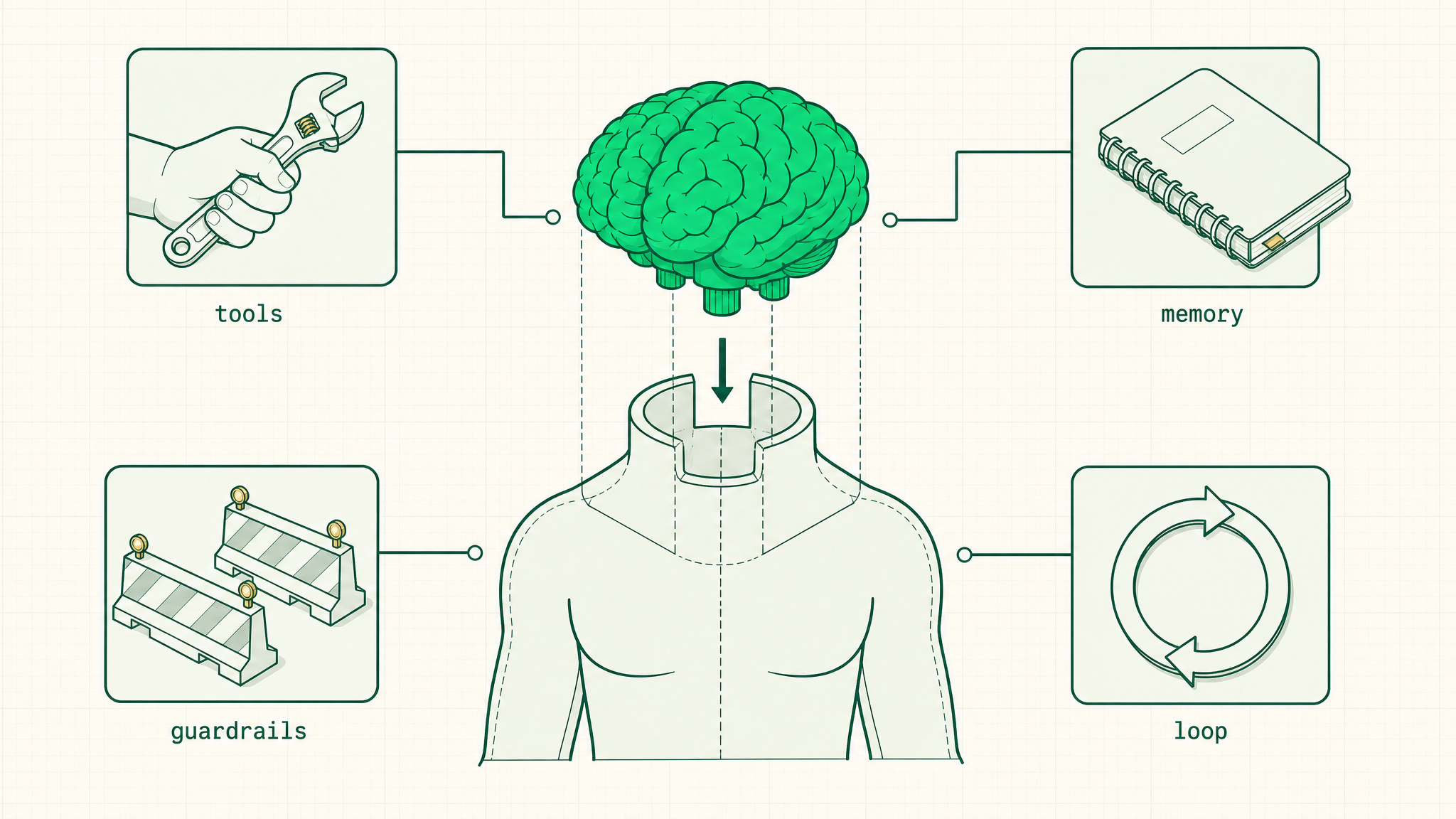
The harness is the body built around the brain: everything that lets it reach real tools, remember, and take action.
The harness gives it hands and feet🖼Image
ToolsHands to reach withemail, files, the web, the CRM
MemoryNotes it keepsso it remembers past one chat
GuardrailsWhat it's allowed to dothe rules of the road
The loopKeeps it goingtry, check, try again until it's done
So what
The product is the harness, not the brain

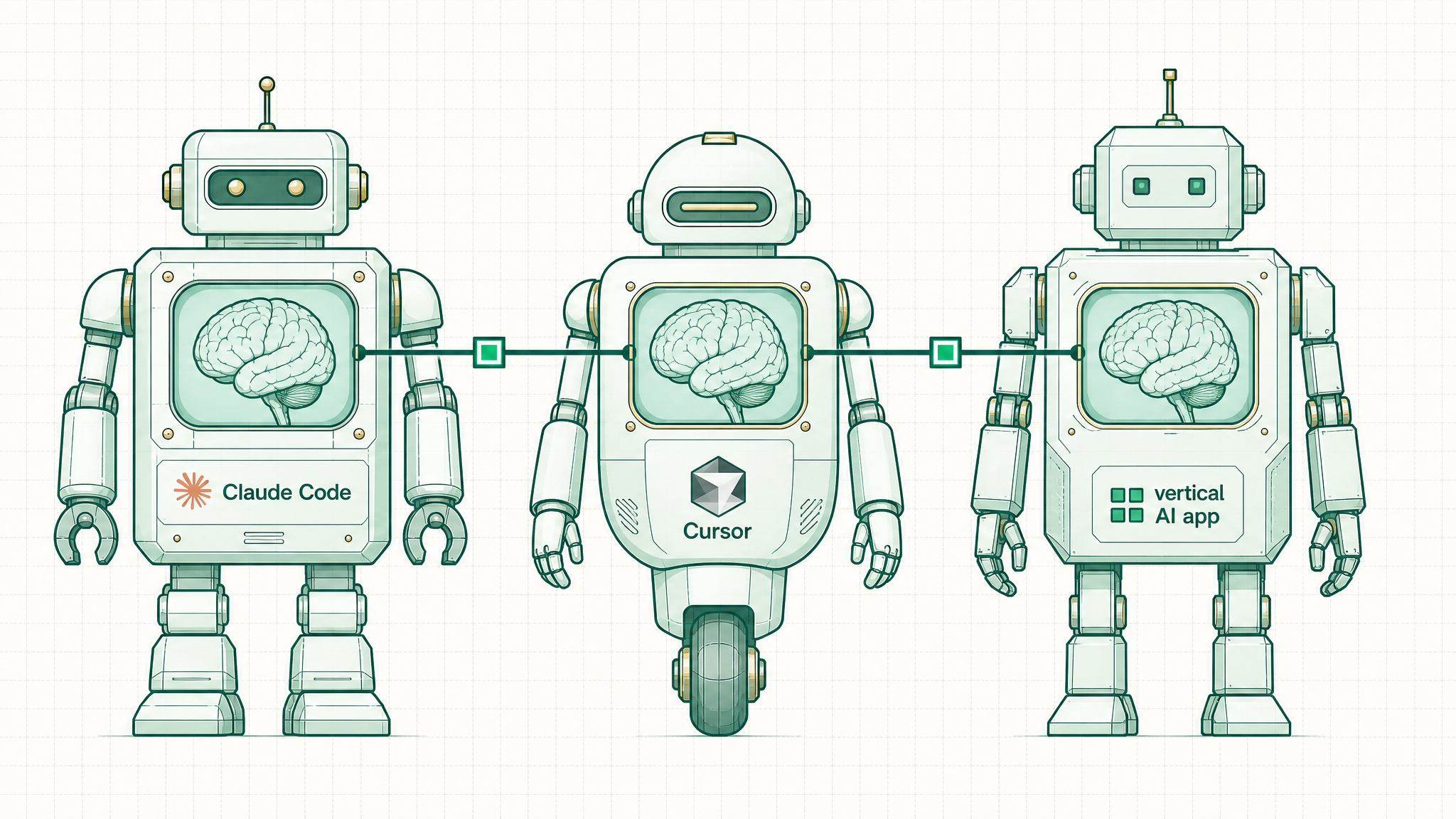
The AI tools anyone actually uses are harnesses wrapped around a model they never see, and the same brain in a better harness does dramatically more.
The product is the harness, not the brain🖼Image
Same brain, different bodyTool vs toolthe model underneath is often identical
ExamplesHarnesses, not modelsClaude Code, Cursor, a vertical AI app
The sharp questionNot "which model"ask "what can it reach and do in the business"
Why now
The harnesses finally got good

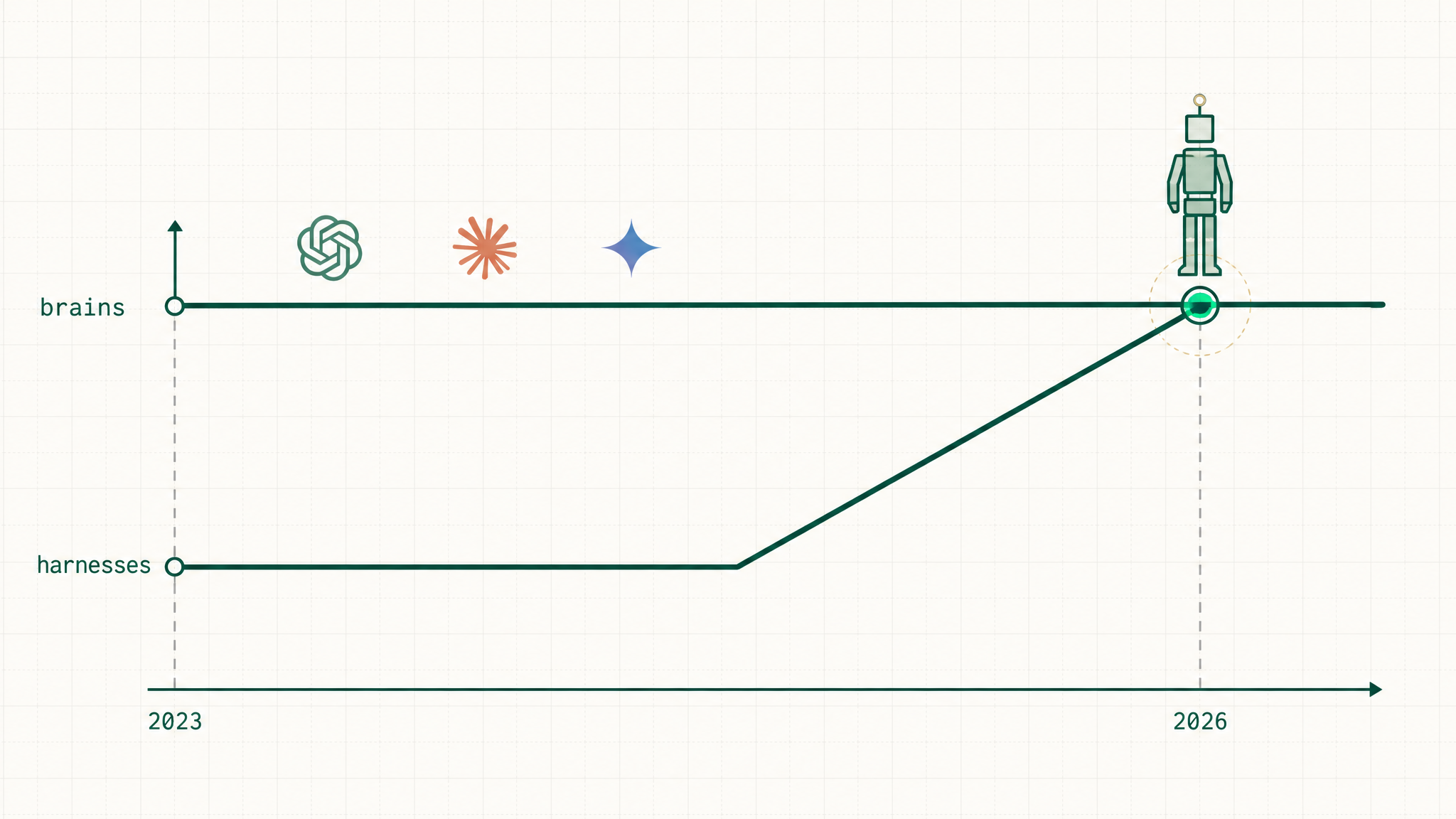
The brains were already smart a while ago; what changed in 2025 and 2026 is the harnesses got good, and that's what set agents loose.
The harnesses finally got good🖼Image
Brains: already thereSmart since around 2023raw capability wasn't the blocker
Harnesses: caught upBetter hands and feetreliable tools, memory, guardrails
Result: agentsThe whole story nowthe body finally matched the brain
06
Agent — the Worker
the brain that can act
Putting it together
The brain gets its body

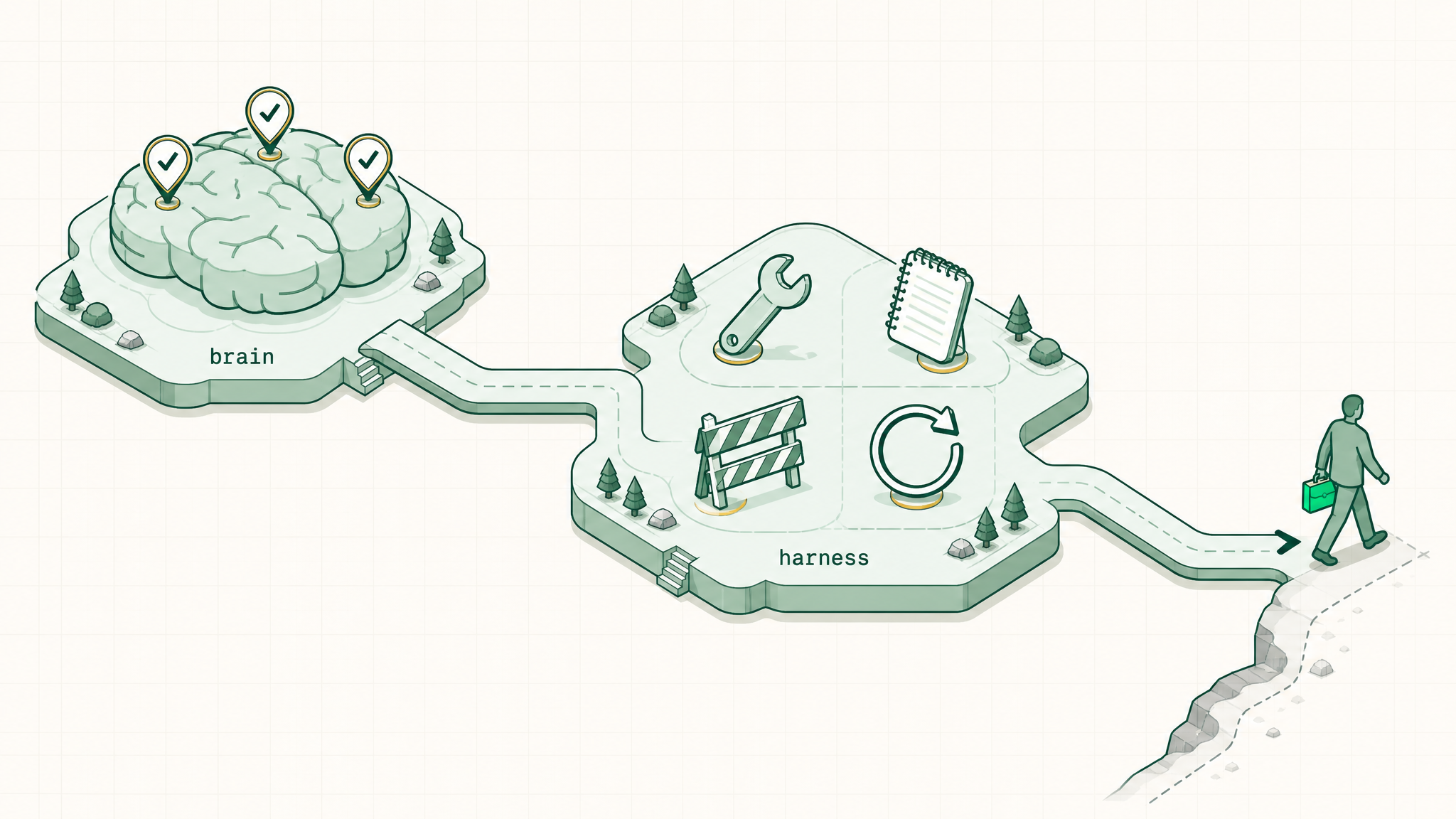
The first three words built the brain; the harness gave it hands and feet. Together that's a whole body, and a brain with a body can finally go do the work.
The brain gets its body🖼Image
The brainThe first three wordsLLM, token, context window: the thinking
The bodyThe harnesstools, memory, guardrails, the loop: the reach
Brain + bodyThe last worda worker that goes and does the job: the agent
The agent
Brain plus body equals a worker

An agent is the brain and the harness working together: it takes action, checks its own work, and keeps going until the job is done.
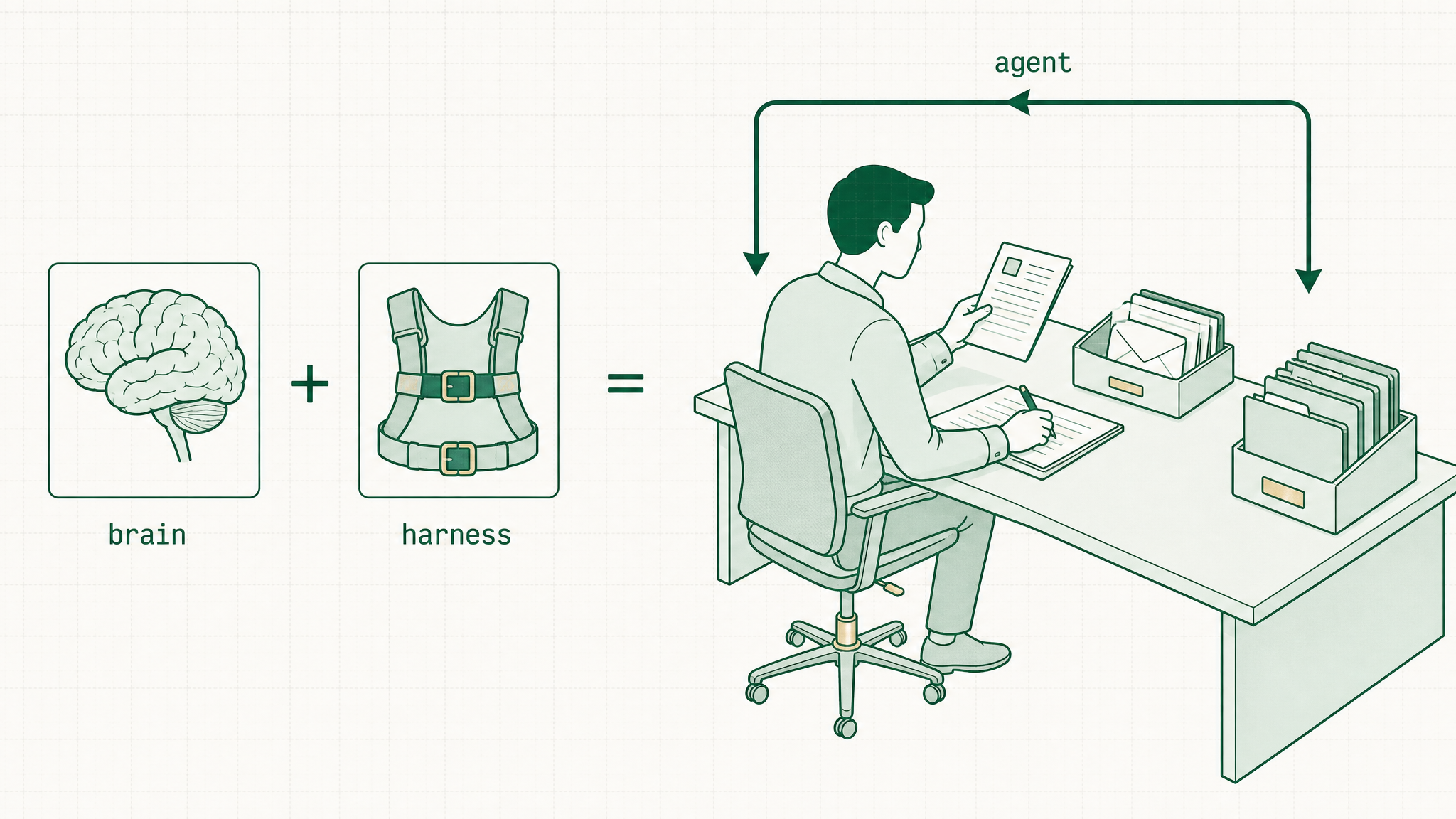
Brain plus body equals a worker🖼Image
Not just an answerIt takes the stepsreads, drafts, files, repeats
Checks itselfTries, catches the misscorrects and keeps going
The real lineChatbot vs worker"drafts an email" becomes "runs the task end to end"
07
Function by Function
What an agent does, function by function
Sales
Sales — the busywork, handled

Point an agent at a deal and it does the steps a rep never has time for, so the rep walks in warm and follows up fast.
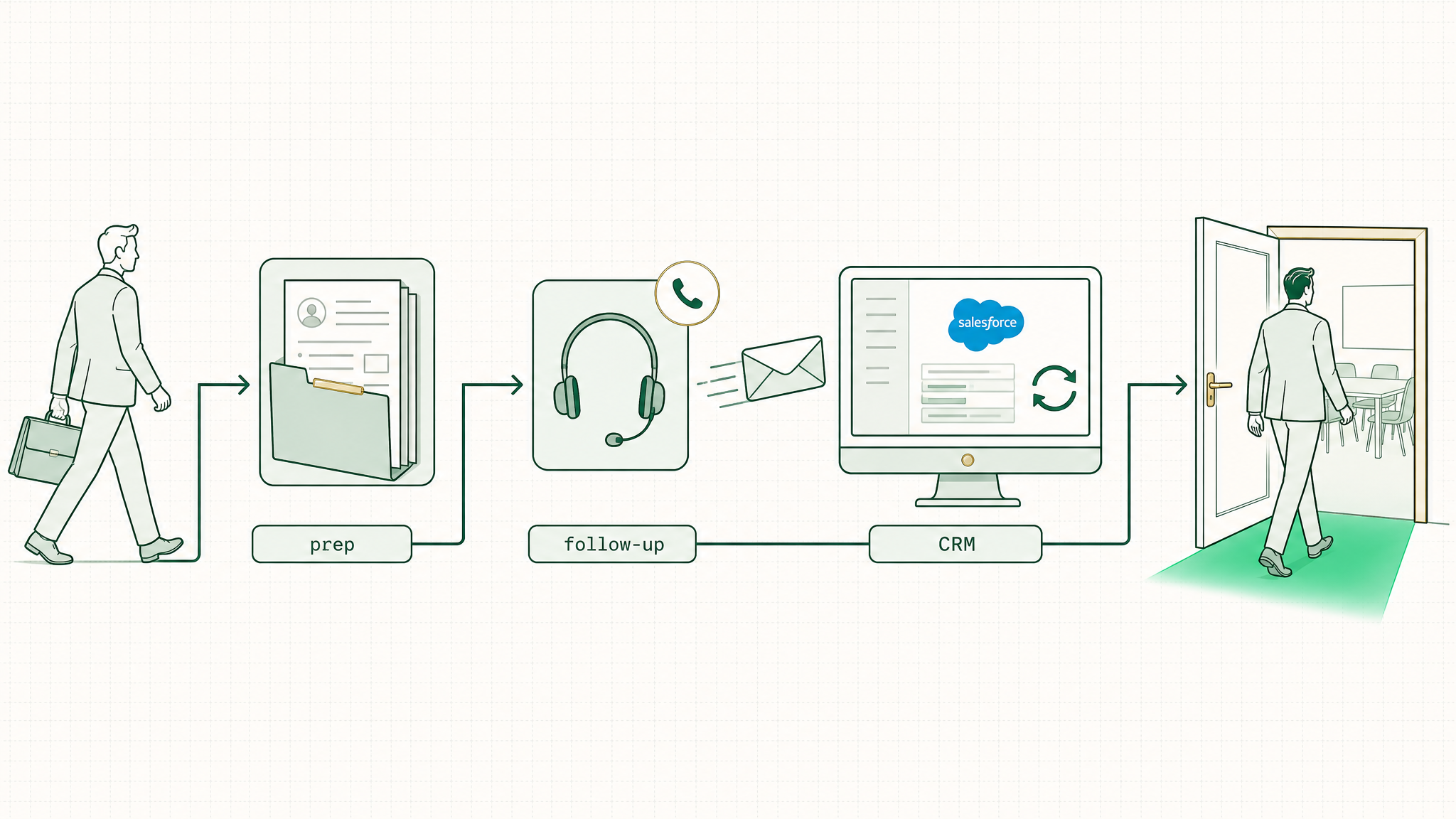
Sales — the busywork, handled🖼Image
Call prepReads the account historywalks in warm with the context
Follow-upDrafts the recap and next stepsminutes after the call, not days
The CRMUpdates the notes itselfthe record stays current without the chore
Marketing
Marketing — more output, same team

Hand an agent one idea and it carries it through the steps, turning a single brief into a week of content.
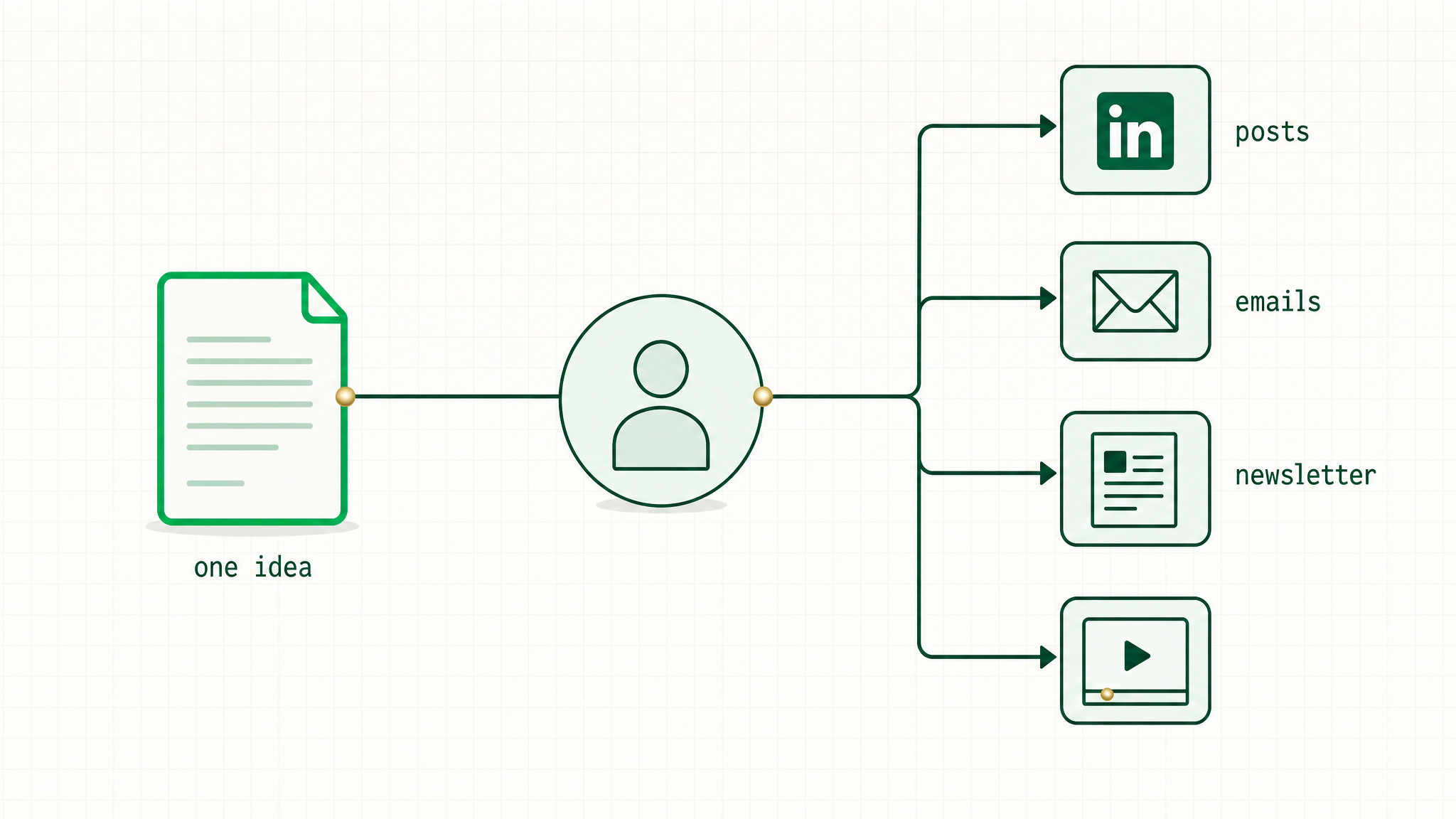
Marketing — more output, same team🖼Image
RepurposeOne piece becomes tena talk becomes posts, emails, a newsletter
First draftsCampaigns and copythe blank page is never the bottleneck
The scanA competitor or market looka research pass that used to take a day
Ops and Support
Ops and Support — the repetitive work, handled

An agent takes the multi-step tasks that eat a team's day and runs them start to finish, with a person approving the result.
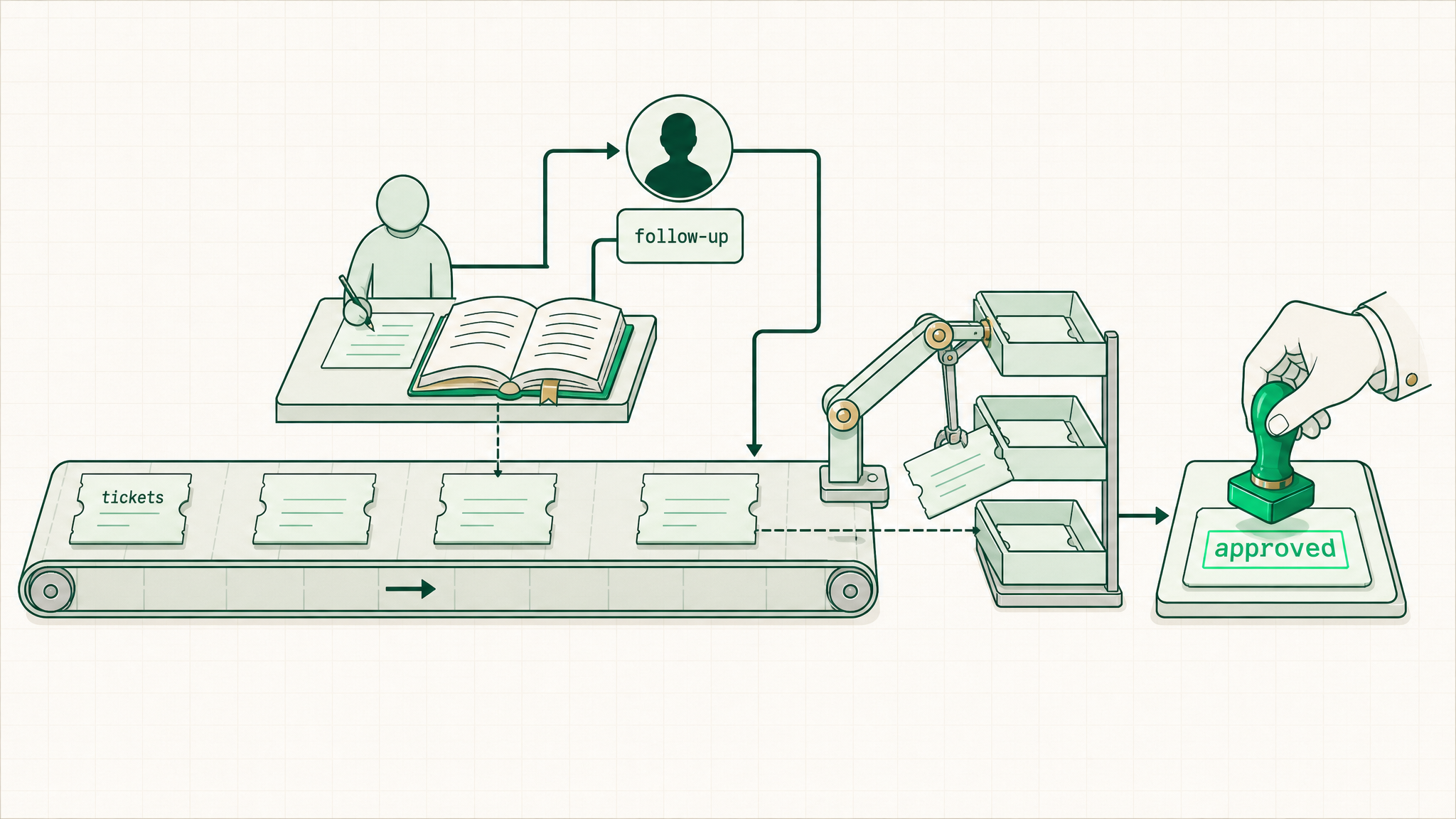
Ops and Support — the repetitive work, handled🖼Image
TicketsDrafts the reply from the knowledge basethe team approves and sends
ChasingFollows up for the missing infothe loop nobody likes to babysit
FilingLogs, tags, and routes itthe busywork that keeps the place organized
08
The 5-Word Lens
The five-word lens on any tool
The lens
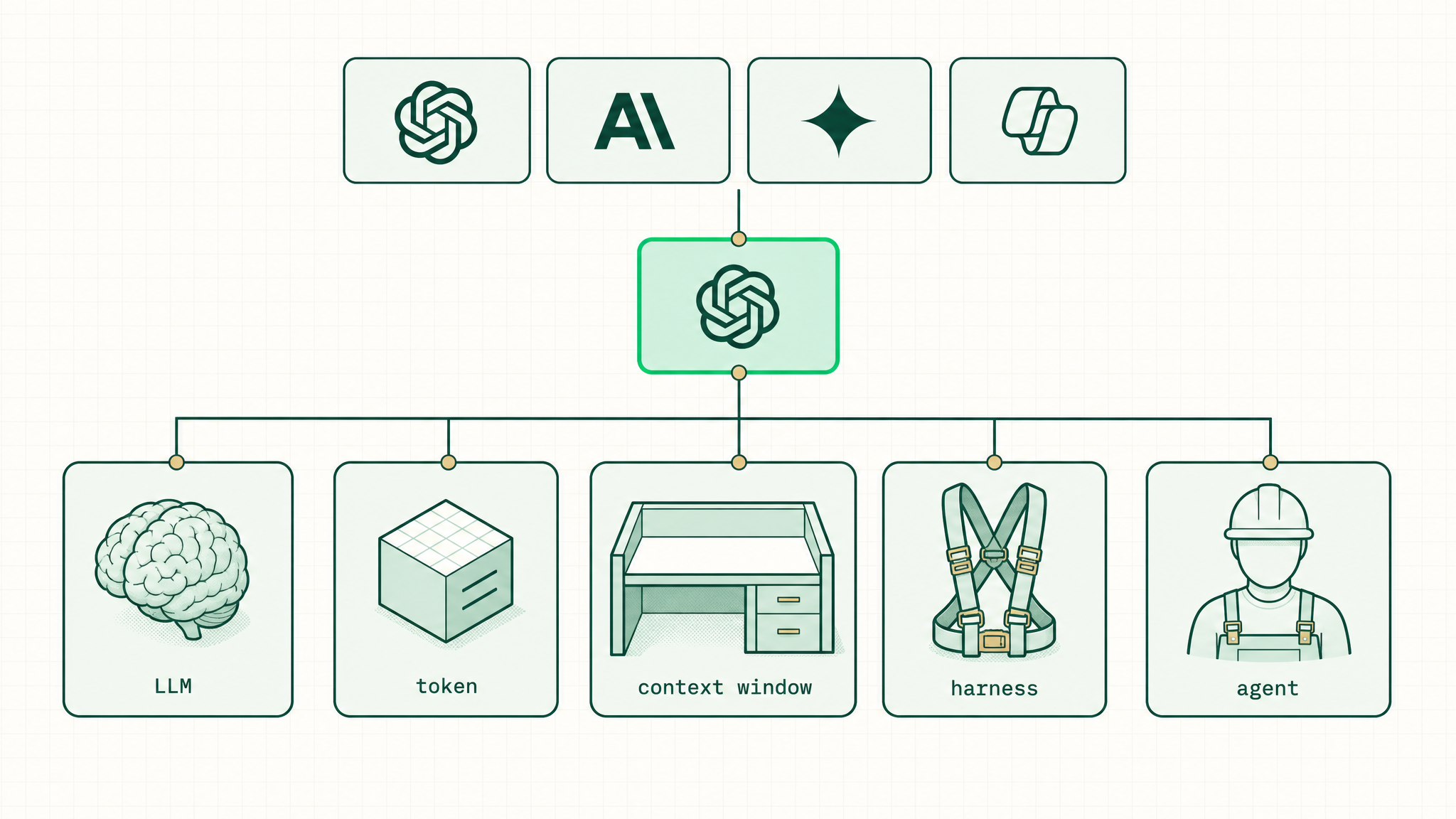
Read any tool in five words

Put any AI product on these five words and its whole story shows up: how capable it is, what it costs, how much it holds, what it can do, and whether it can act.
Read any tool in five words🖼Image
LLMThe brainhow capable the model is
TokenThe unitwhat it costs, counted in tokens
Context windowThe memoryhow much it holds at once
HarnessThe bodywhat it can reach and do
AgentThe workerdoes it act, or just answer
Action steps
The one move this week

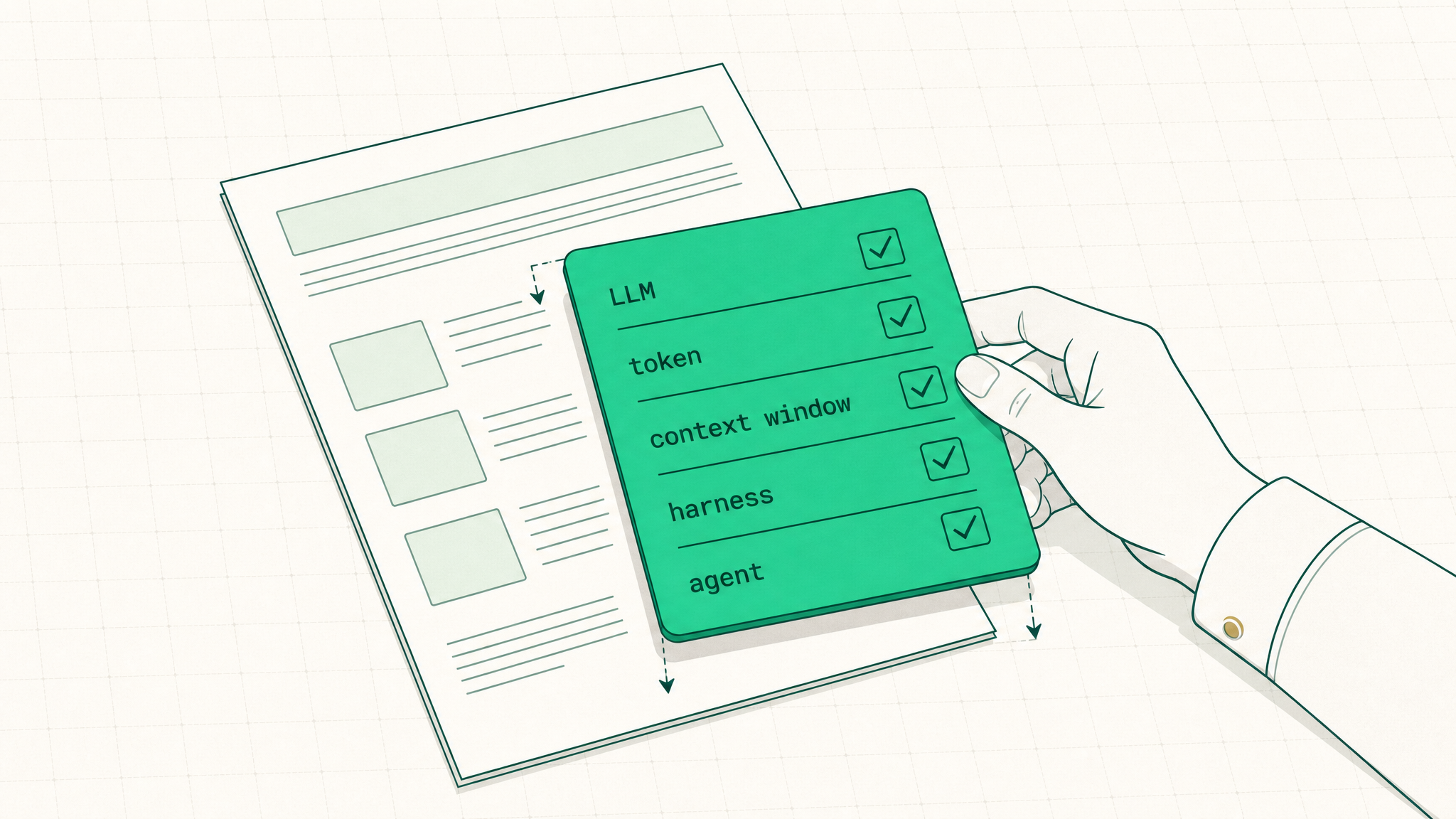
Next time an AI tool or vendor shows up, place it on the five words and ask what its harness can actually reach and do; that one habit is what separates the people who get AI from the people who don't.
The one move this week🖼Image
Place itBrain, memory, harness, agentname where the tool sits
Ask the sharp question"What can it actually do"not "which model is it"
Keep goingThe next breakdownnext-video topic — set this
5
The 5 Places to Use AI
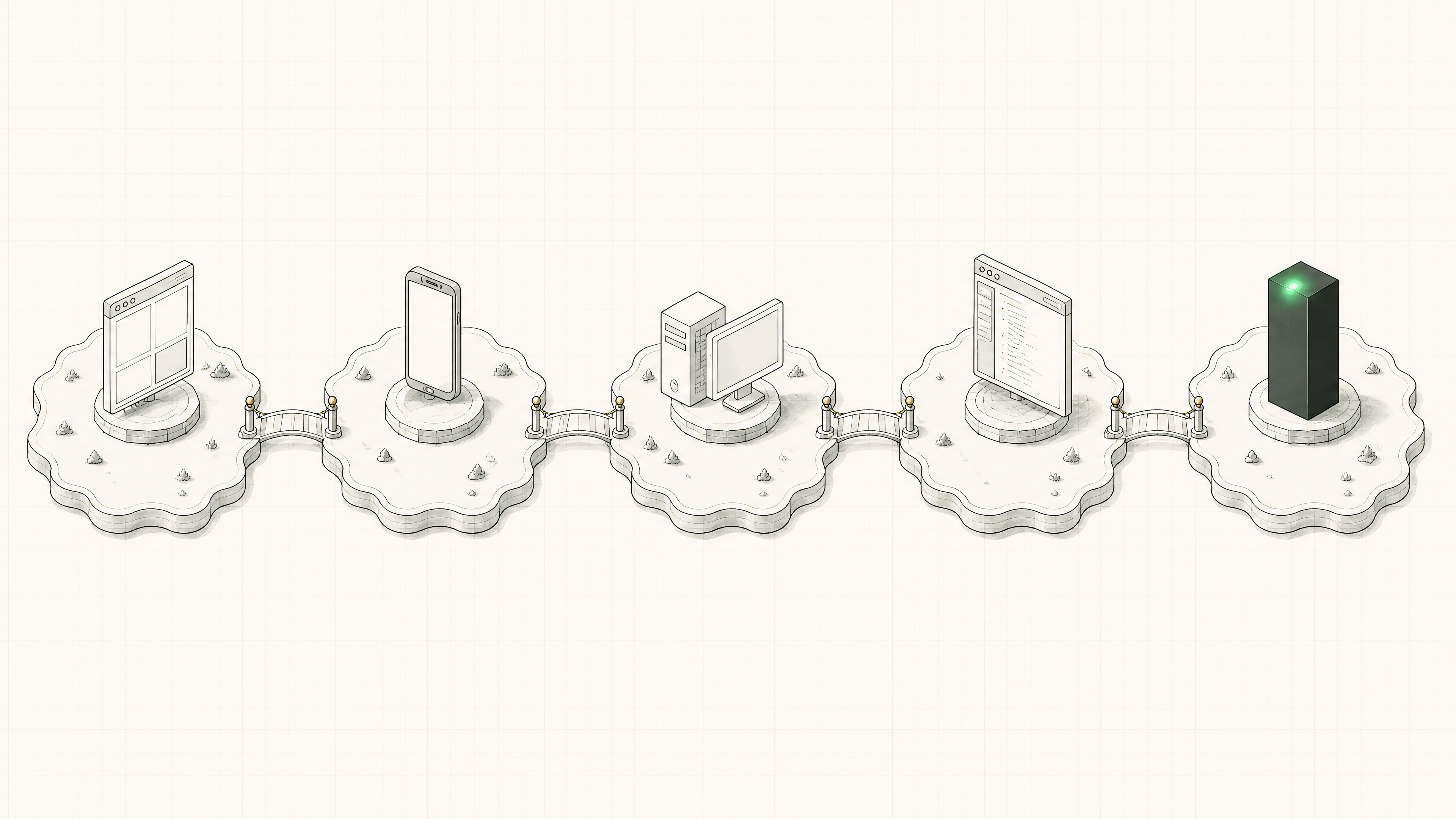
Five pads: browser, phone, desktop, editor, terminal
01
Browser
Place 1
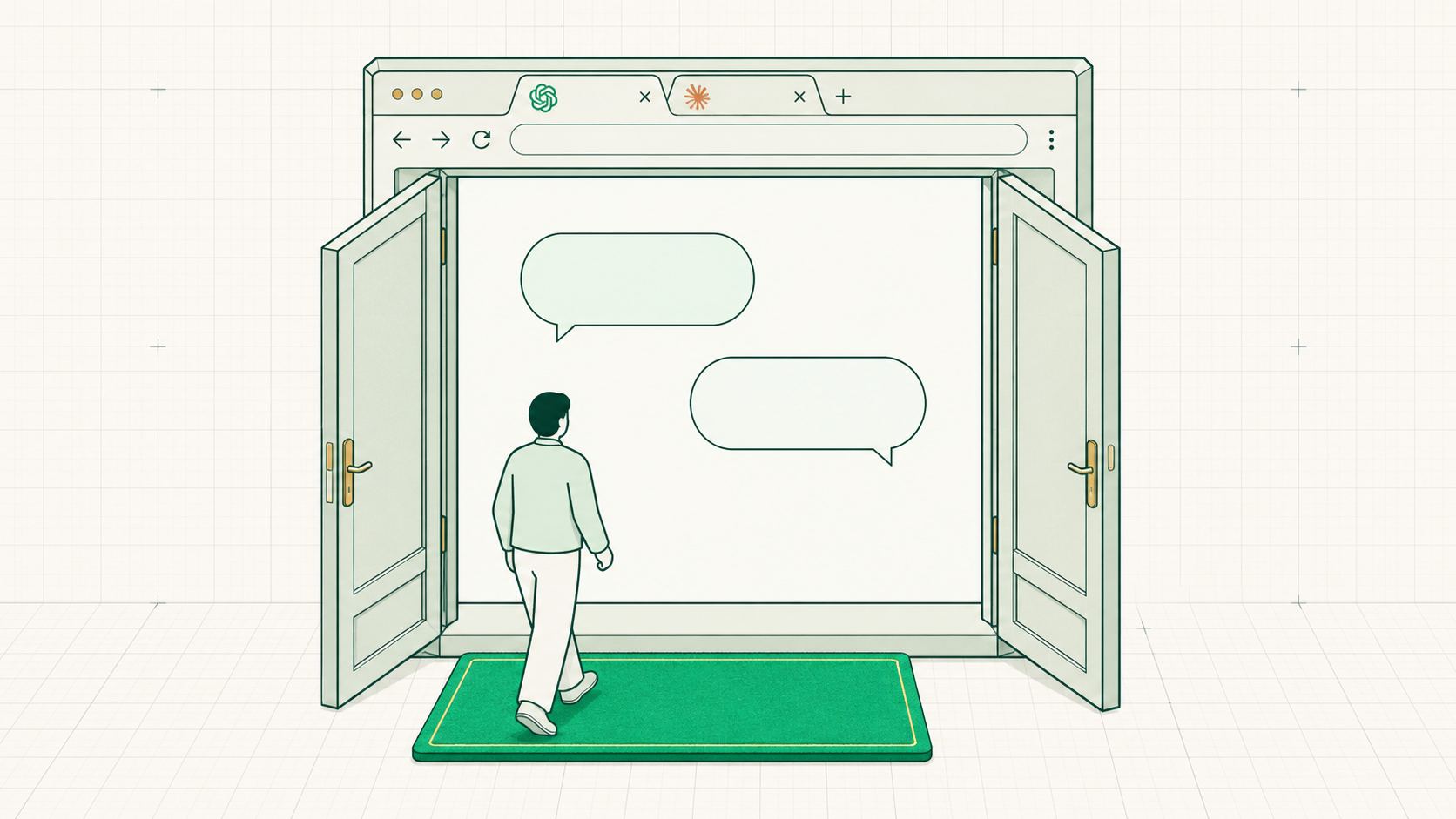
The browser — the front door

ChatGPT or Claude in a tab — the way almost everyone touches AI first: zero setup, nothing installed, log in and type.
The browser — the front door🖼Image
EXAMPLESchatgpt.com, claude.aiAI as a website
THE TRADEEasiest, lightestnothing installed also means nothing on the computer it can reach
02
Mobile App
Place 2
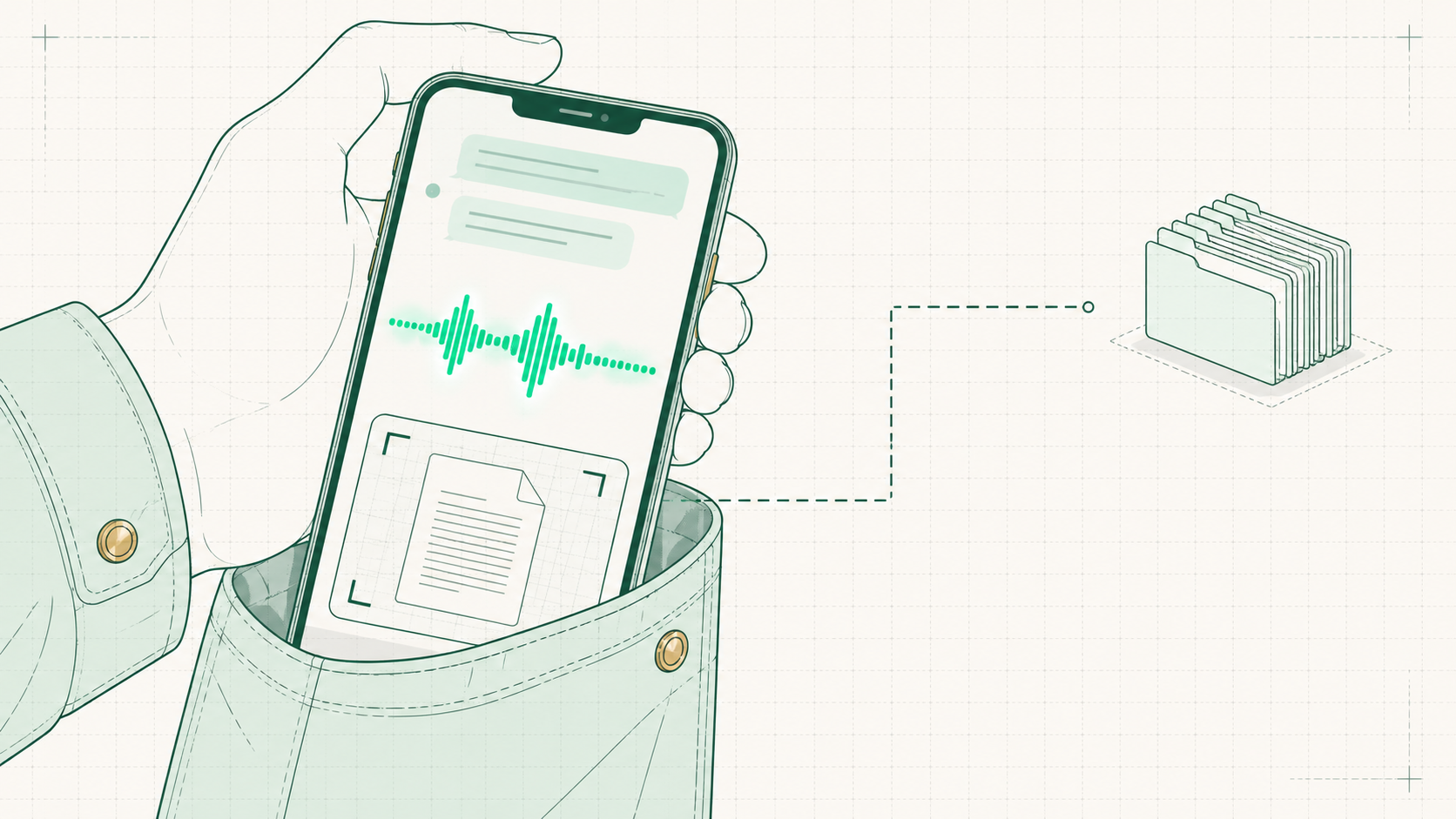
The phone — AI in the pocket

The same AI, riding in a pocket — voice conversations in the car, a photo of a document, quick questions between meetings.
The phone — AI in the pocket🖼Image
GOOD FORVoice and quick hitstalking through an idea, snapping a document
THE TRADEMaximum convenienceand the furthest distance from the real files
03
Desktop App
Place 3
The desktop app — moved in

The same chat, installed on the actual computer — closer to the work, and files can already enter the picture here.
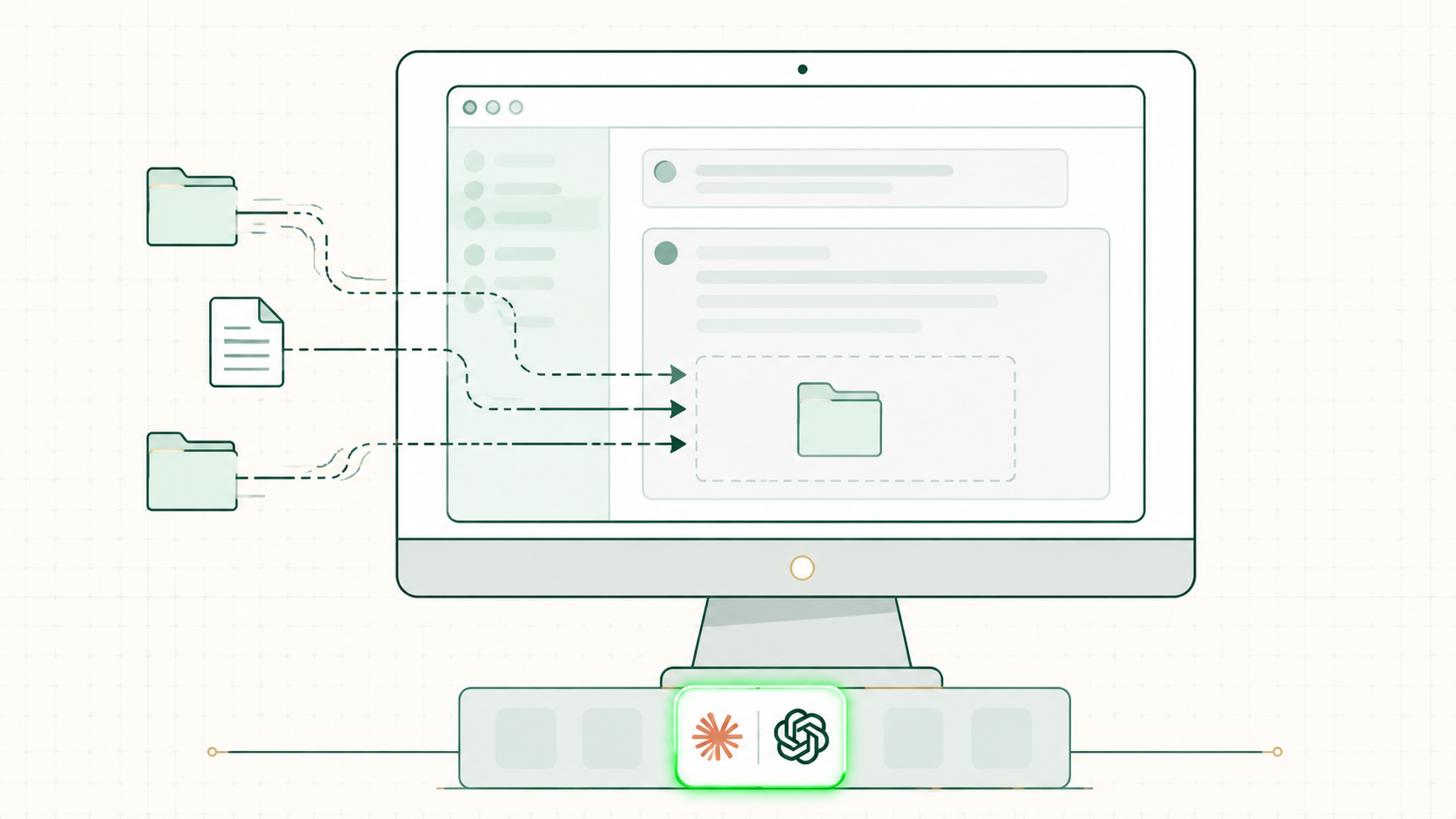
The desktop app — moved in🖼Image
EXAMPLESClaude / ChatGPT desktopthe chat lives in the dock now
THE SHIFTFiles come inreal files and folders, no longer cloud-only
04
VS Code / IDE
Place 4
VS Code — the whole folder

A free editor where the AI works inside a folder of real files — reading them, writing them, keeping everything about the business in one place.
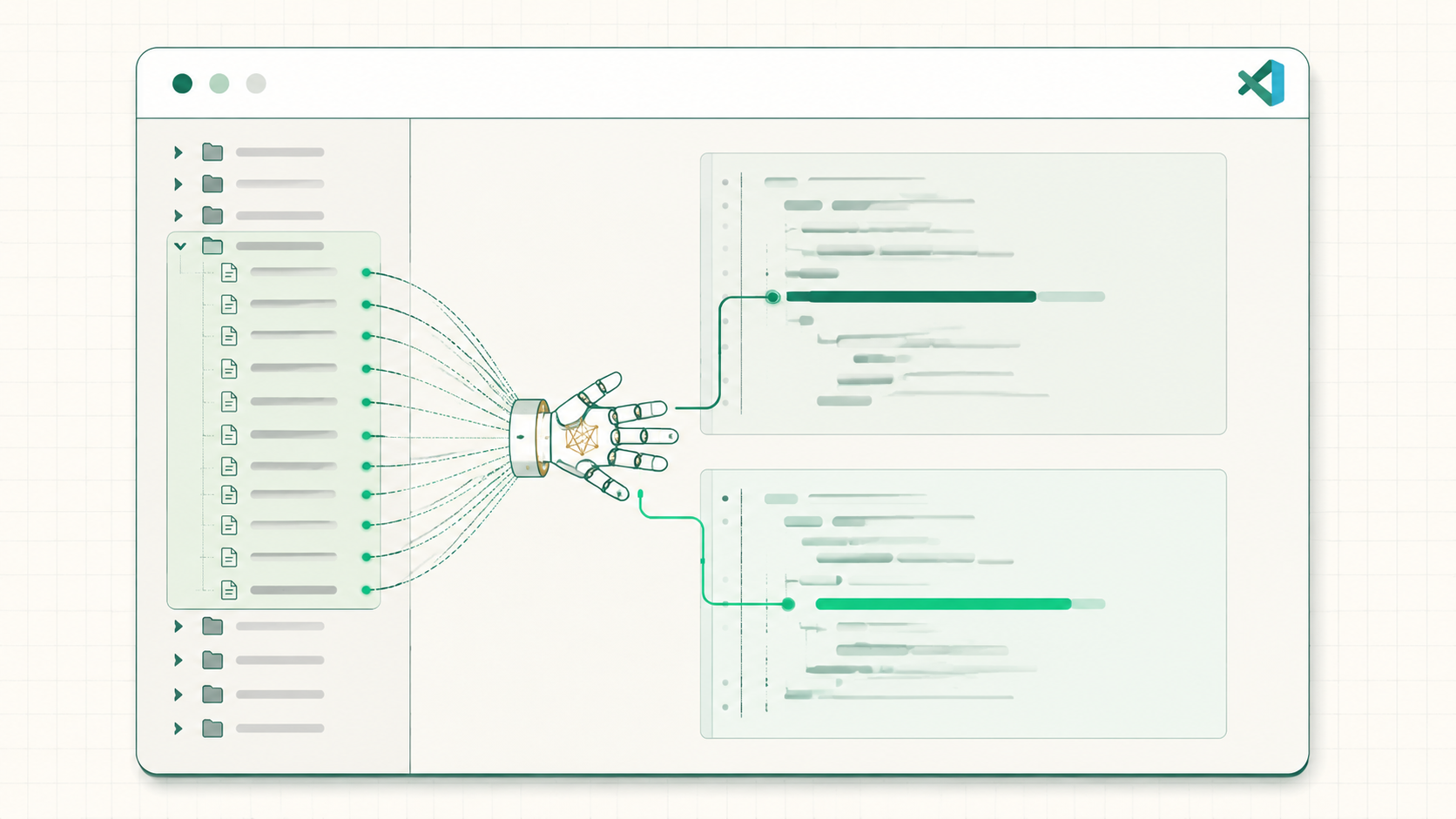
VS Code — the whole folder🖼Image
THE UNLOCKThe whole folderthe AI reads and writes every file in it
UP NEXTThe demo homethis is the setup getting built live in the next part
05
Terminal
Place 5
The terminal — full power

The text window developers use — the AI running right on the machine, with the fewest layers between it and the work.
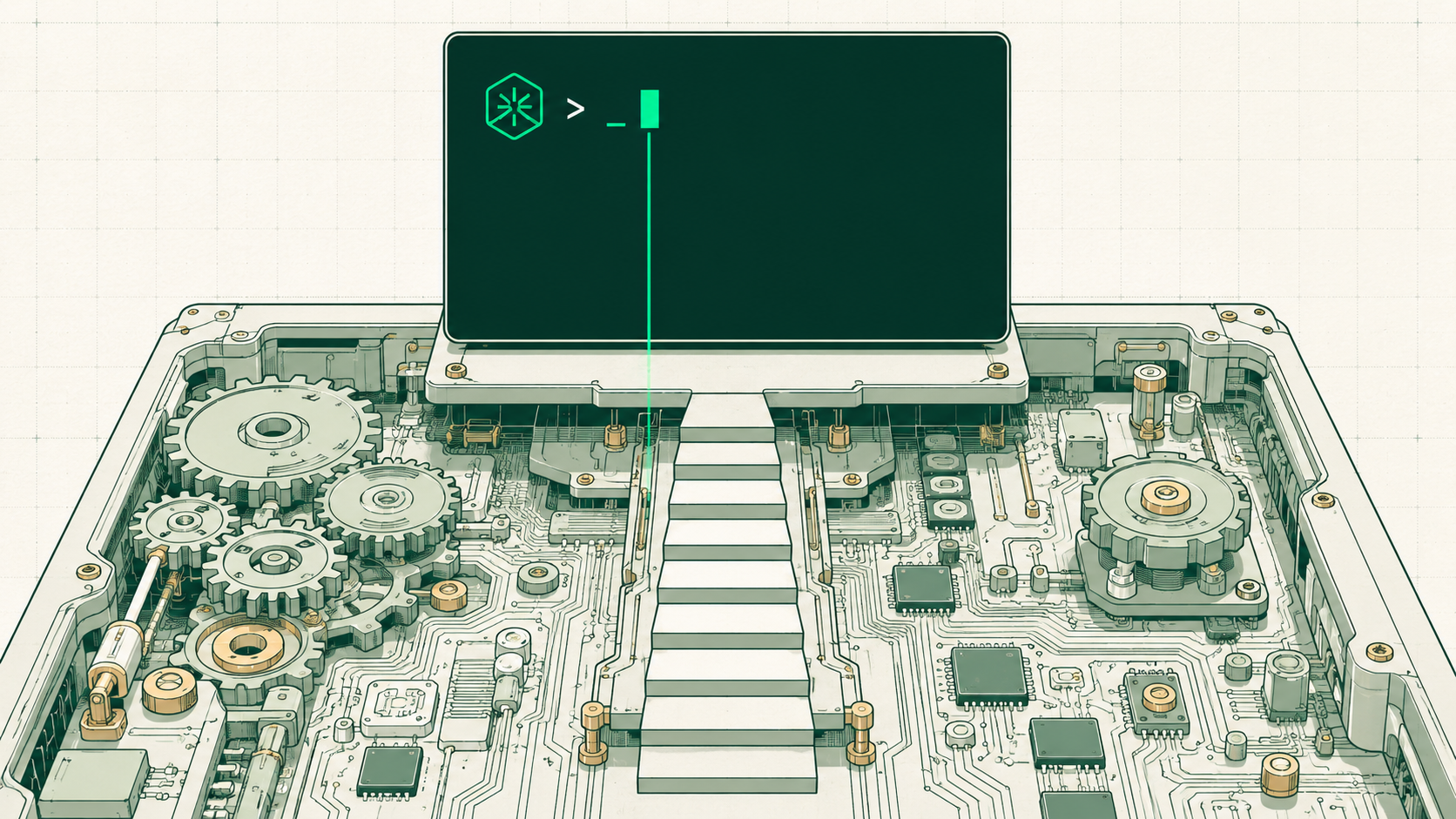
The terminal — full power🖼Image
EXAMPLEClaude Codethe same AI, driving the whole machine
THE TRADEMost powerand the steepest learning curve on the row
6
VS Code Setup
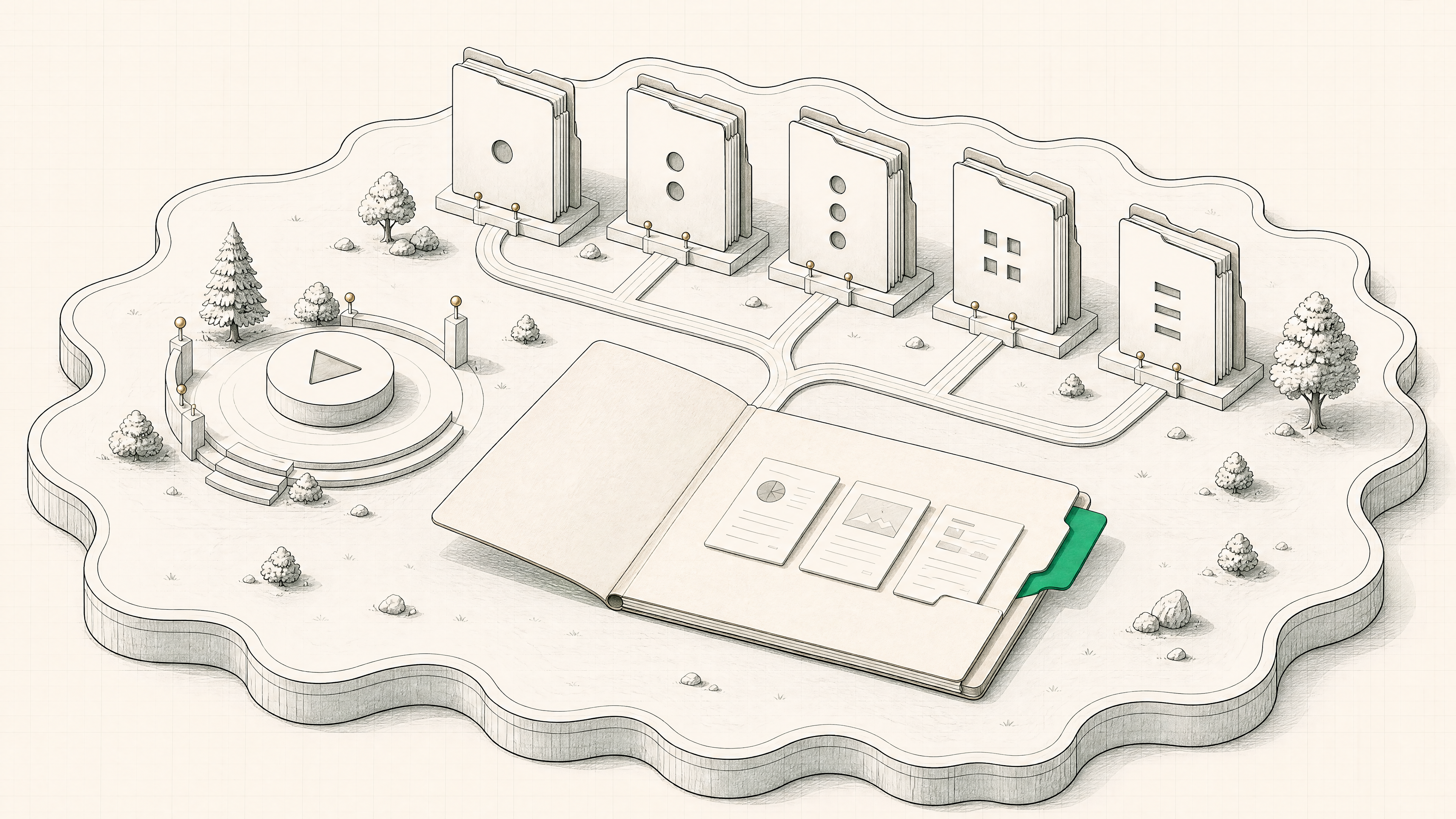
The open _Context folder feeding five job folders
01
Round 1 — the Example
Round 1
Watch one run first

Before any setup, one live example — the AI working inside a real business folder, doing a real task, start to finish.
Watch one run first🖼Image
Round 1
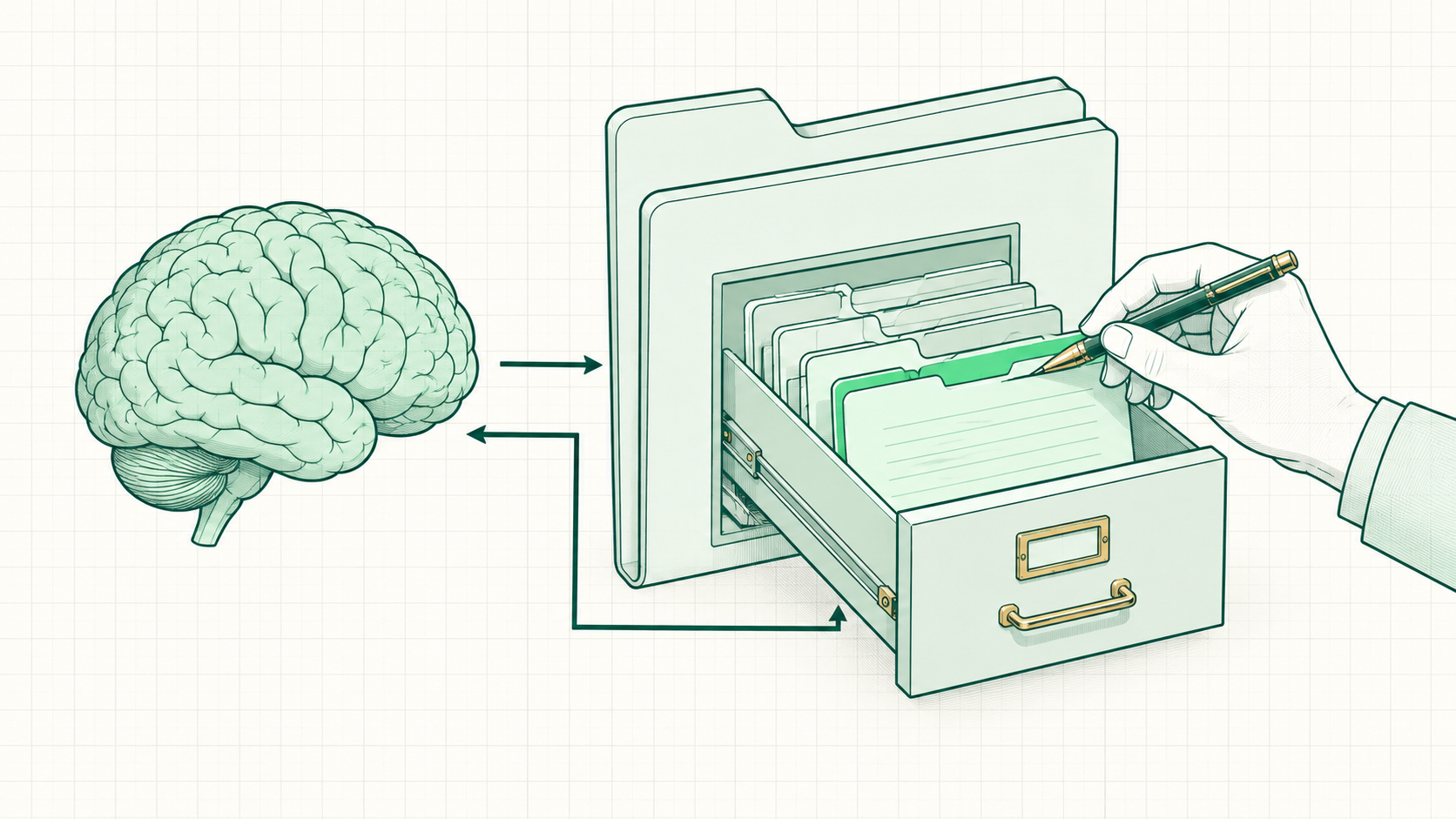
What memory looks like

The AI remembers the business between sessions because its memory is just files in the folder — visible, editable, owned.
What memory looks like🖼Image
02
_Context — the Brain Folder
The setup
_Context — the business, written down

One folder the AI reads before any job: who the customer is, what the company is, and who's running it.
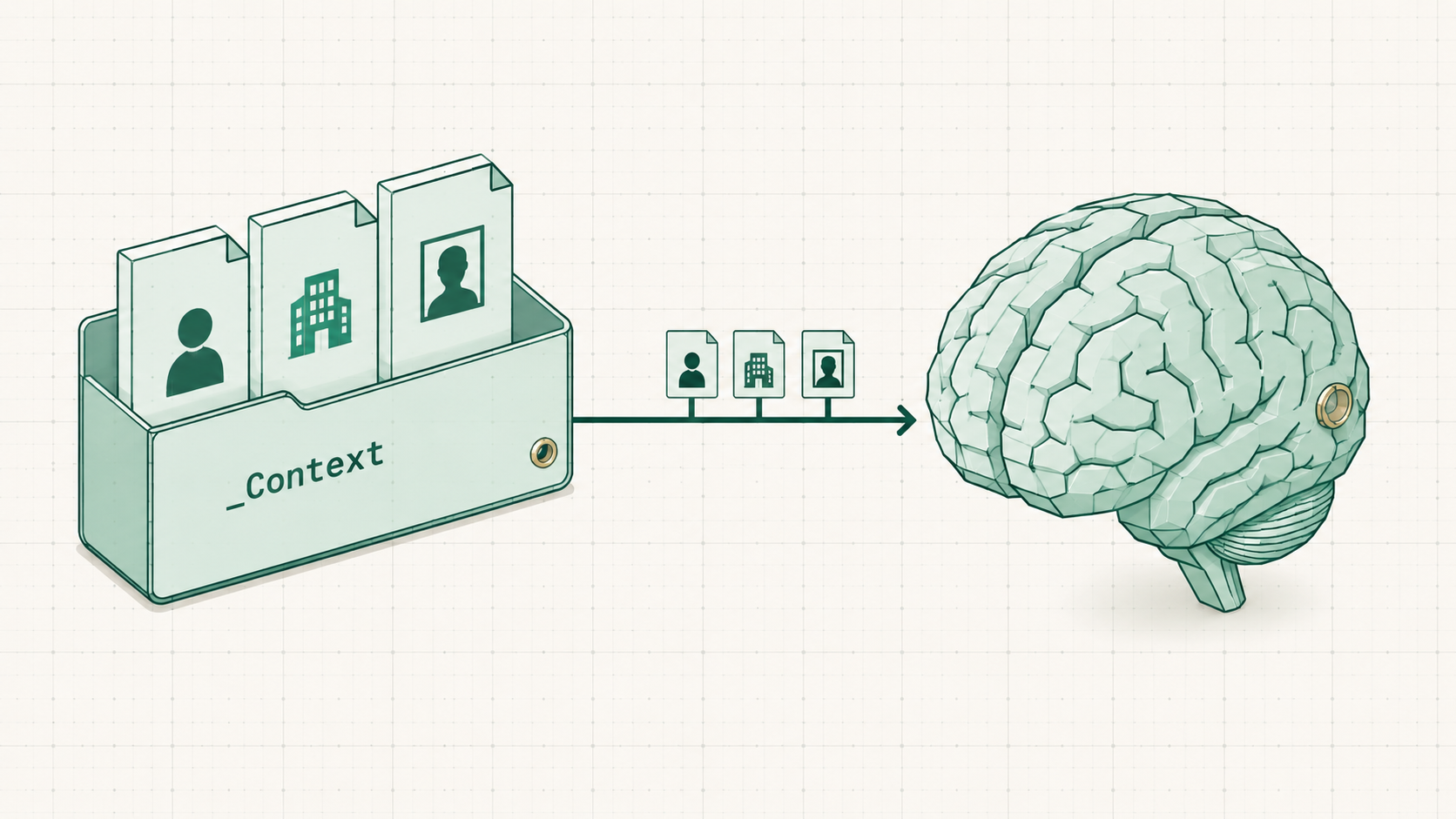
_Context — the business, written down🖼Image
FILEcustomer-avatar.mdwho the business serves
FILEcompany-background.mdwhat the business is and does
FILEwho-i-am.mdthe operator behind it
03
The Five Job Folders
The setup
The machine, as folders

The same jobs from the first half, now sitting on the computer as numbered folders — the mental model becomes the file system.
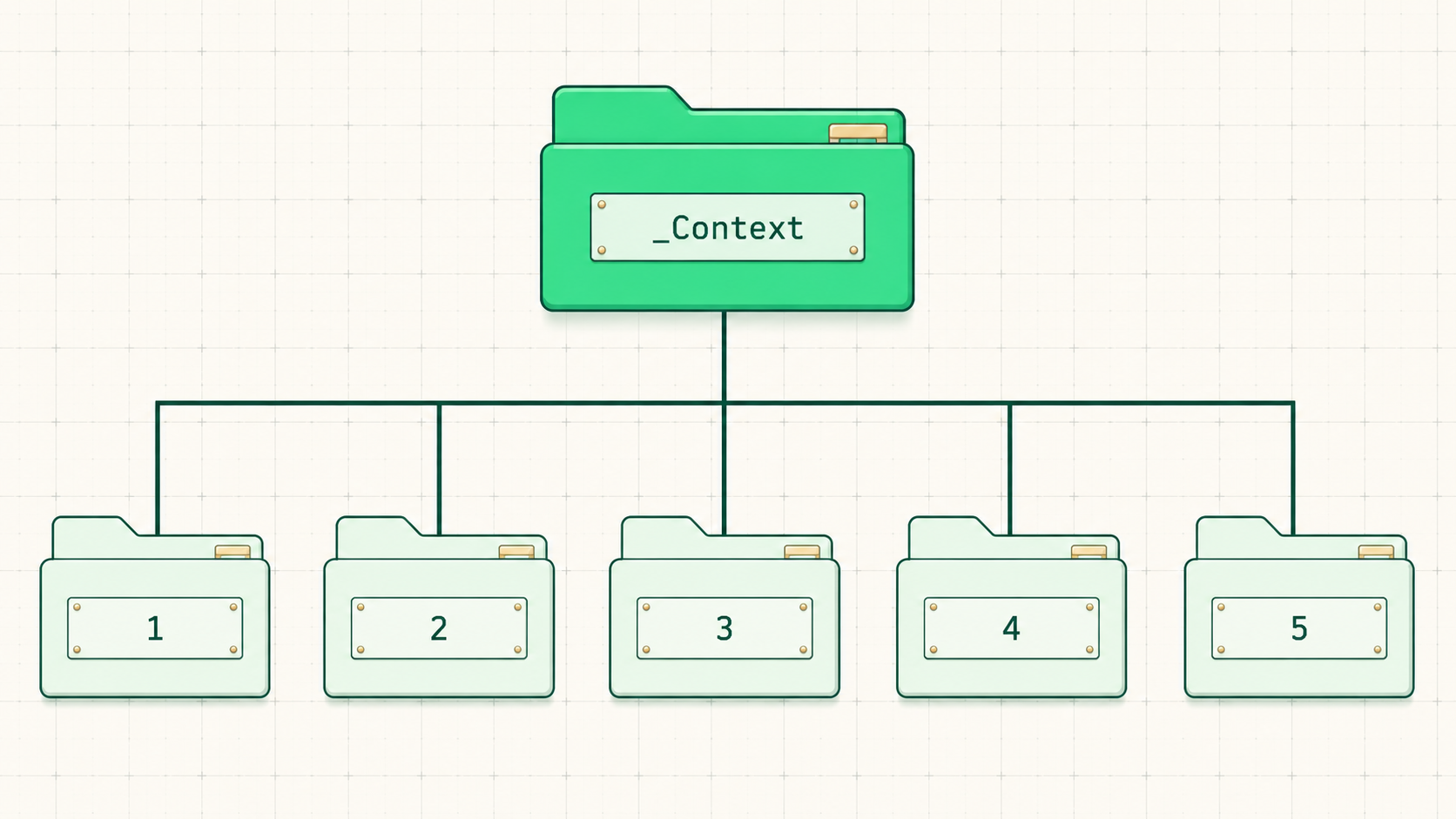
The machine, as folders🖼Image
011-Lead-Genthe 100M-leads playbook lives here
022-Lead-Nurturethe trust-building work
033-Salesoffers and money models live here
044-Productthe delivery side
055-Expansionthe second yes
7
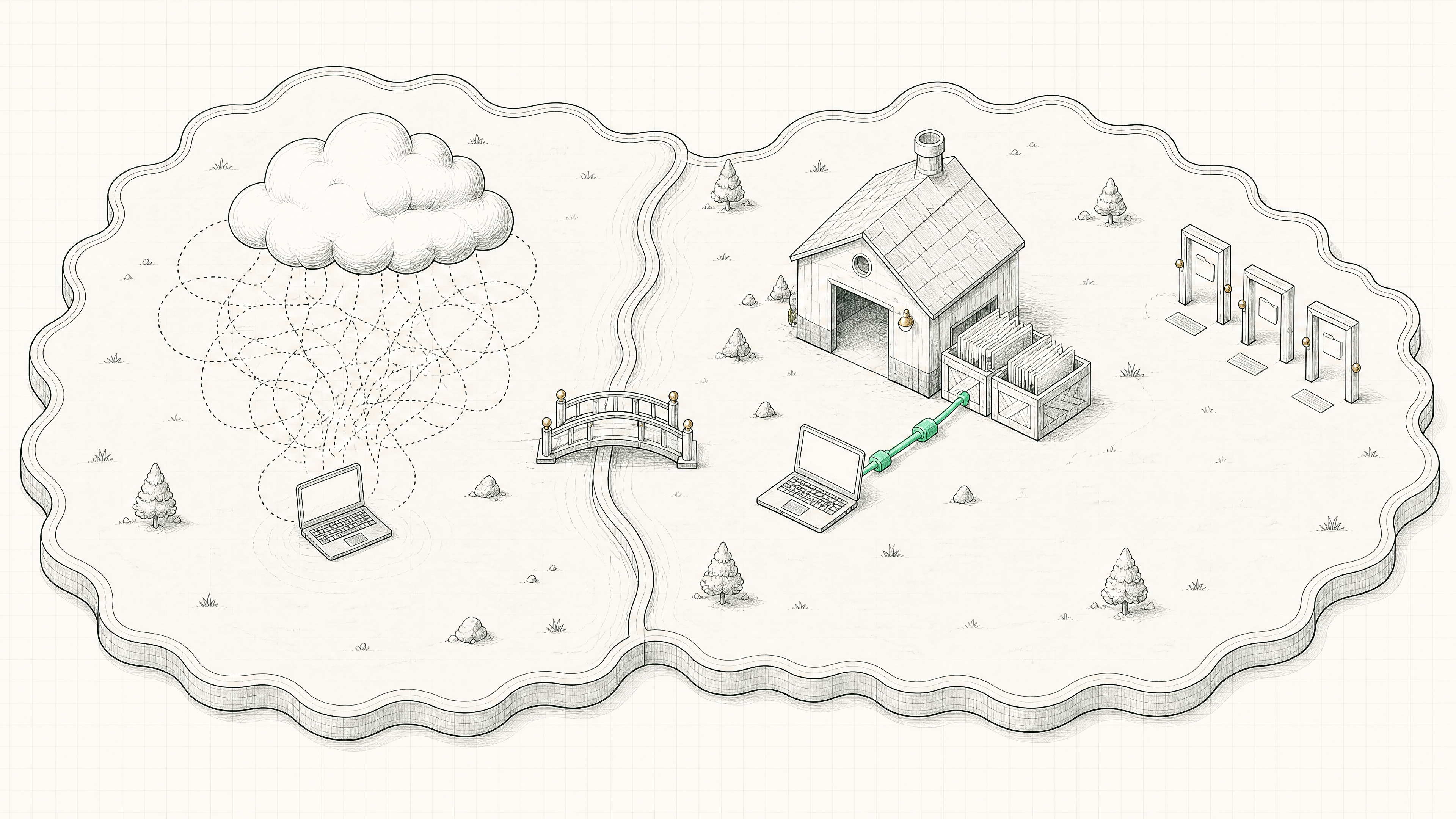
Cloud vs Local
Cloud round-trips vs the direct local line
01
The Spectrum
The axis
The consumer-to-professional spectrum

The same five places, now as a spectrum — the further left, the more it lives in the cloud, because consumers aren't going to manage files on a computer; the further right, the more the power of local unlocks.
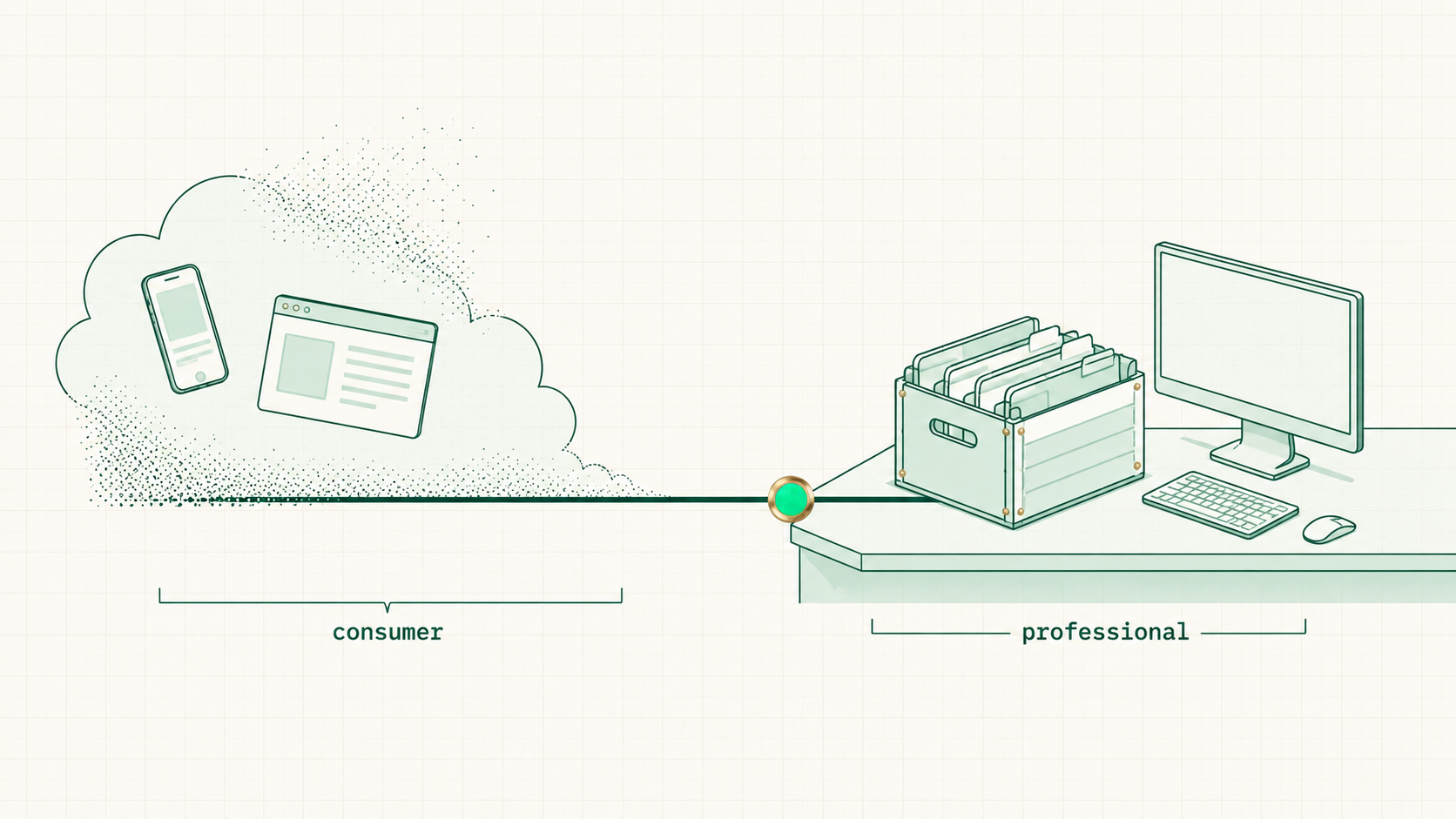
The consumer-to-professional spectrum🖼Image
LEFTCloud by defaultbrowser and phone — built for people who'll never touch a file
RIGHTLocal unlocksVS Code and terminal — built for working a folder of files
02
Local, Defined
Decoded
Local means on the computer

Local means the files are ON the computer — the AI works with them directly instead of making round after round of calls out to the cloud. Direct is faster.
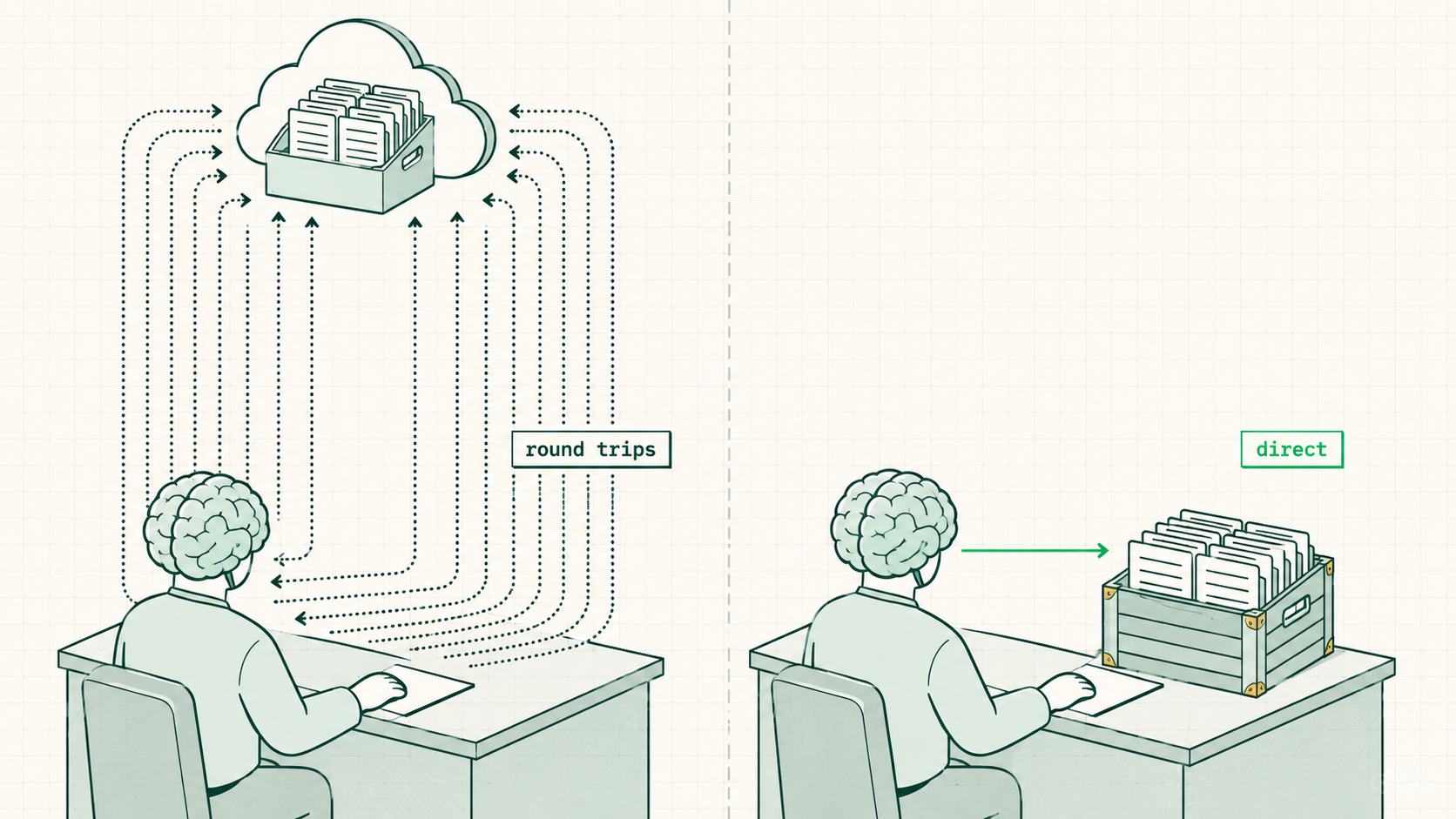
Local means on the computer🖼Image
SPEEDNo round tripscloud work means a lot of separate "calls"; local skips them
DECODER"A ton of markdown files"markdown is just a file type with text in it — that's the whole mystery
03
The Folder Question
The tell
"What folder are we working in?"

Cowork, Claude Code, and VS Code all open with the same question — which folder to work in. Every professional AI tool starts from the files.
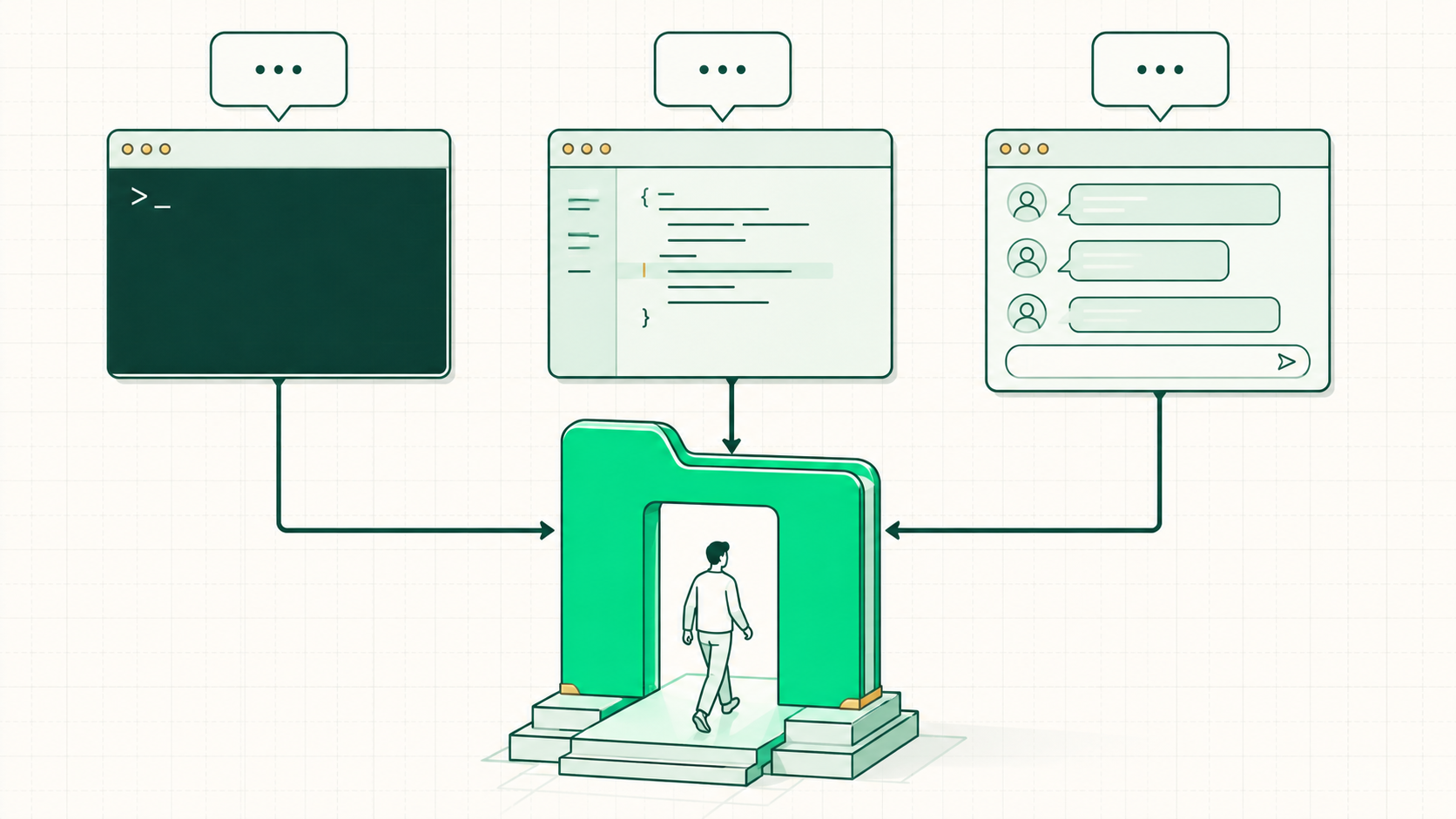
"What folder are we working in?"🖼Image
8
Build a Business Together
The Build Steps
Hands-on
Let's build it

The same structure, built live — a folder for the business, the context files, the five jobs.

ONEMake the folders_Context plus 1-Lead-Gen through 5-Expansion
then
TWODrop in the contextcustomer-avatar.md, company-background.md, who-i-am.md
then
THREECopy pathpoint the AI at the folder — everything organized in one place
Find the constraint. Break it. Find the next one — that's the whole game.

View mode

Step through

Detail